Przejdź do treści

Ta strona nie jest jeszcze dostępna w języku: Polski, więc wyświetlamy ją po angielsku.

Press

Press kit

Descriptions, facts, the icon and screenshots, free to use when you write about iKnowMyMac. Questions go straight to the founder at support@iknowmymac.com.

Descriptions

One line

iKnowMyMac tells you why your Mac is slow, not just what's running.

One paragraph

iKnowMyMac is a native Mac app that tells you why your Mac is slow, not just what's running. It groups the hundreds of processes macOS runs into the apps you know, keeps 30 days of history on your Mac, and answers “Why is my Mac slow?” with ranked causes and the evidence behind each, worked out on the device. It also shows what kept your Mac awake and where the battery went overnight, and gives developers their dev servers, ports, Docker containers and simulators by project. iKnowMyMac runs on Apple silicon Macs with macOS 15 Sequoia or later, has no account, analytics or telemetry, and is a one-time purchase with free updates: $24.99 per Mac, or $4.99 for the first 100 licenses at launch. It is made by iDevelopApps.

Key facts

Name
iKnowMyMac
Made by
iDevelopApps
What it is
A Mac app that finds out why your Mac is slow: activity by app, 30 days of history, an on-device diagnosis, sleep and battery forensics, and a developer mode.
Requirements
Apple silicon (M1 or later), macOS 15 Sequoia or later. No Intel version.
Price
One-time purchase, every feature included, free updates. $24.99 per Mac; $4.99 for the first 100 licenses. 14-day refund, no trial.
Distribution
Direct download from iknowmymac.com, signed with Developer ID and notarized by Apple, updated with Sparkle. Not on the Mac App Store, whose sandbox blocks reading other processes.
Privacy
No account, no analytics, no telemetry. History and diagnoses stay on the Mac.
Current version
1.5.2, 2026-10-22
Download size
32.6 MB

Measured, not estimated

Measured on our test Mac, an M1 Pro, in September 2026.

  • ±0.5%

    CPU, memory, disk and network figures against top, iostat, netstat and vm_stat

  • 1,200 of 1,200

    seeded test runs where the diagnosis ranked the right cause first

  • 94 MB

    for 30 days of history covering 80 apps

Pricing

One license includes every feature. Launch prices apply to 1-, 2- and 5-Mac licenses, per Mac, and step up as each tier sells out, until the regular $24.99.

Launch ladder · 1 Mac

  • First 100 licenses$4.99
  • Next 150 licenses$9.99
  • Next 200 licenses$14.99
  • After that$24.99

Licenses for several Macs

  • 2 Macs$49.98
  • 5 Macs$84.99
  • 10 Macs$149.99
  • 25 Macs$339.99
  • 50 Macs$599.99

App icon

Please use it as it is: no recolouring, cropping or added effects.

The iKnowMyMac app icon: a green pulse line on a graphite tile

iKnowMyMac icon

PNG, 1024 × 1024, transparent background

Screenshots

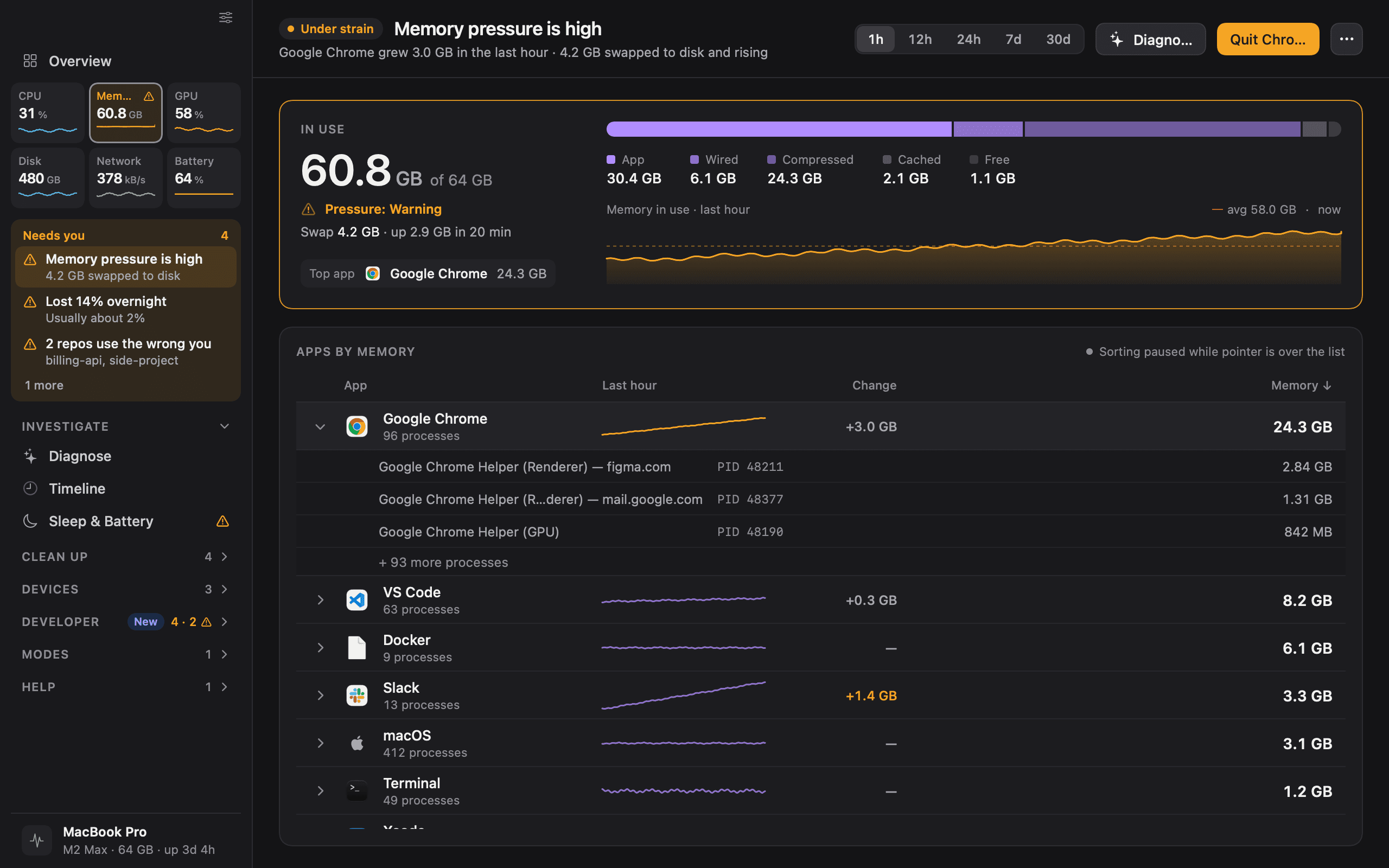
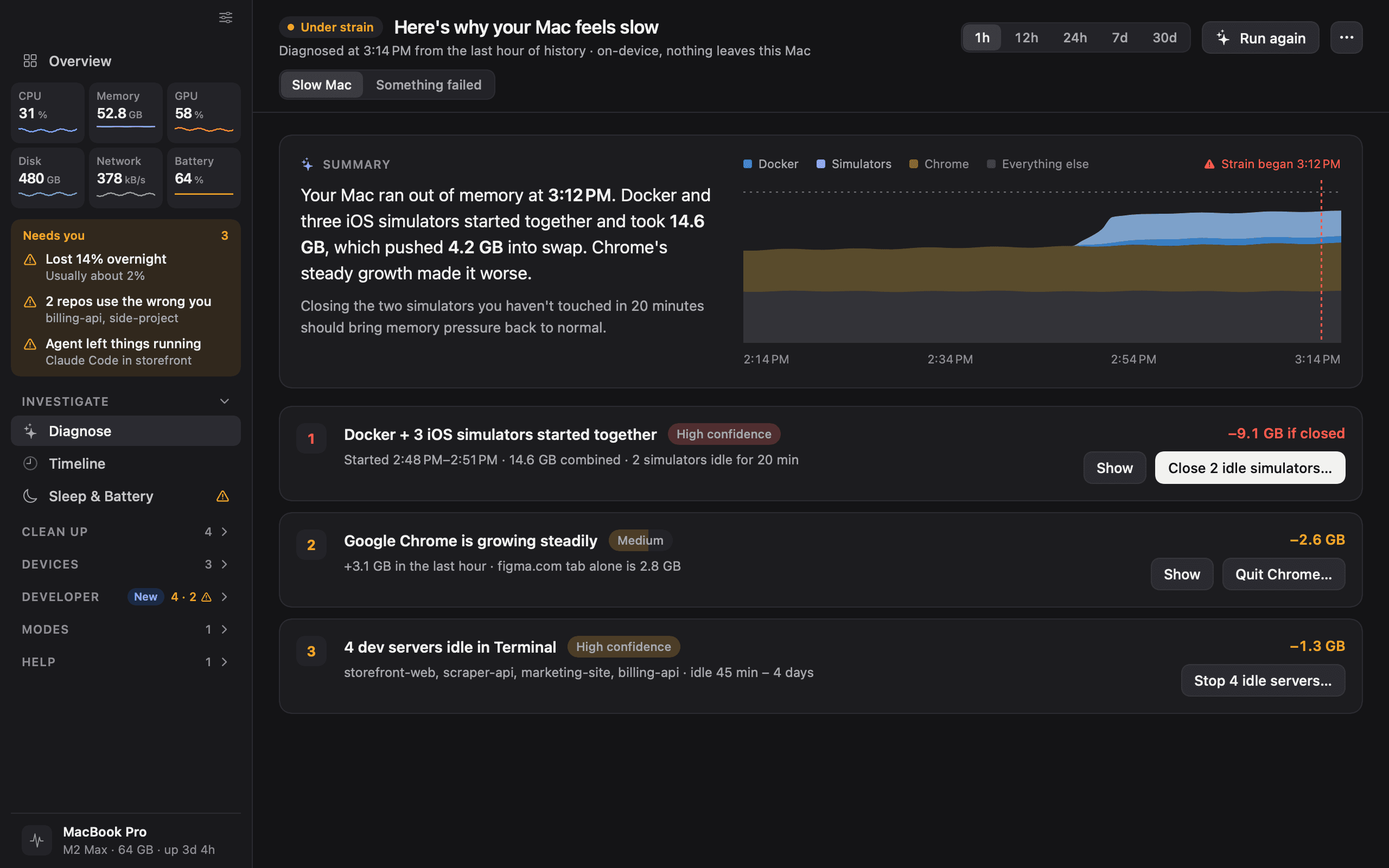
Rendered from the app at 2×, in light and dark. The page shows the version that matches your system; both are available to download. Figures in these screenshots are simulated.
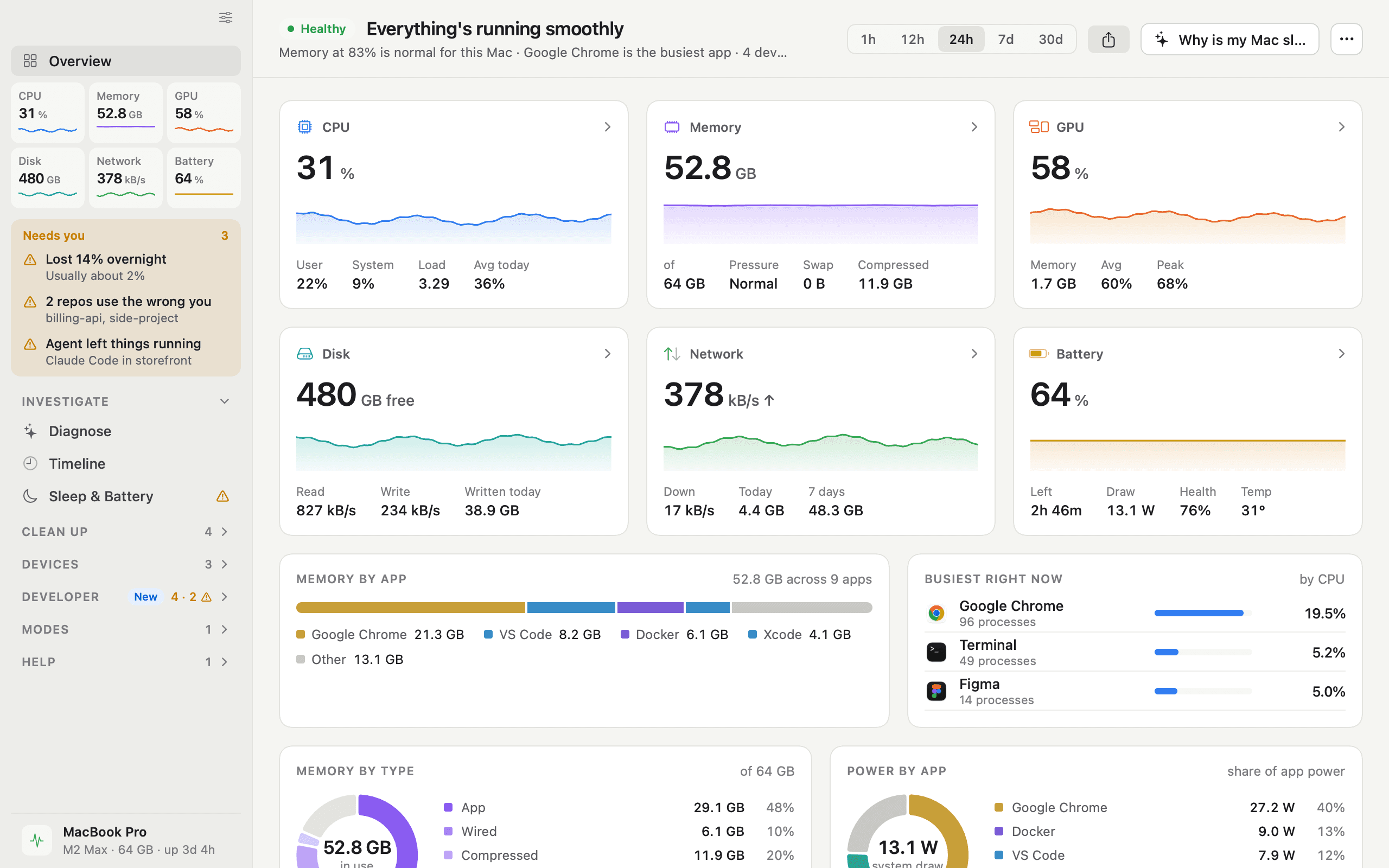
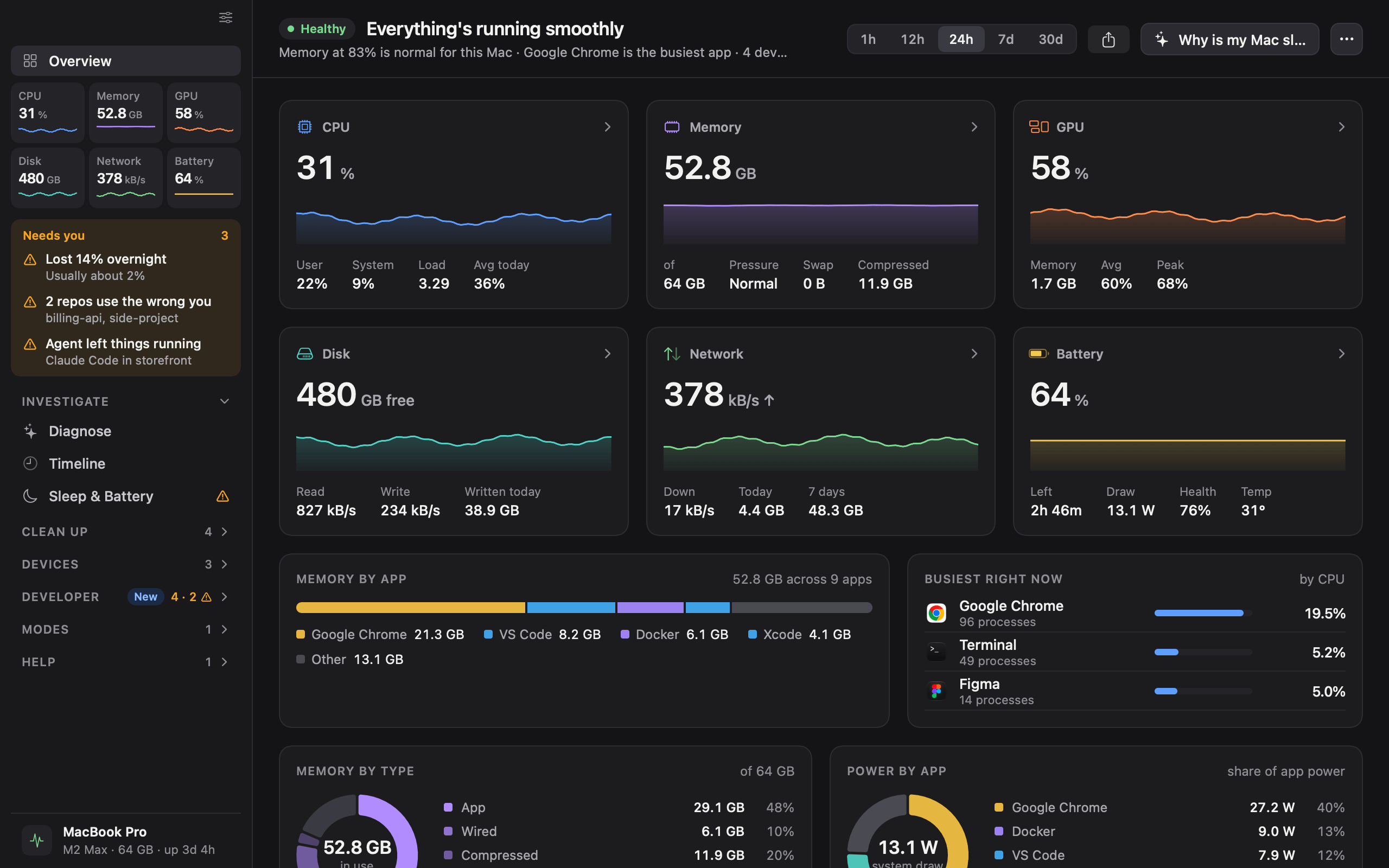
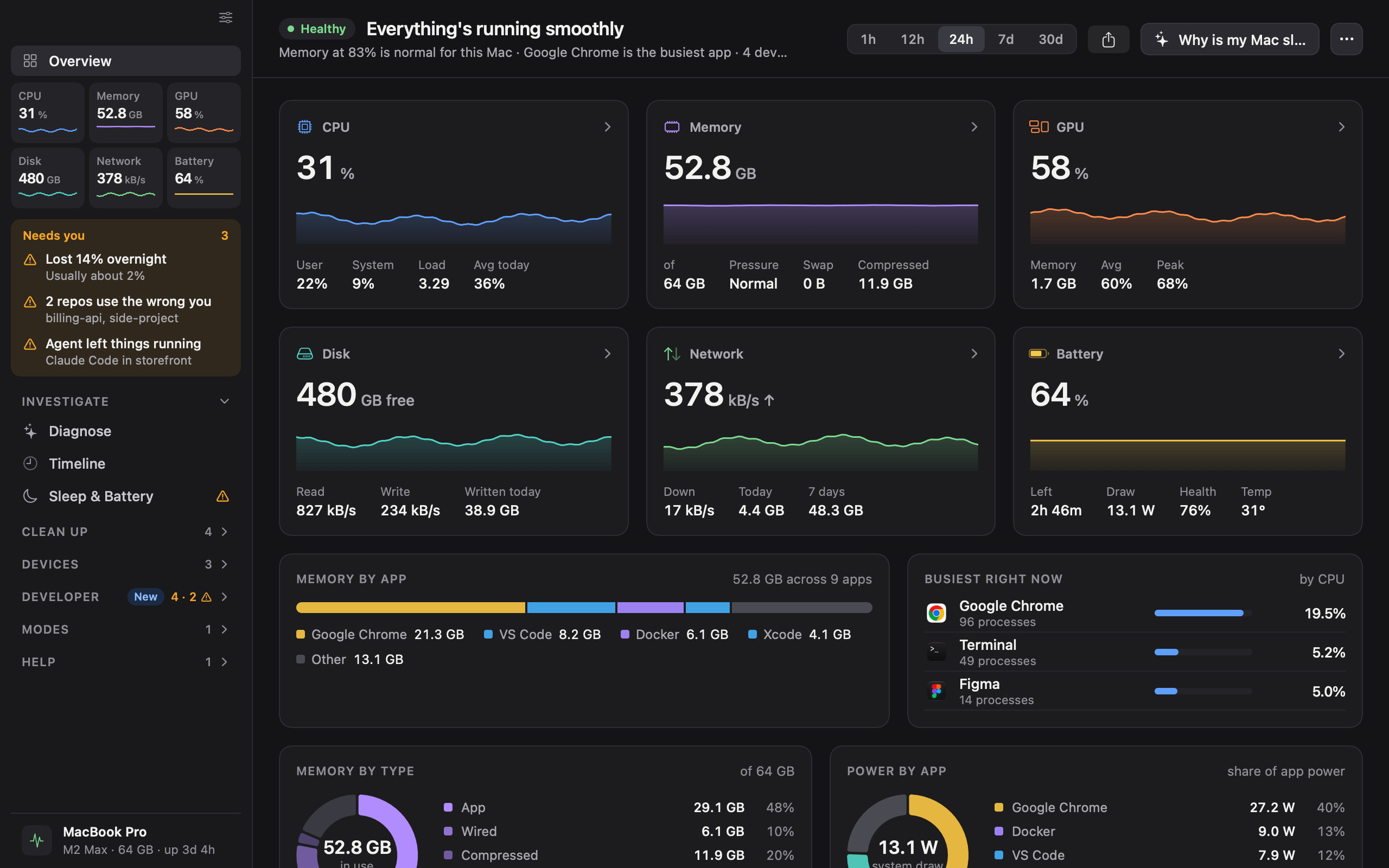
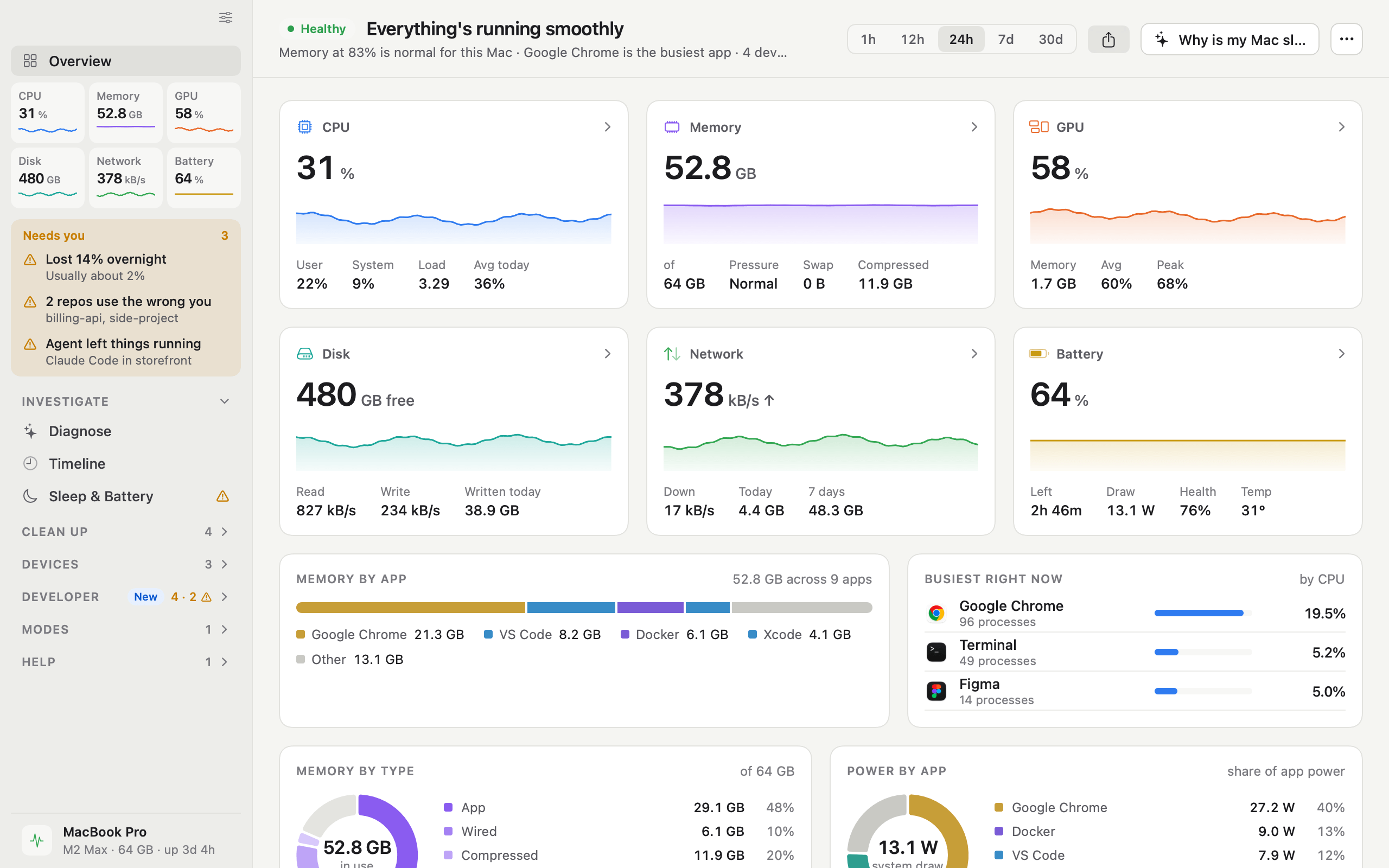
  • iKnowMyMac overview screen

    Overview

    Every metric at a glance, with the busiest apps and memory by app.

    DarkLightPNG, 2560 × 1600
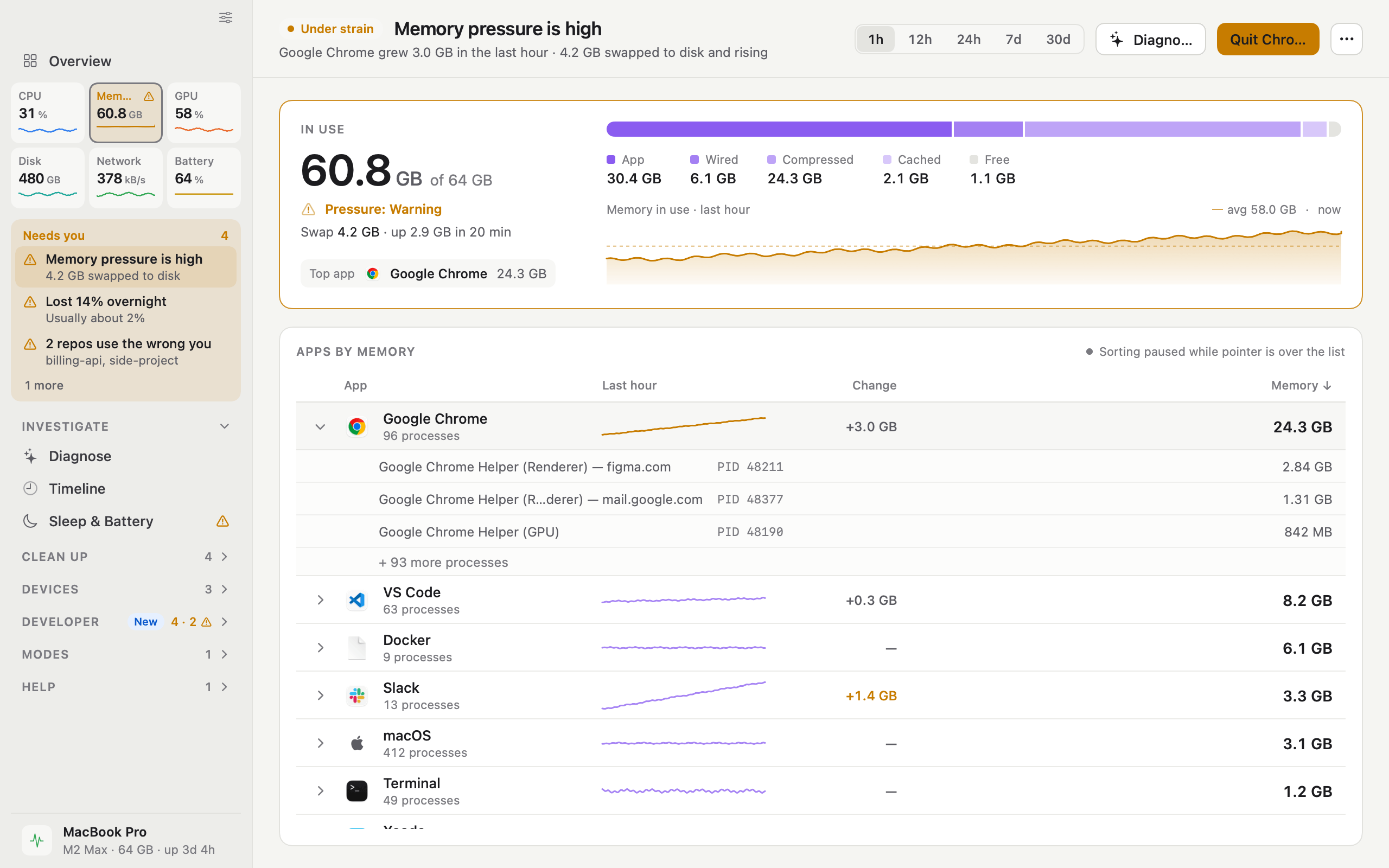
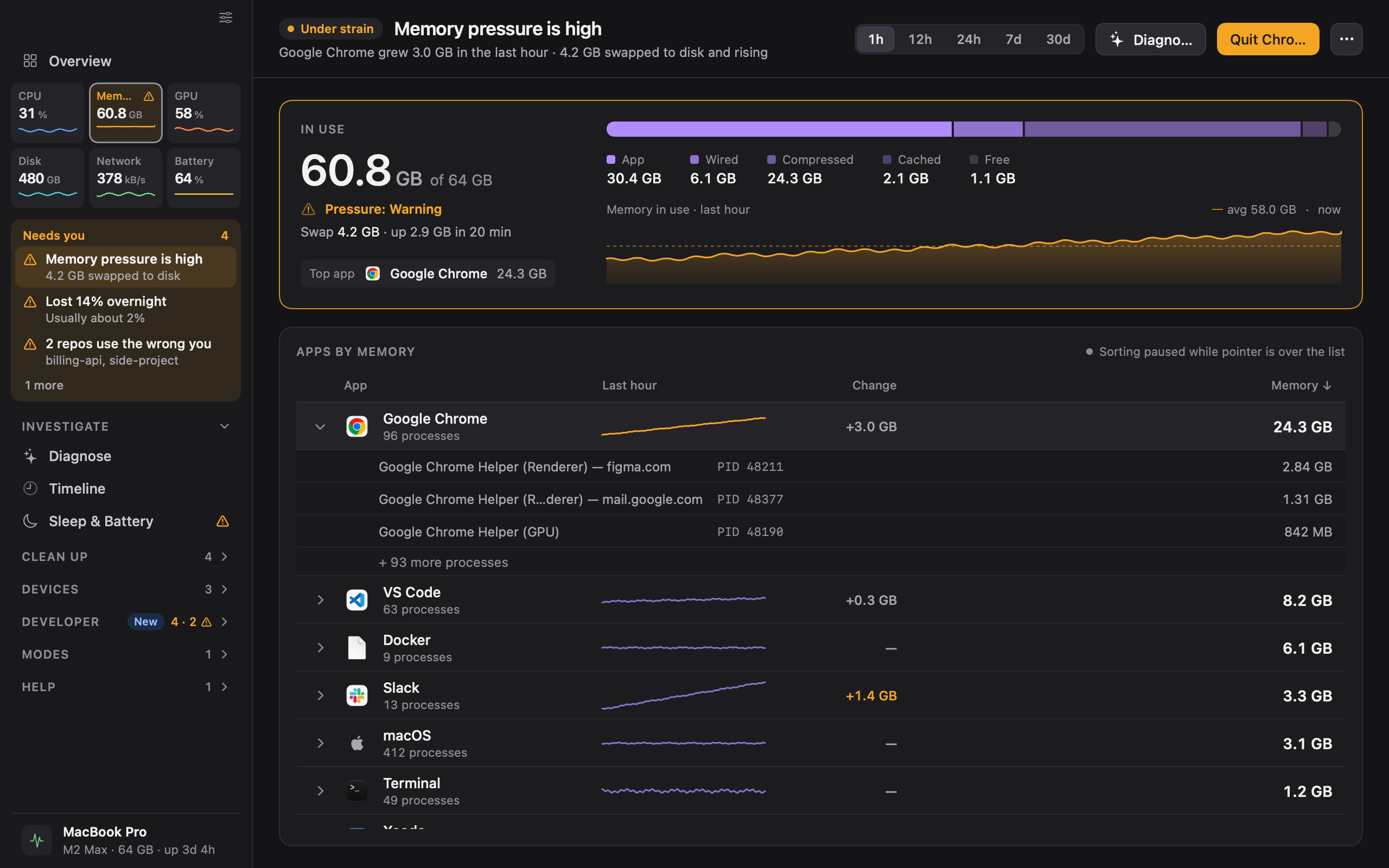
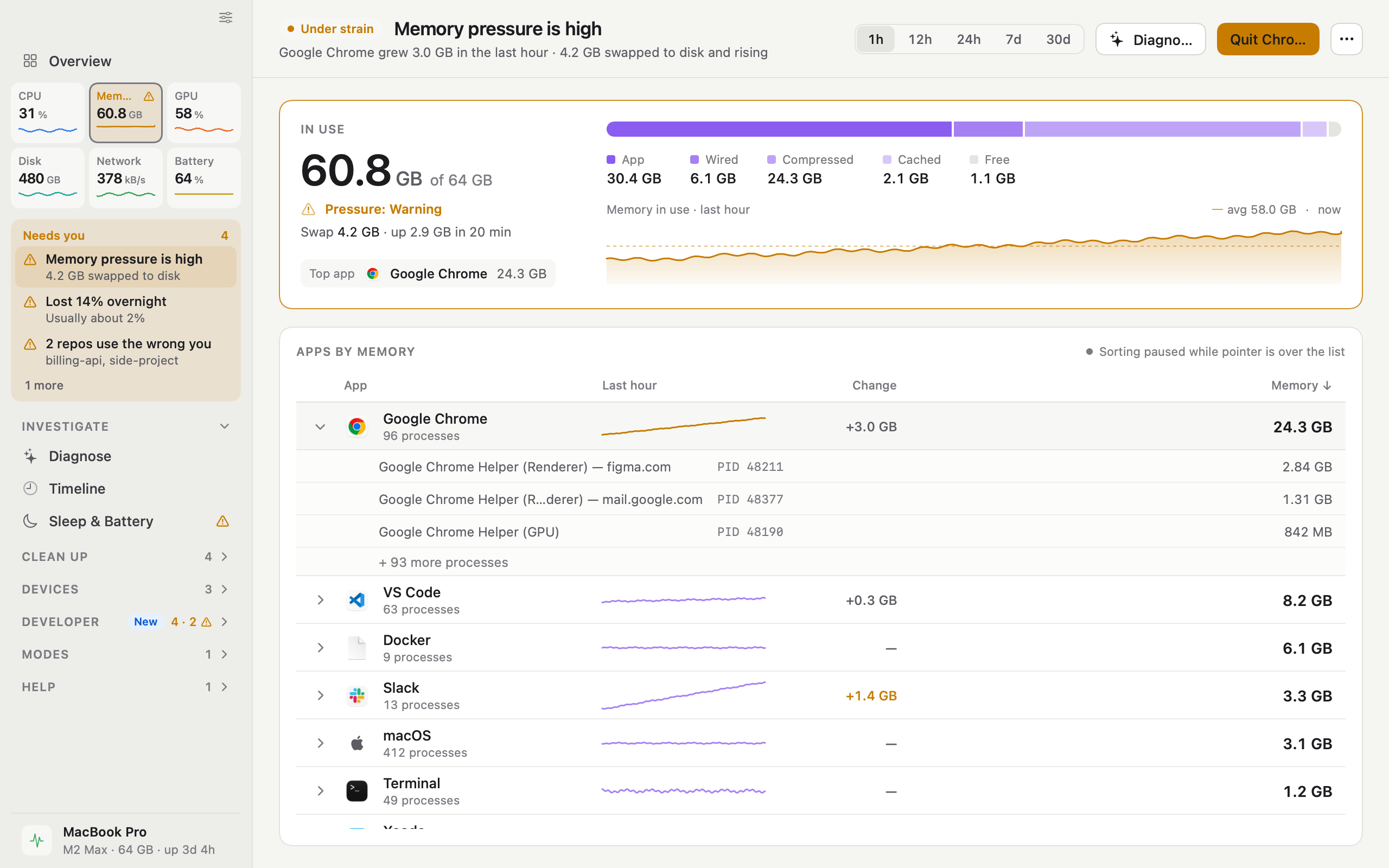
  • iKnowMyMac memory under strain screen

    Memory under strain

    Memory pressure rising, with the app responsible and its growth over the last hour.

    DarkLightPNG, 2560 × 1600
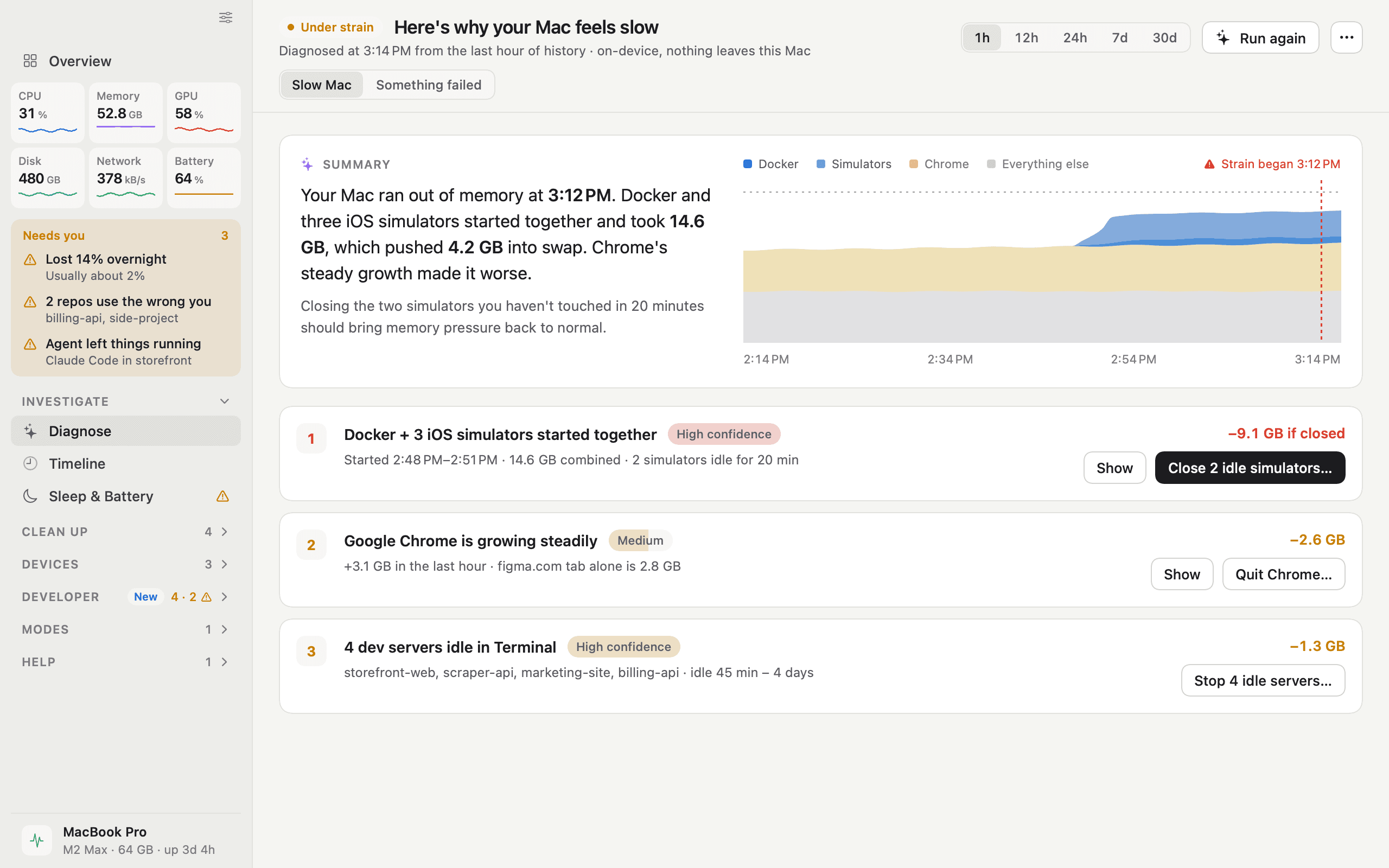
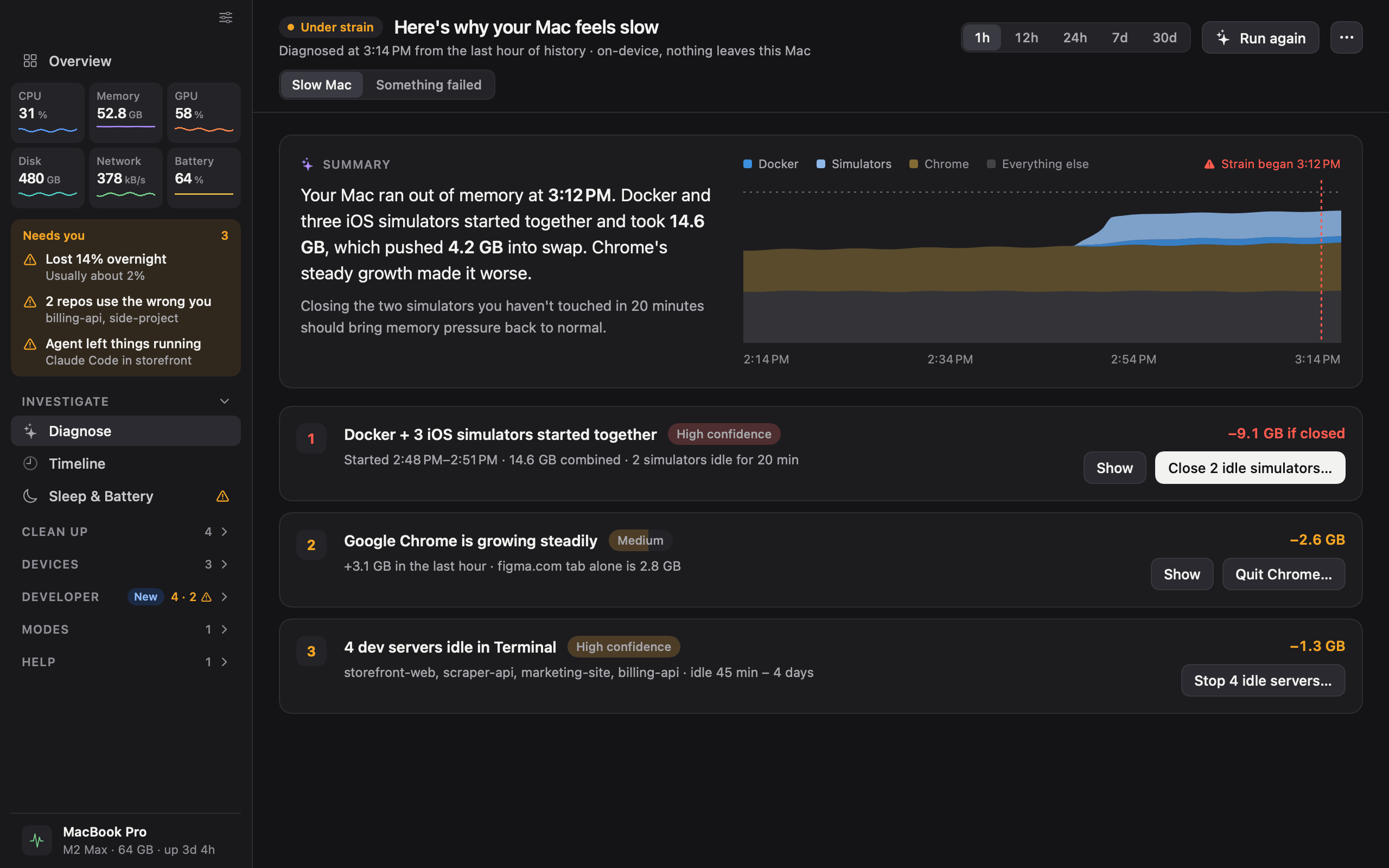
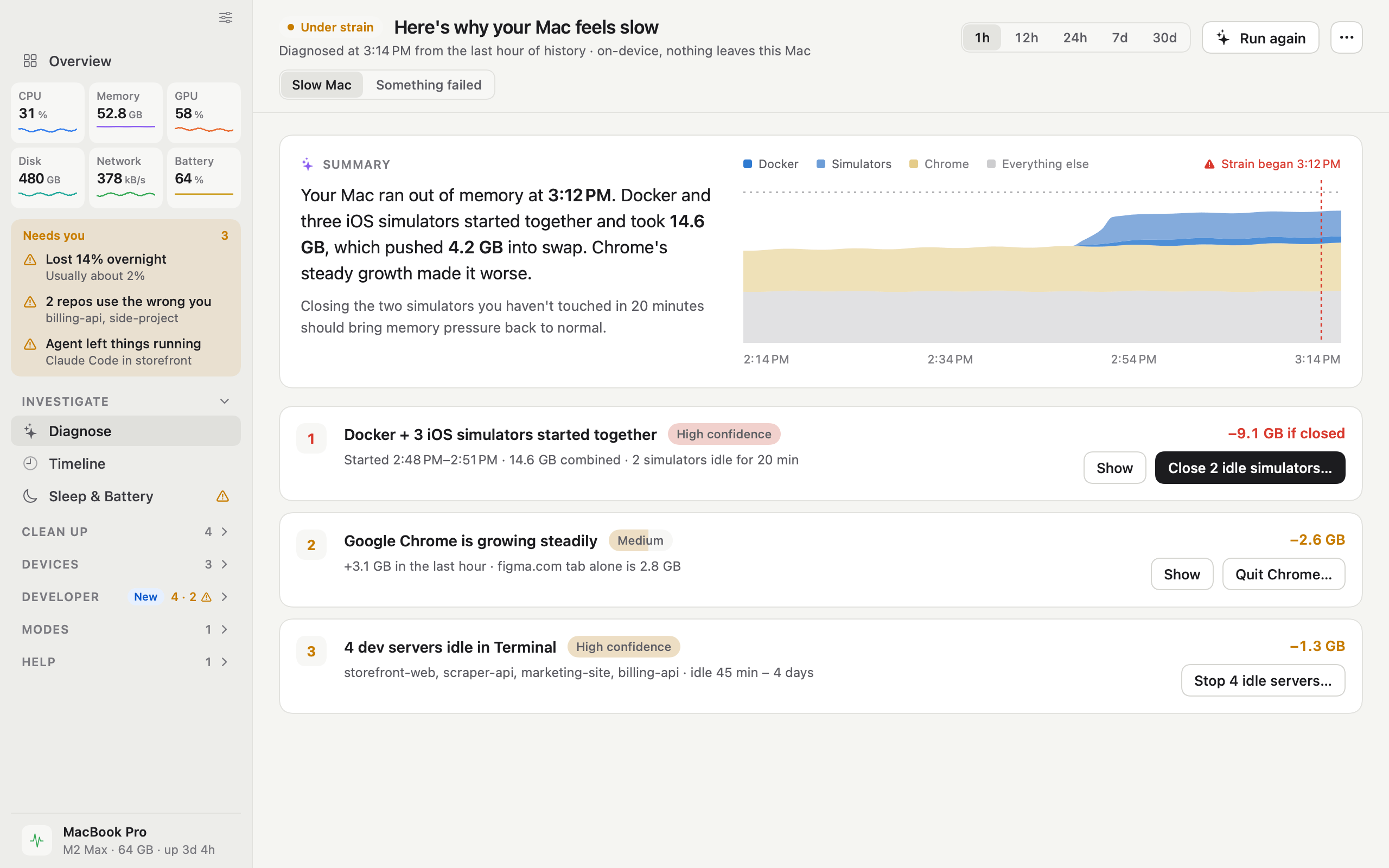
  • iKnowMyMac why is my mac slow? screen

    Why is my Mac slow?

    Ranked causes, each with its evidence and what to do.

    DarkLightPNG, 2560 × 1600
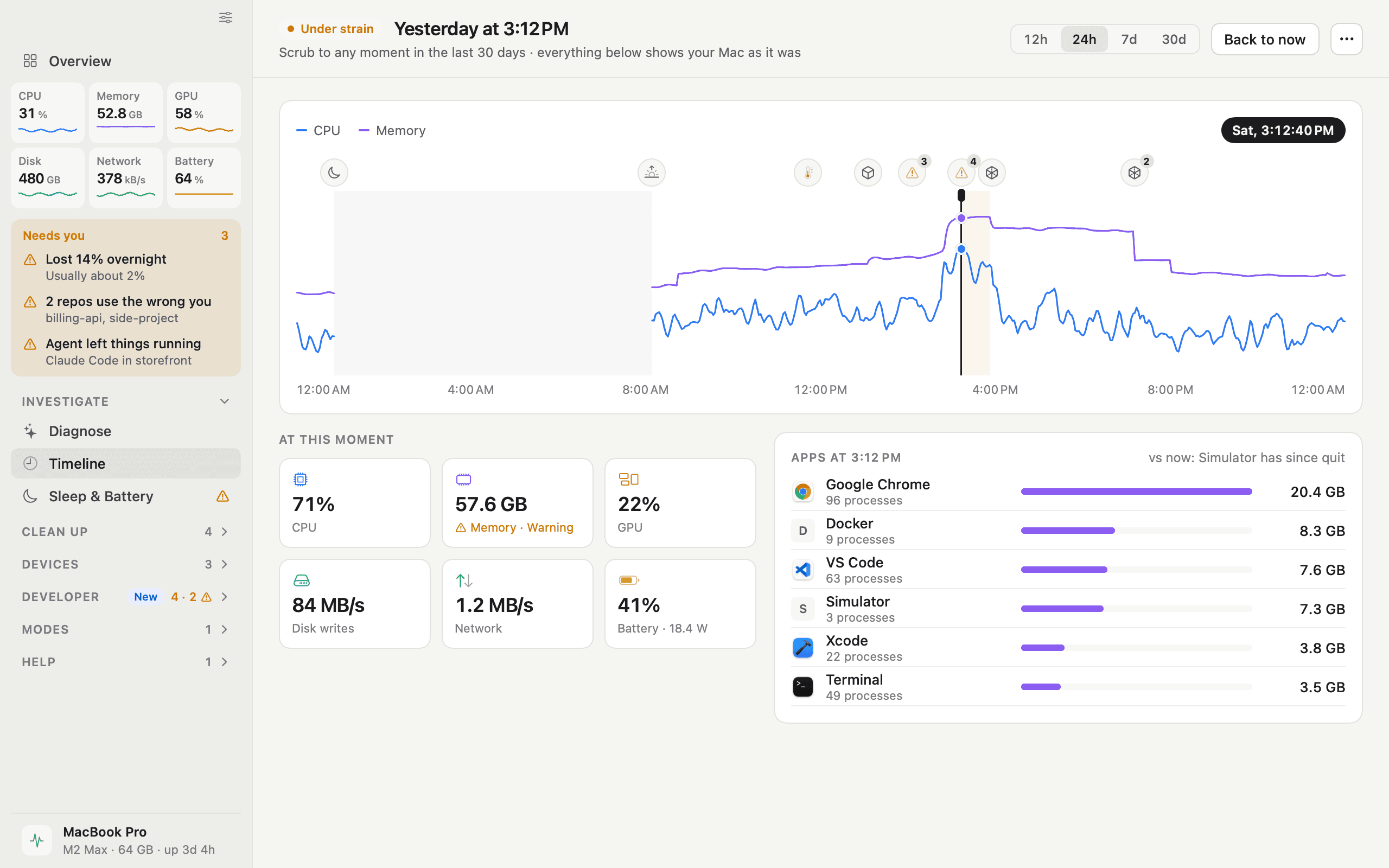
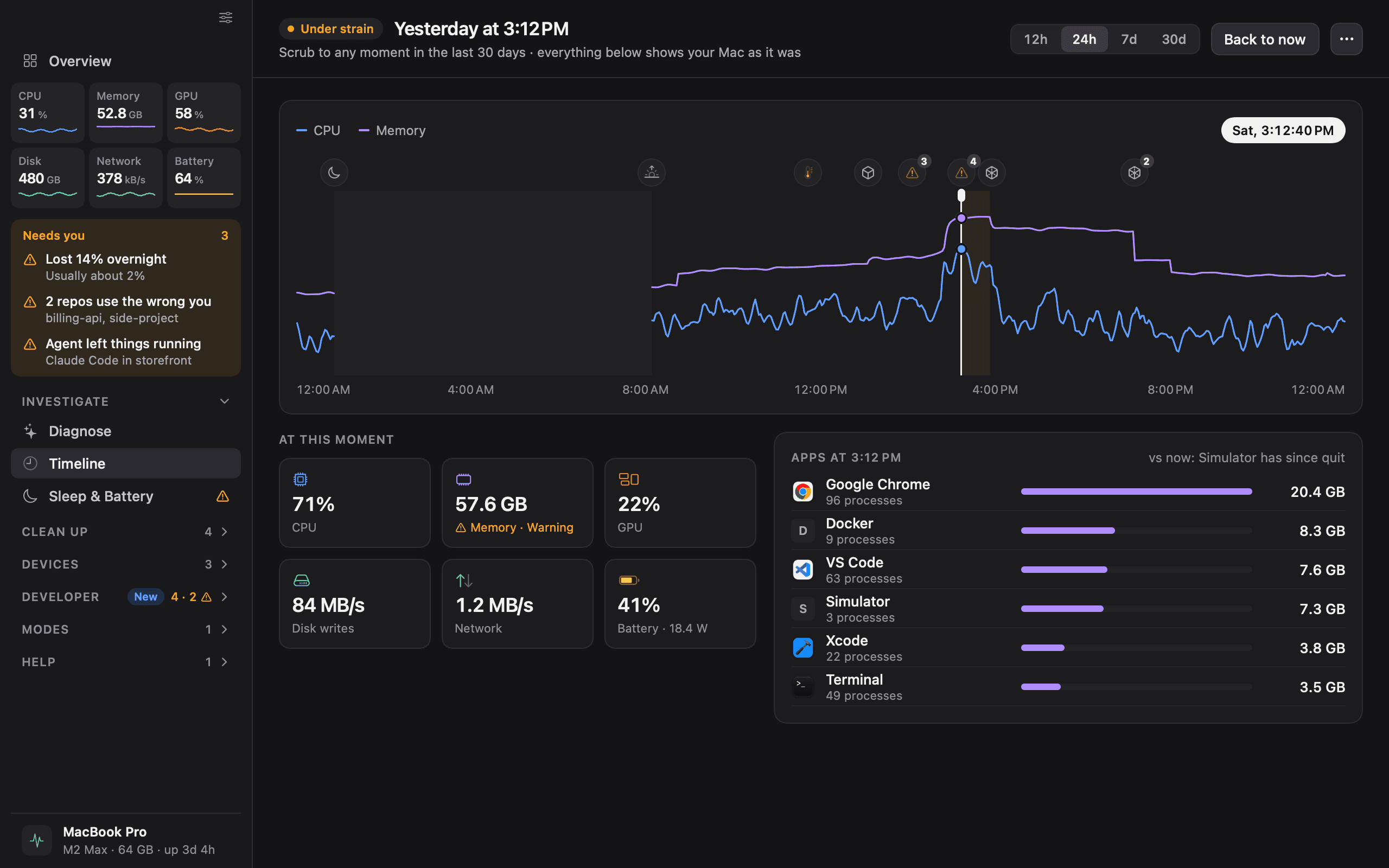
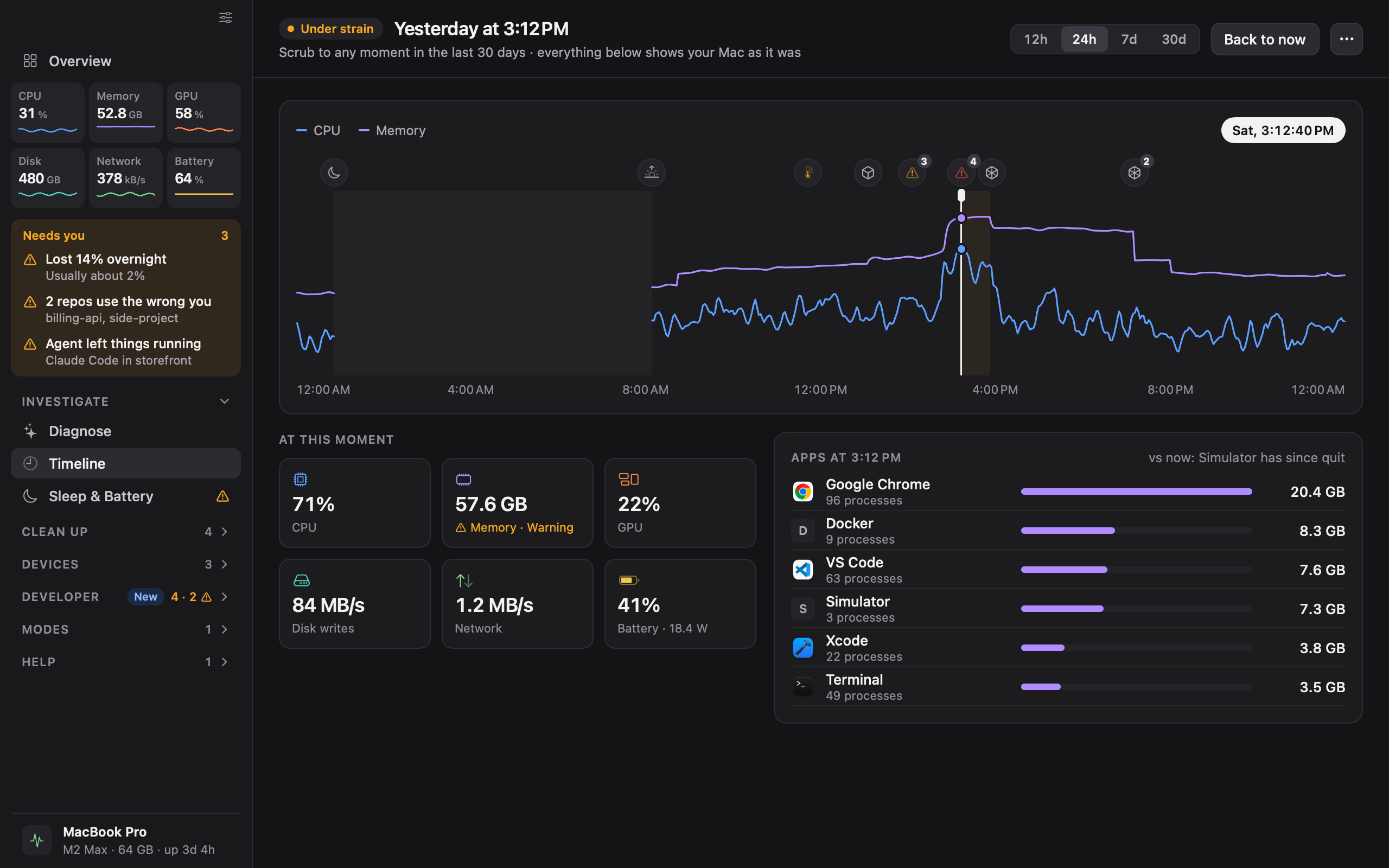
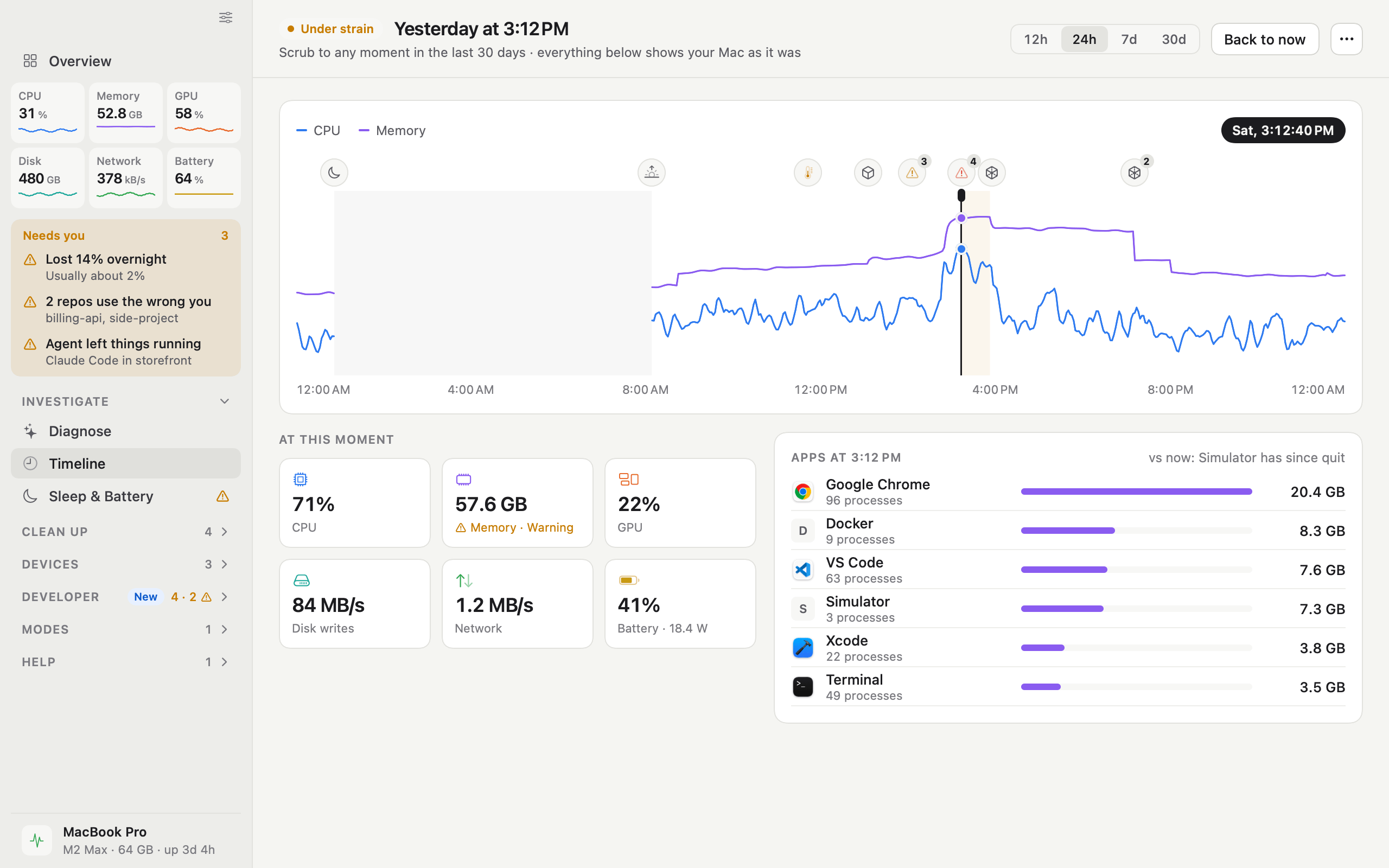
  • iKnowMyMac timeline screen

    Timeline

    Scrub back through 30 days to see which apps were busy.

    DarkLightPNG, 2560 × 1600
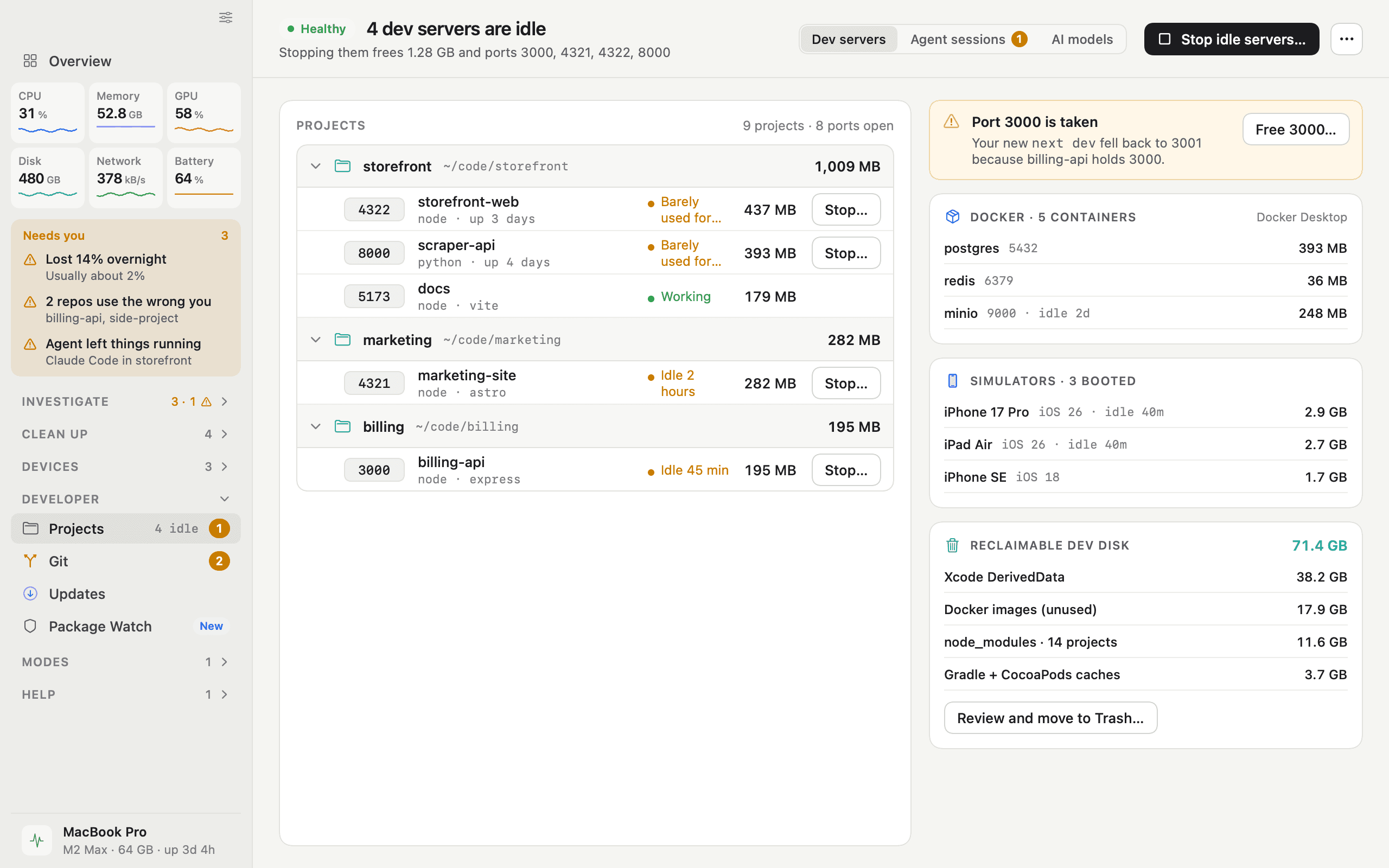
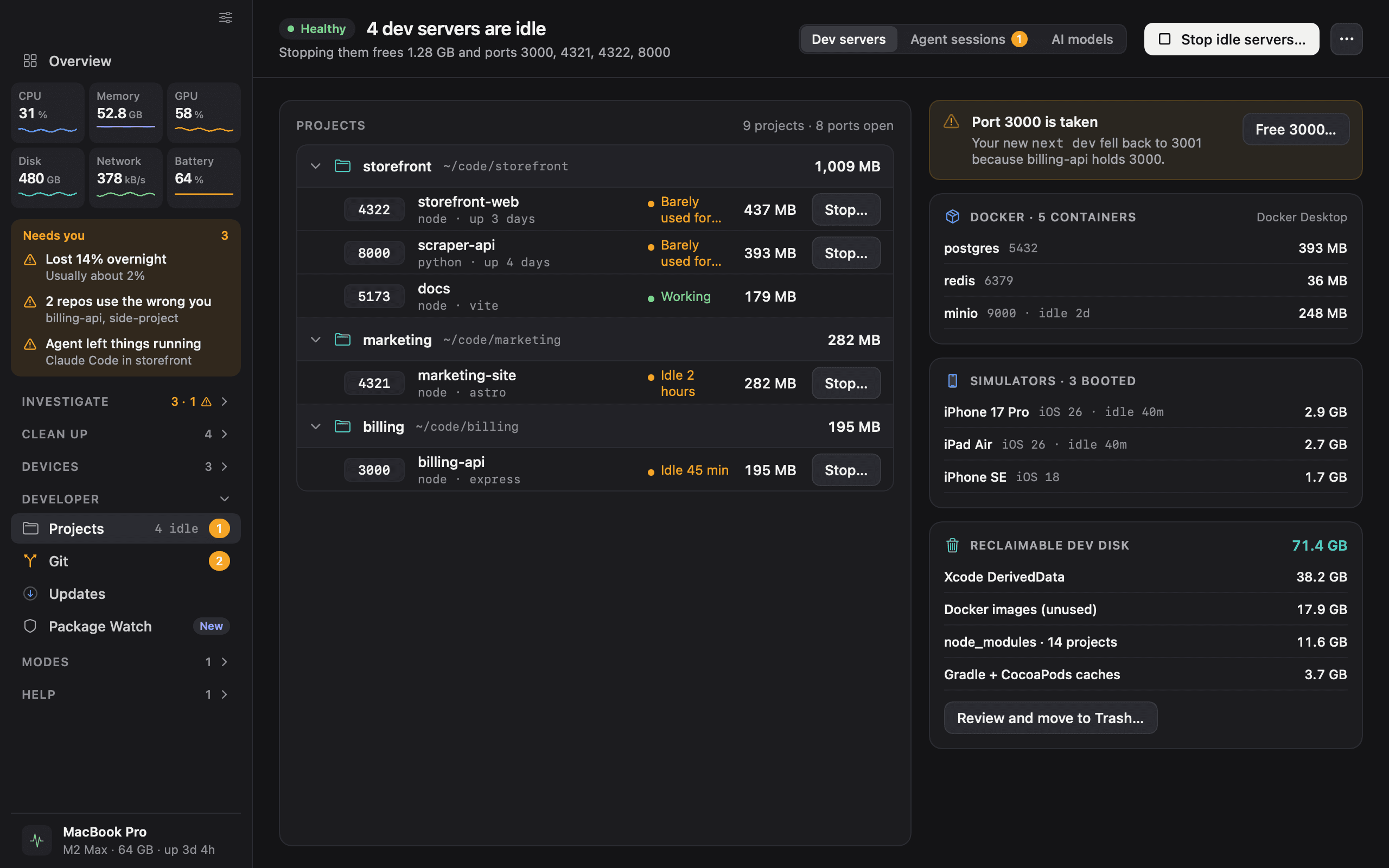
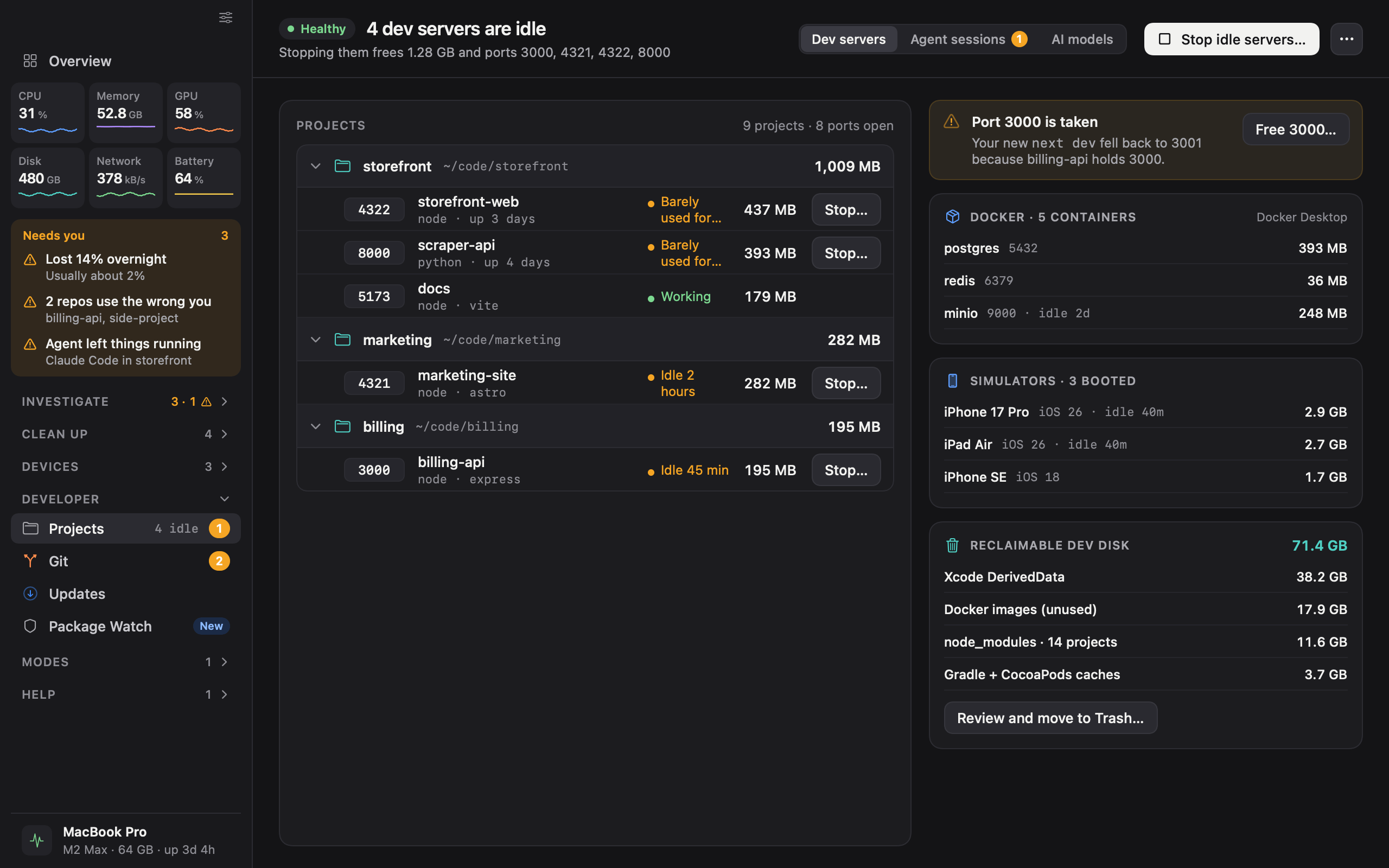
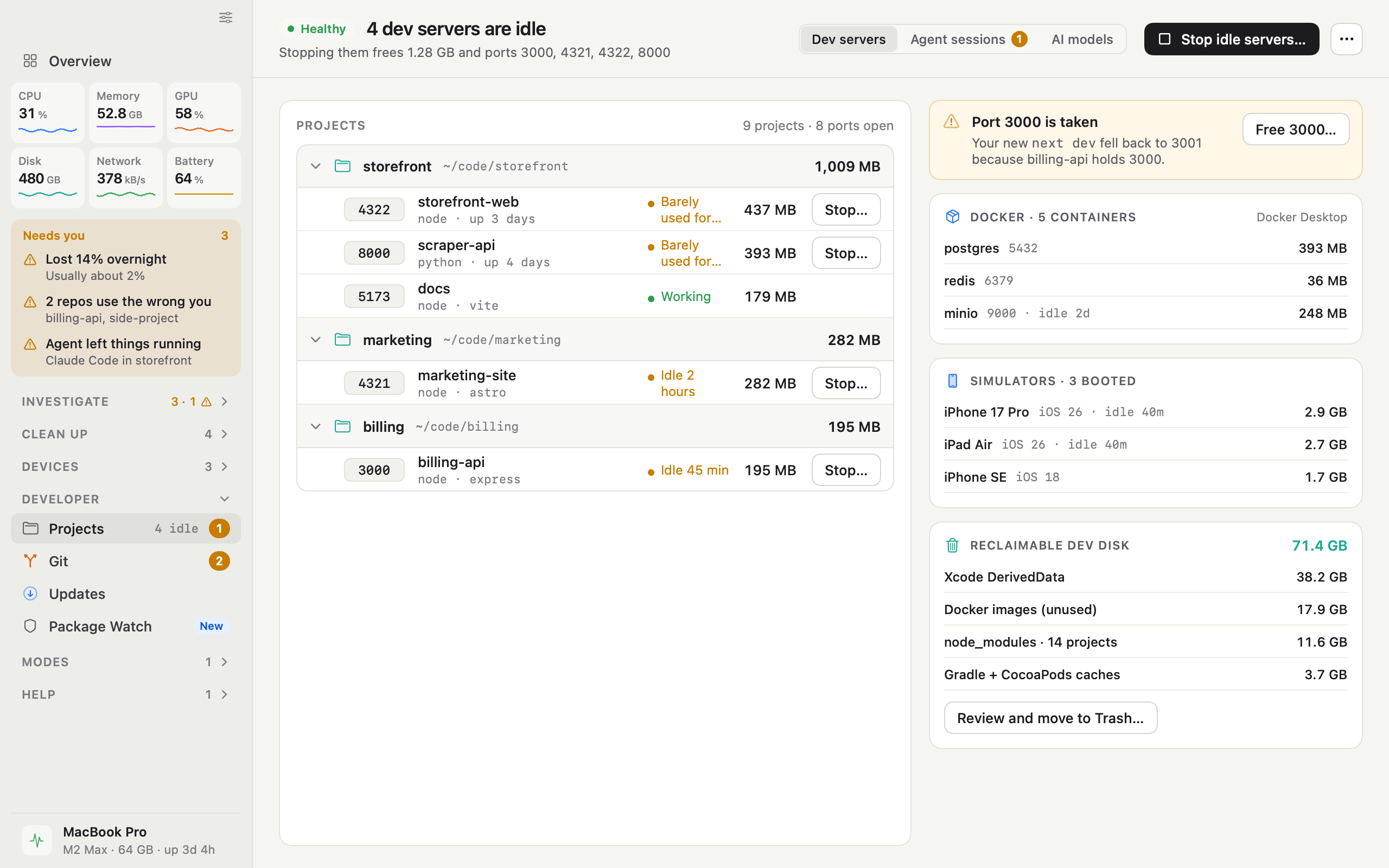
  • iKnowMyMac projects screen

    Projects

    Dev servers, ports, Docker and simulators, grouped by project.

    DarkLightPNG, 2560 × 1600
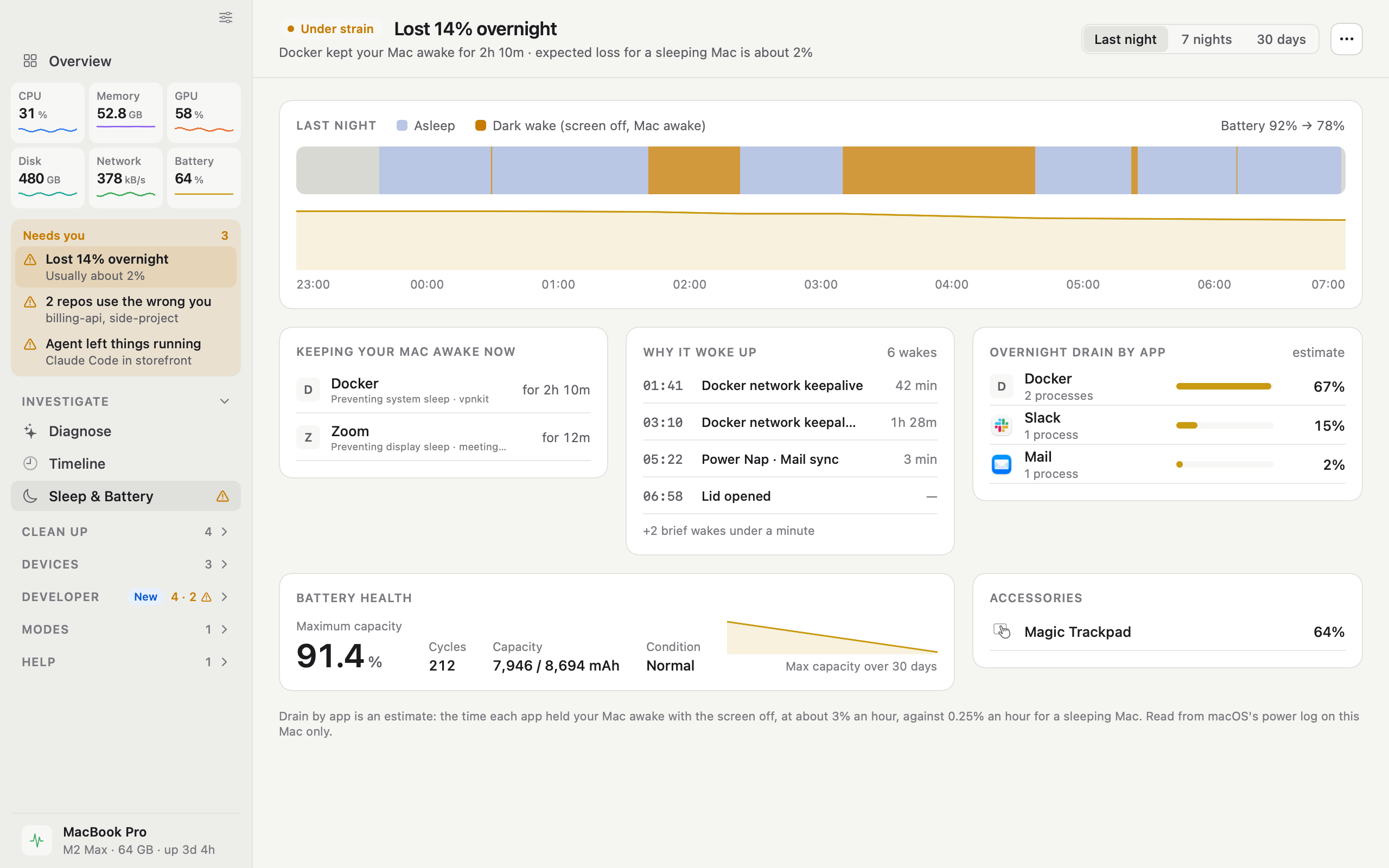
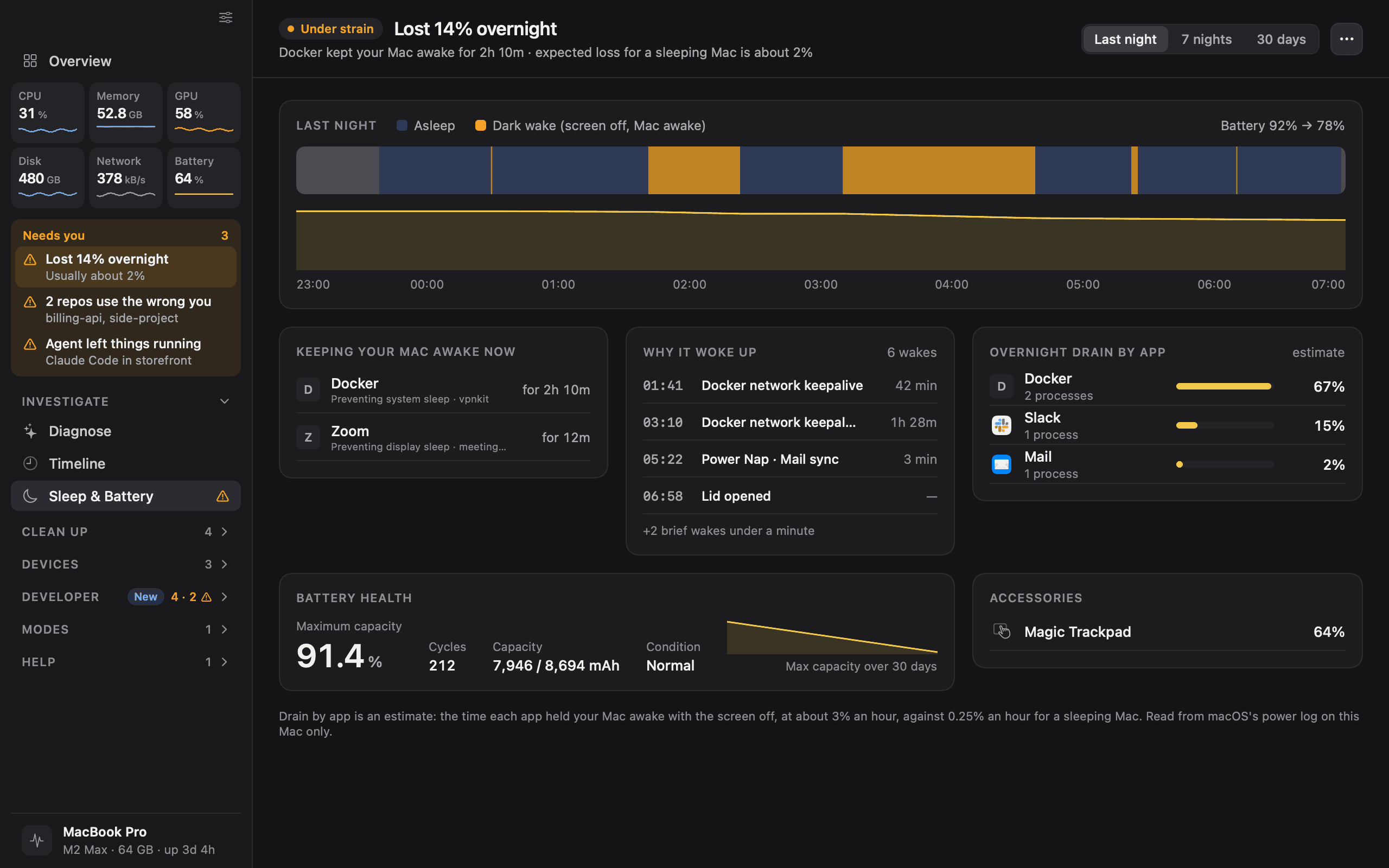
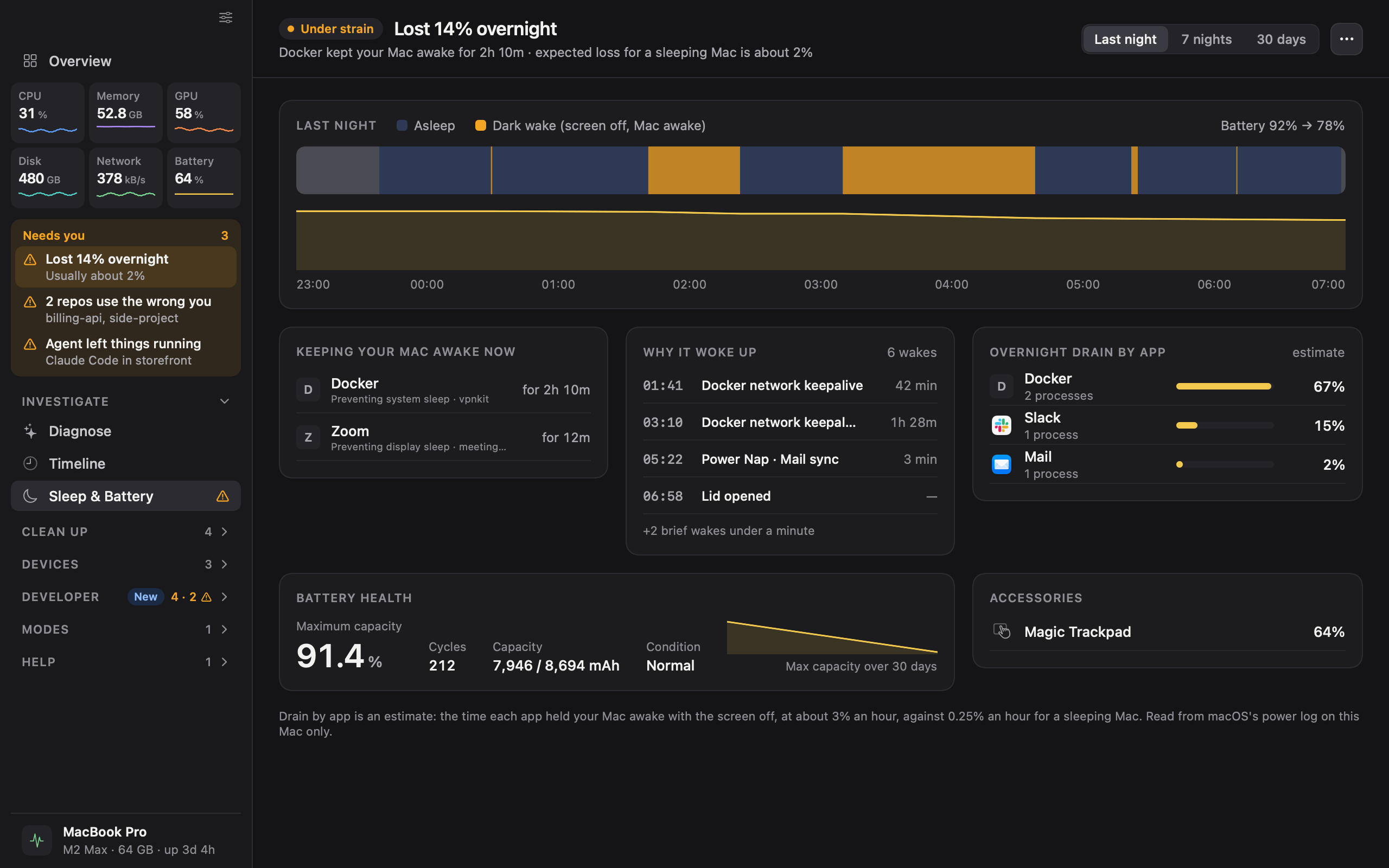
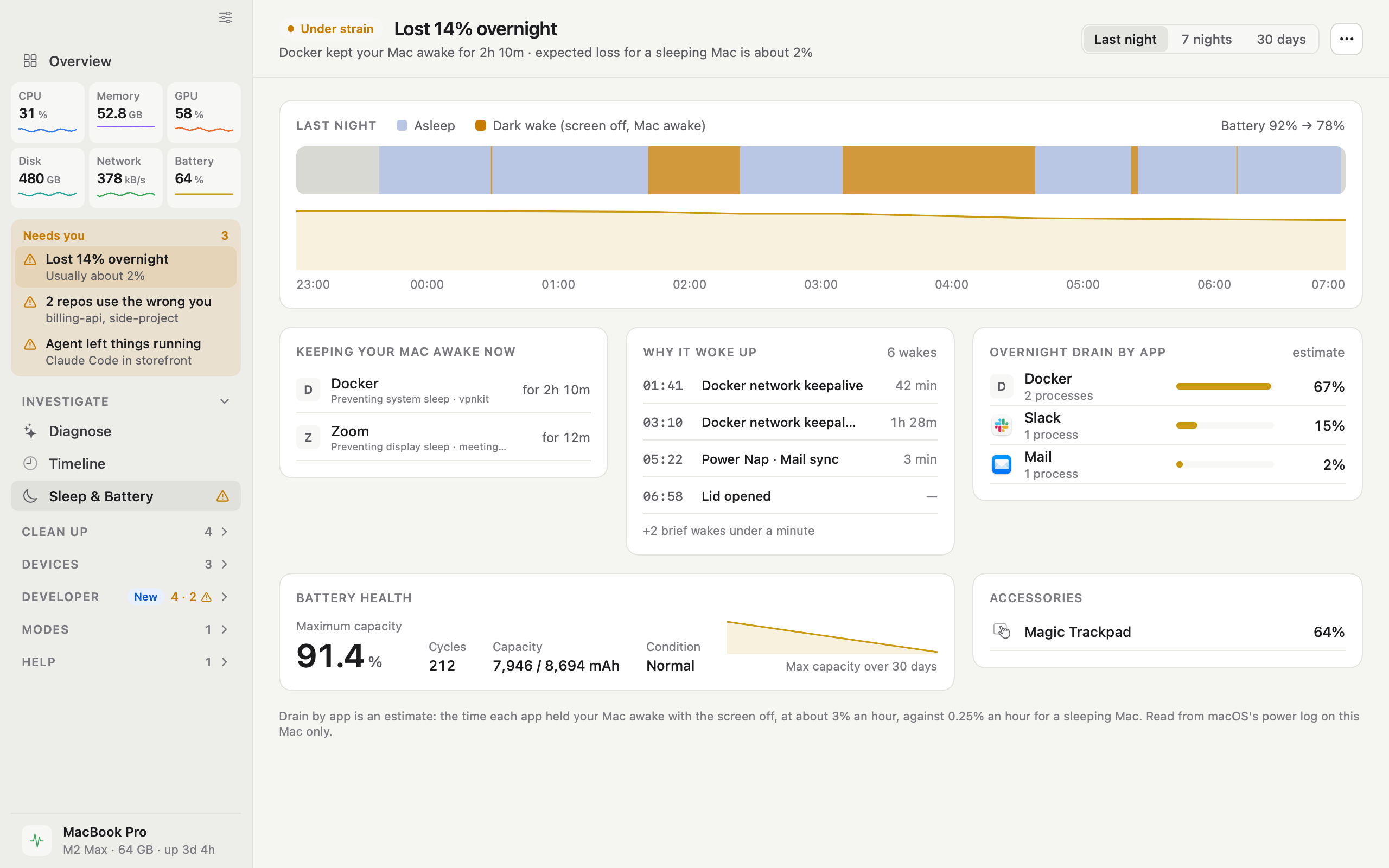
  • iKnowMyMac sleep and battery screen

    Sleep and battery

    What kept the Mac awake, why it woke and where the battery went.

    DarkLightPNG, 2560 × 1600
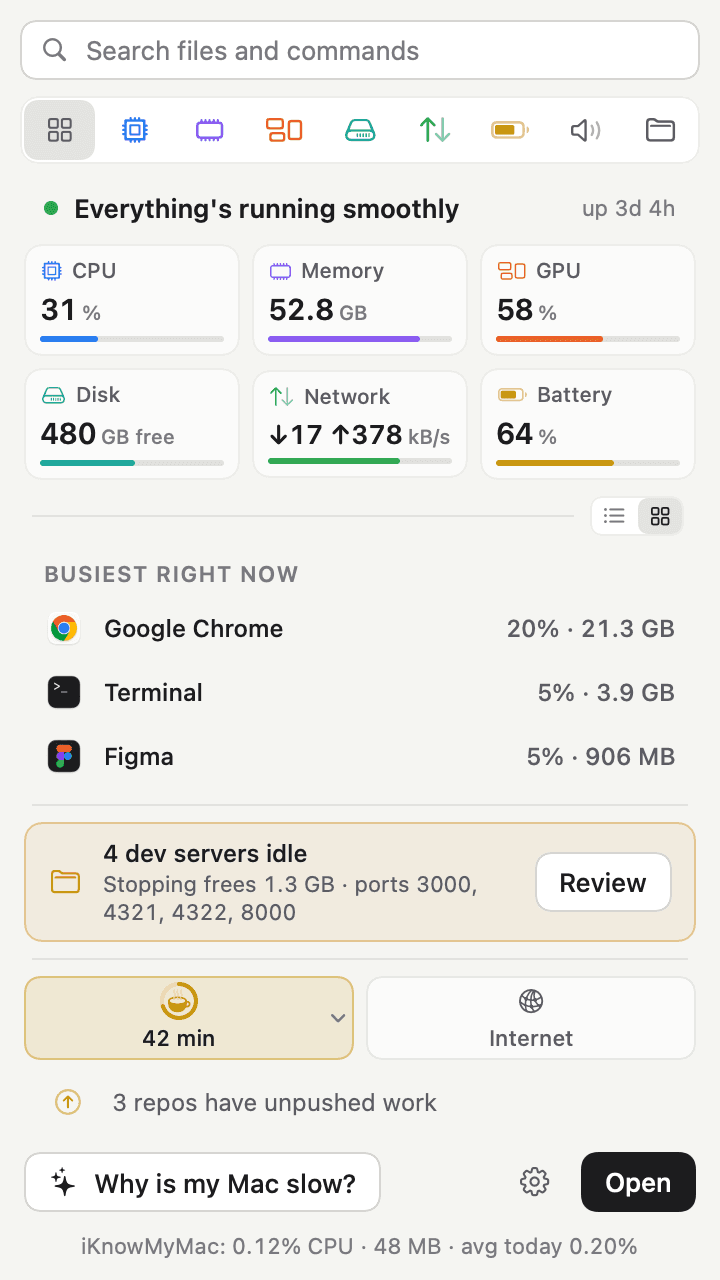
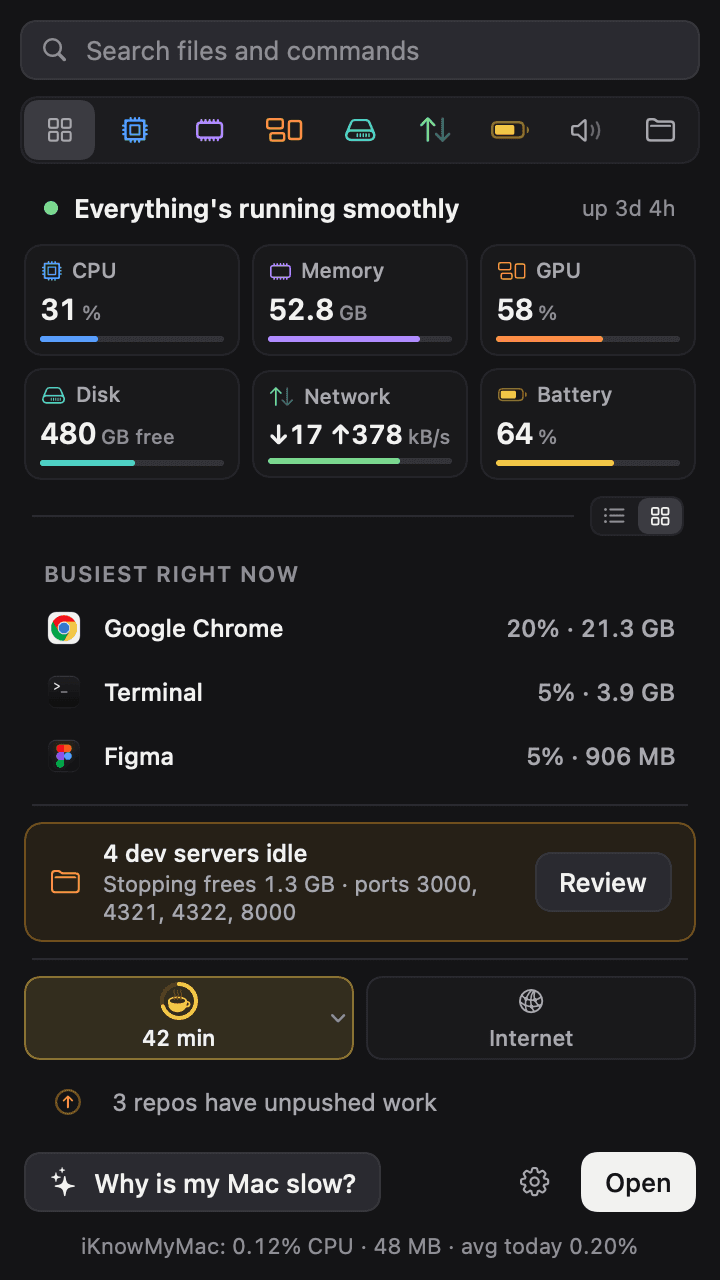
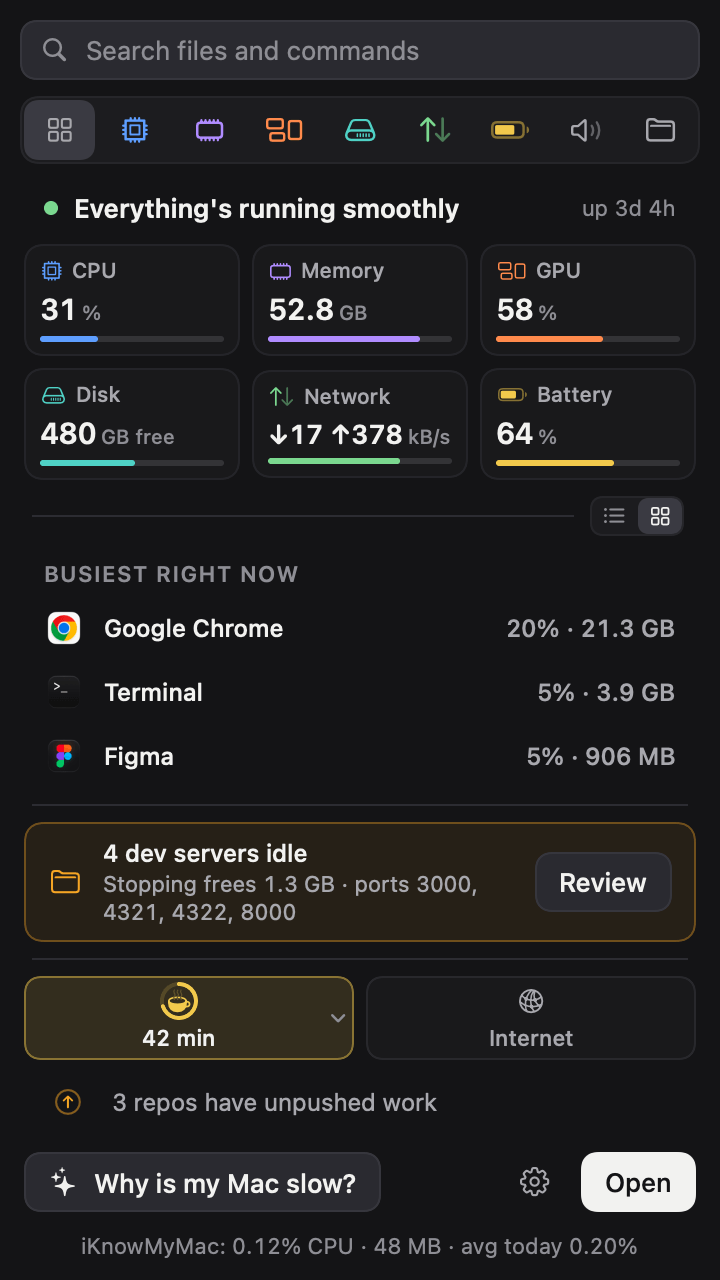
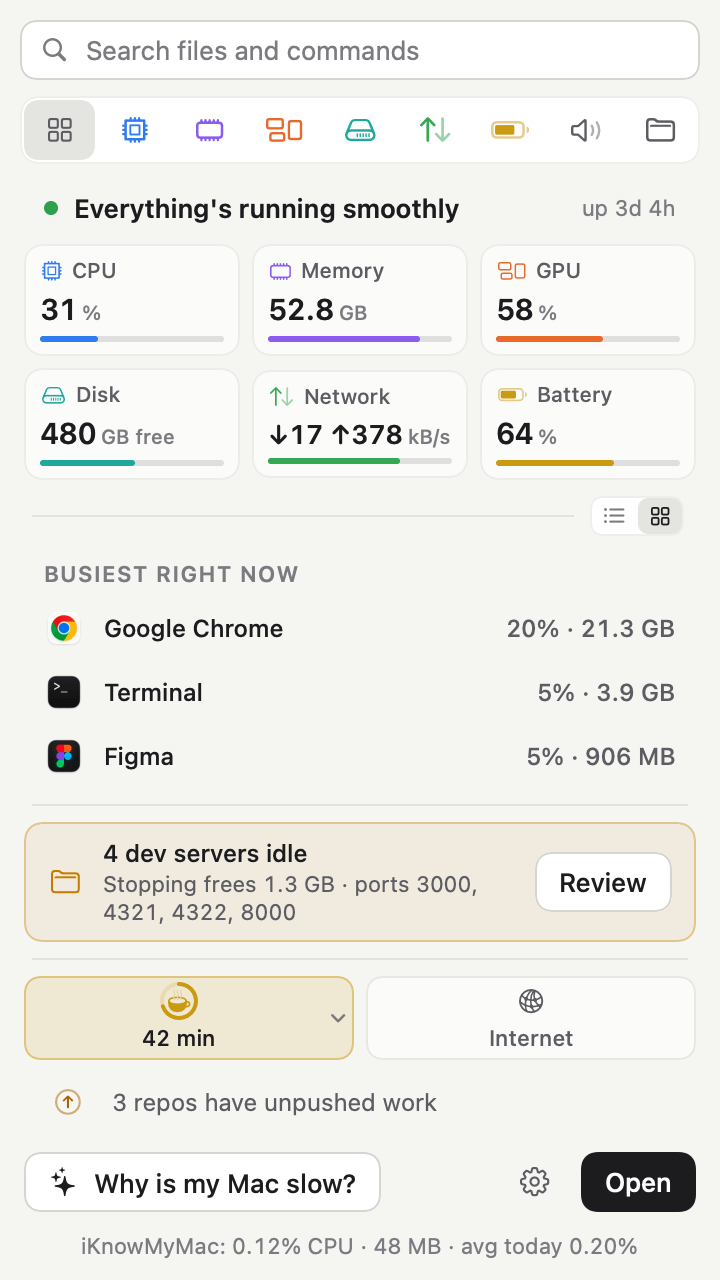
  • iKnowMyMac menu bar popover screen

    Menu bar popover

    A quick look from the menu bar, with the search field that opens the palette.

    DarkLightPNG, 720 × 1280
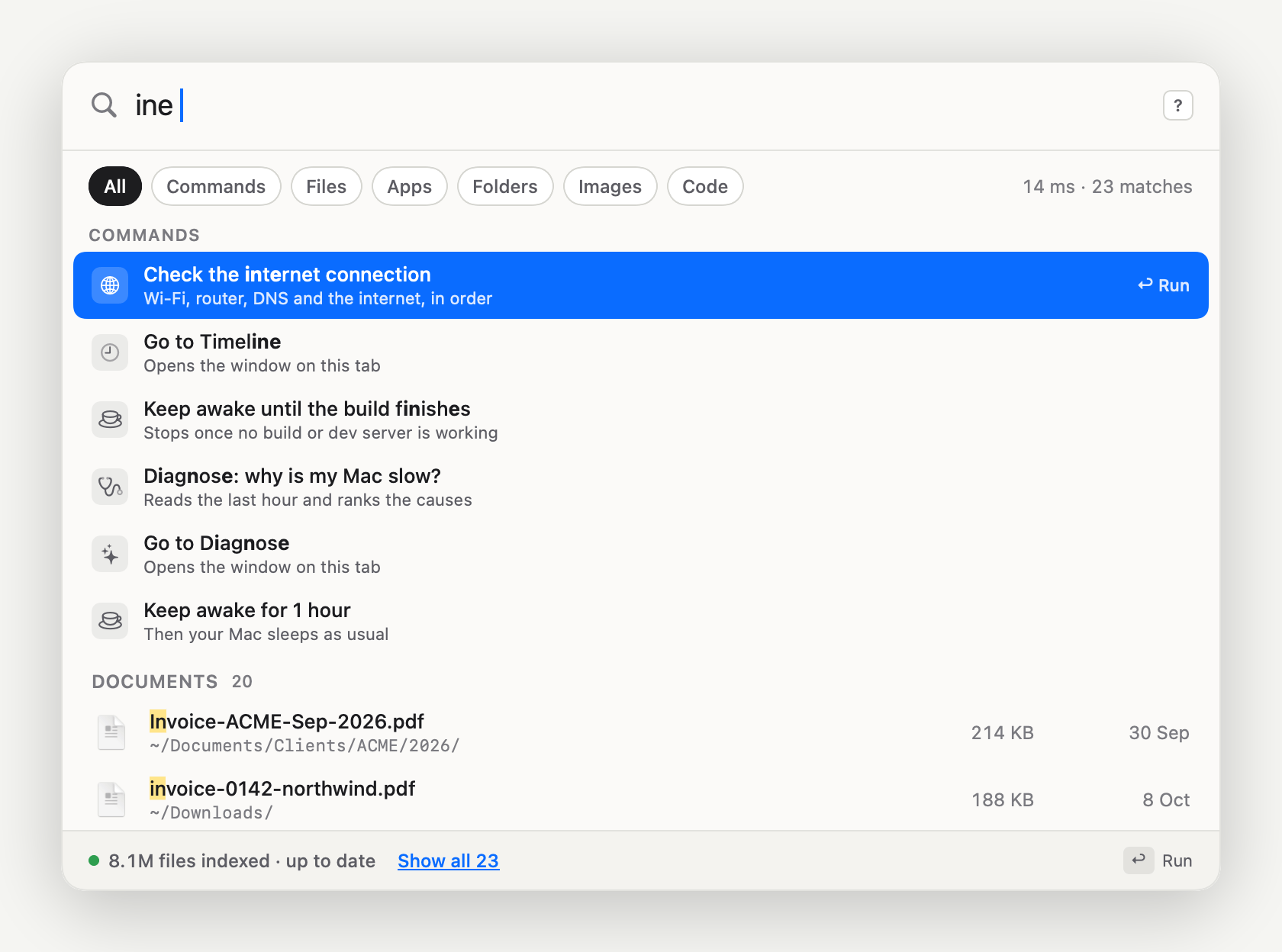
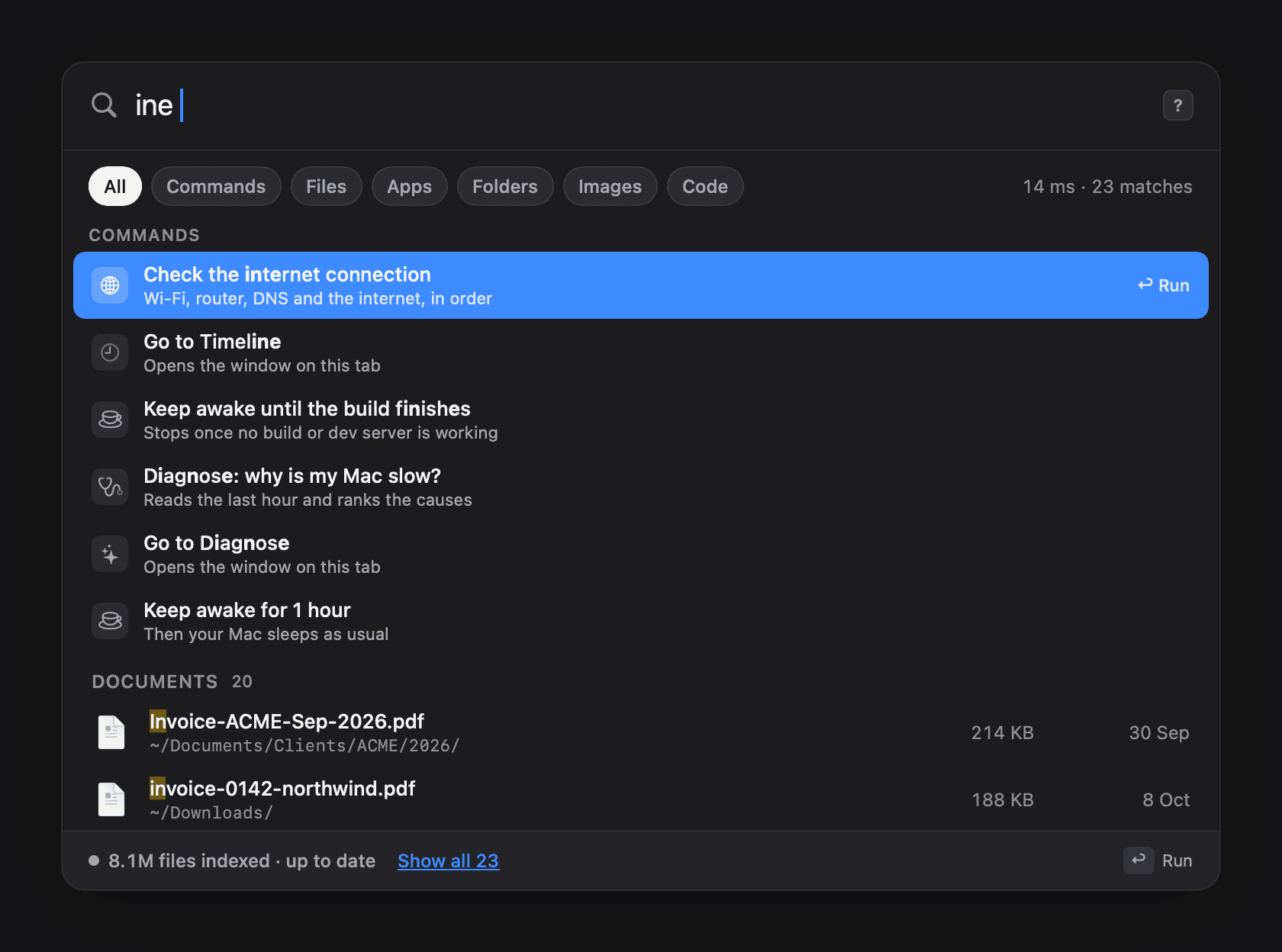
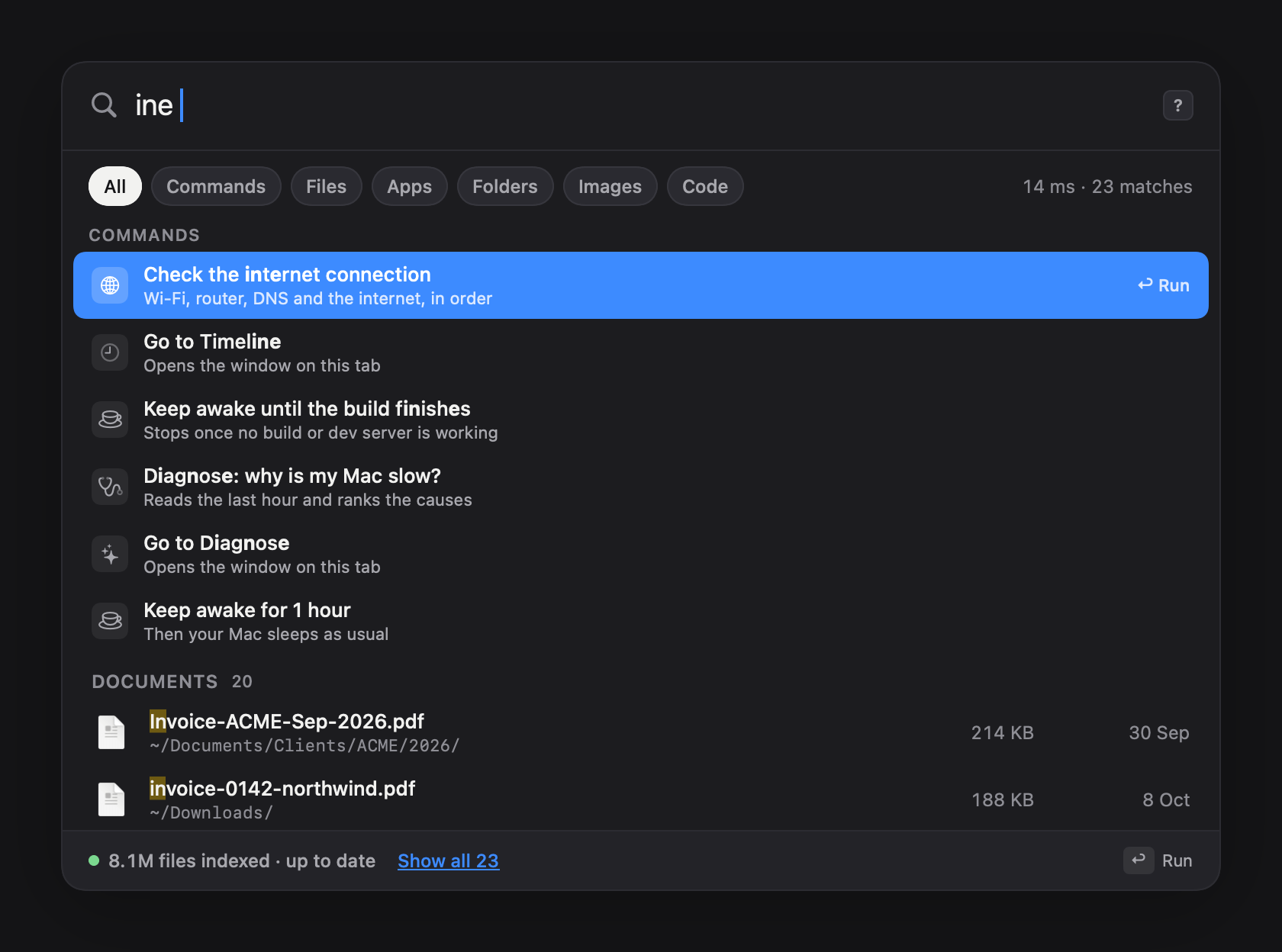
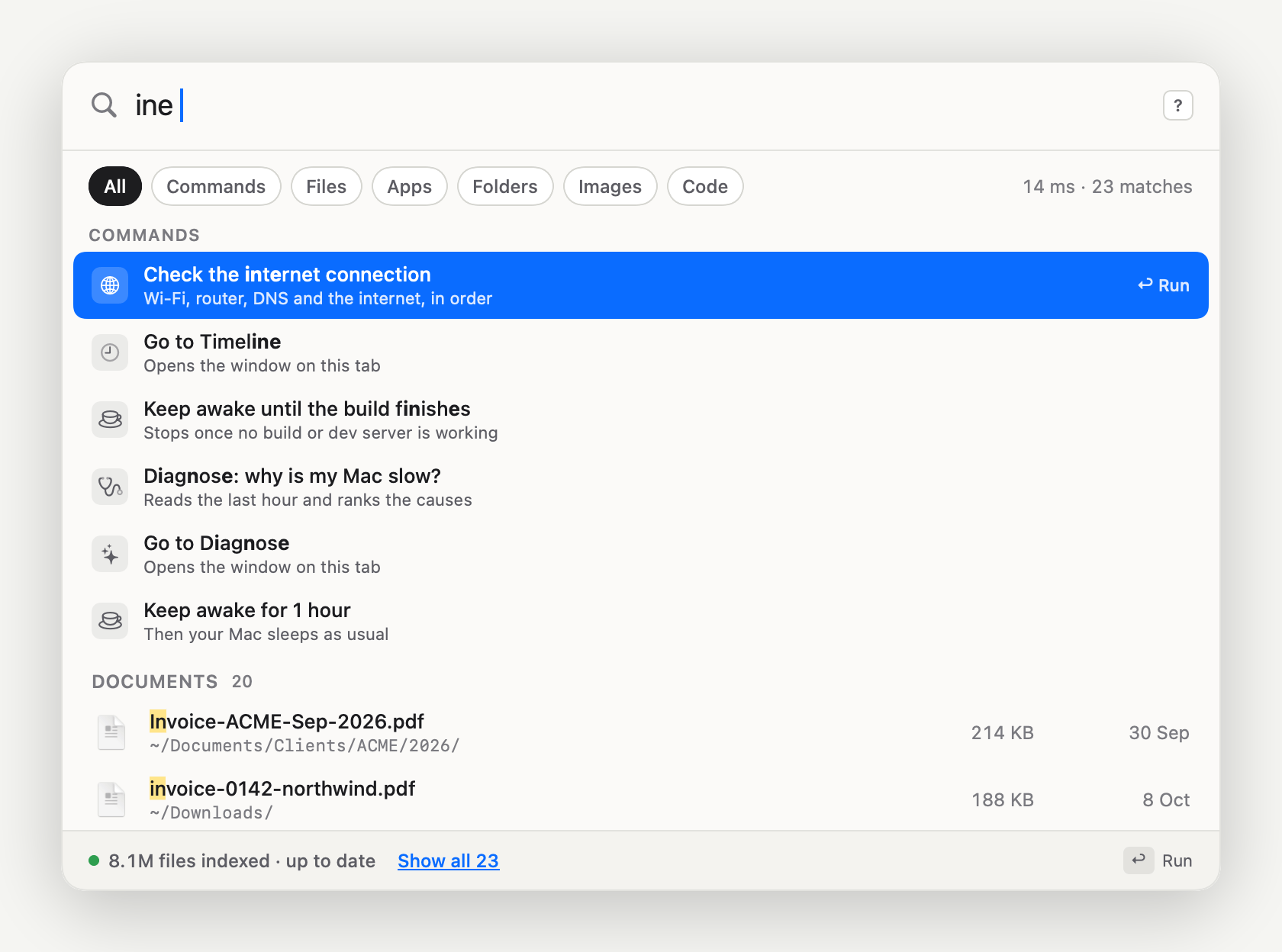
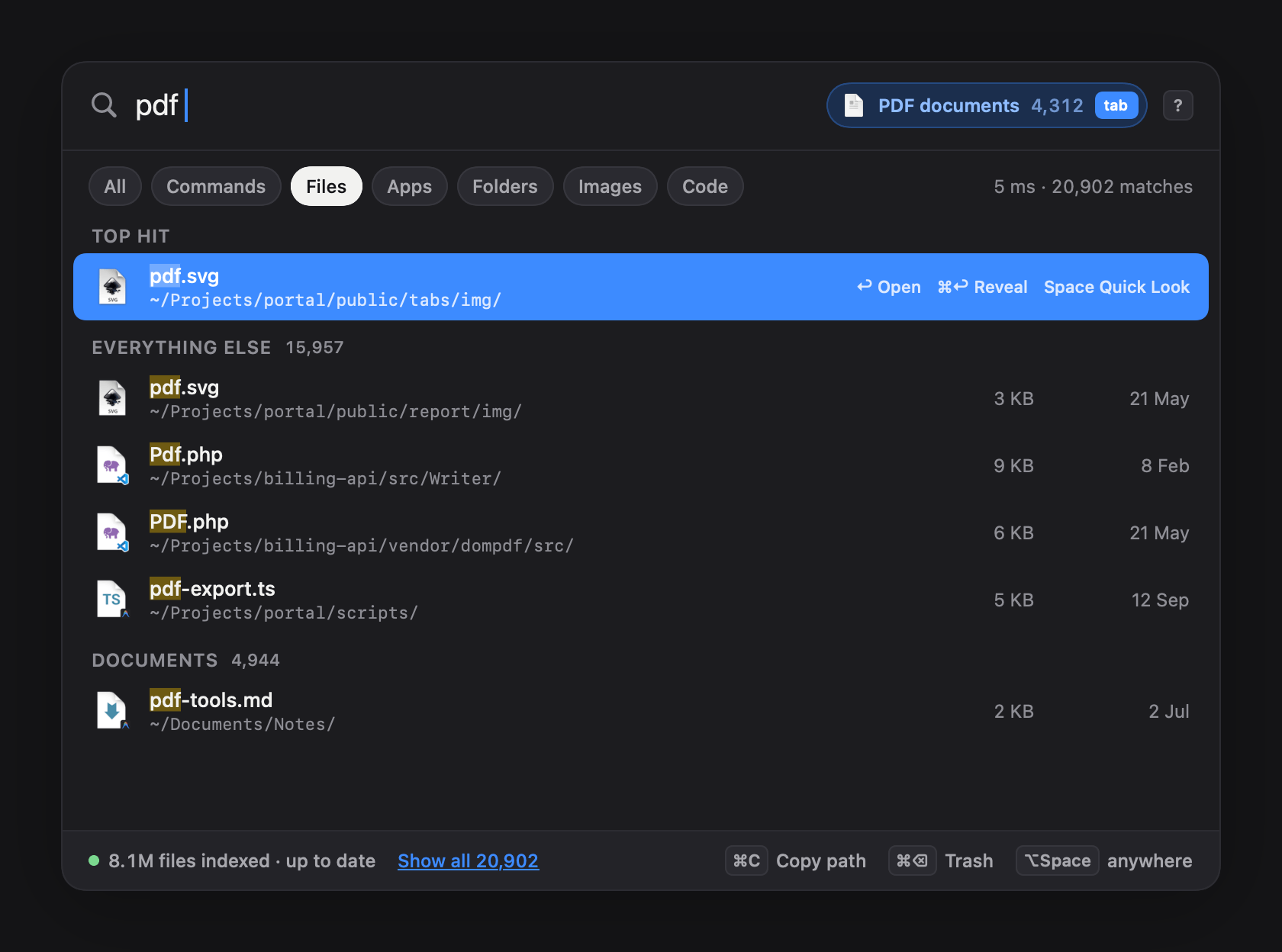
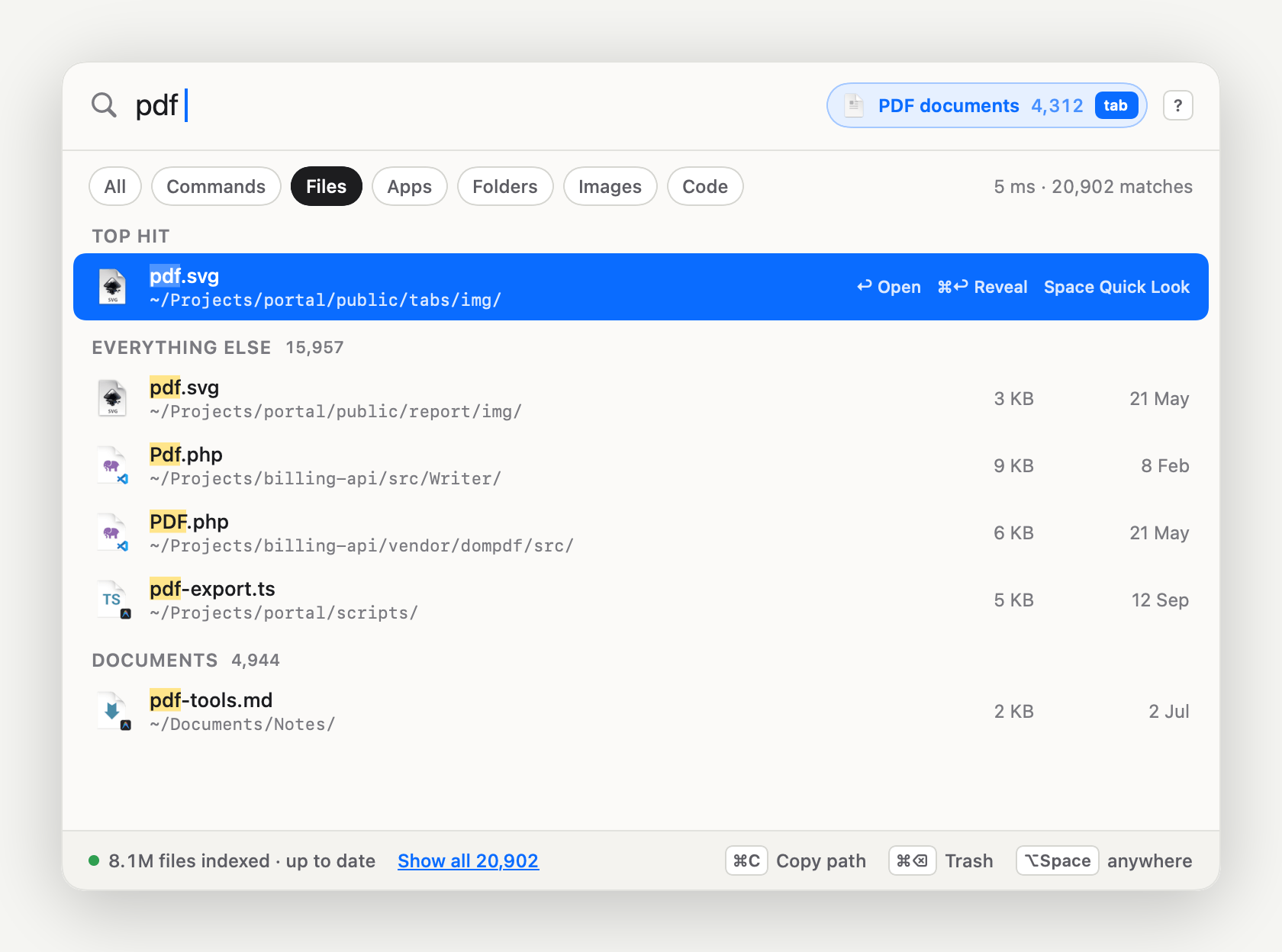
  • iKnowMyMac search anything screen

    Search anything

    Commands and files in one palette, with the letters that matched marked in each name.

    DarkLightPNG, 1680 × 1248
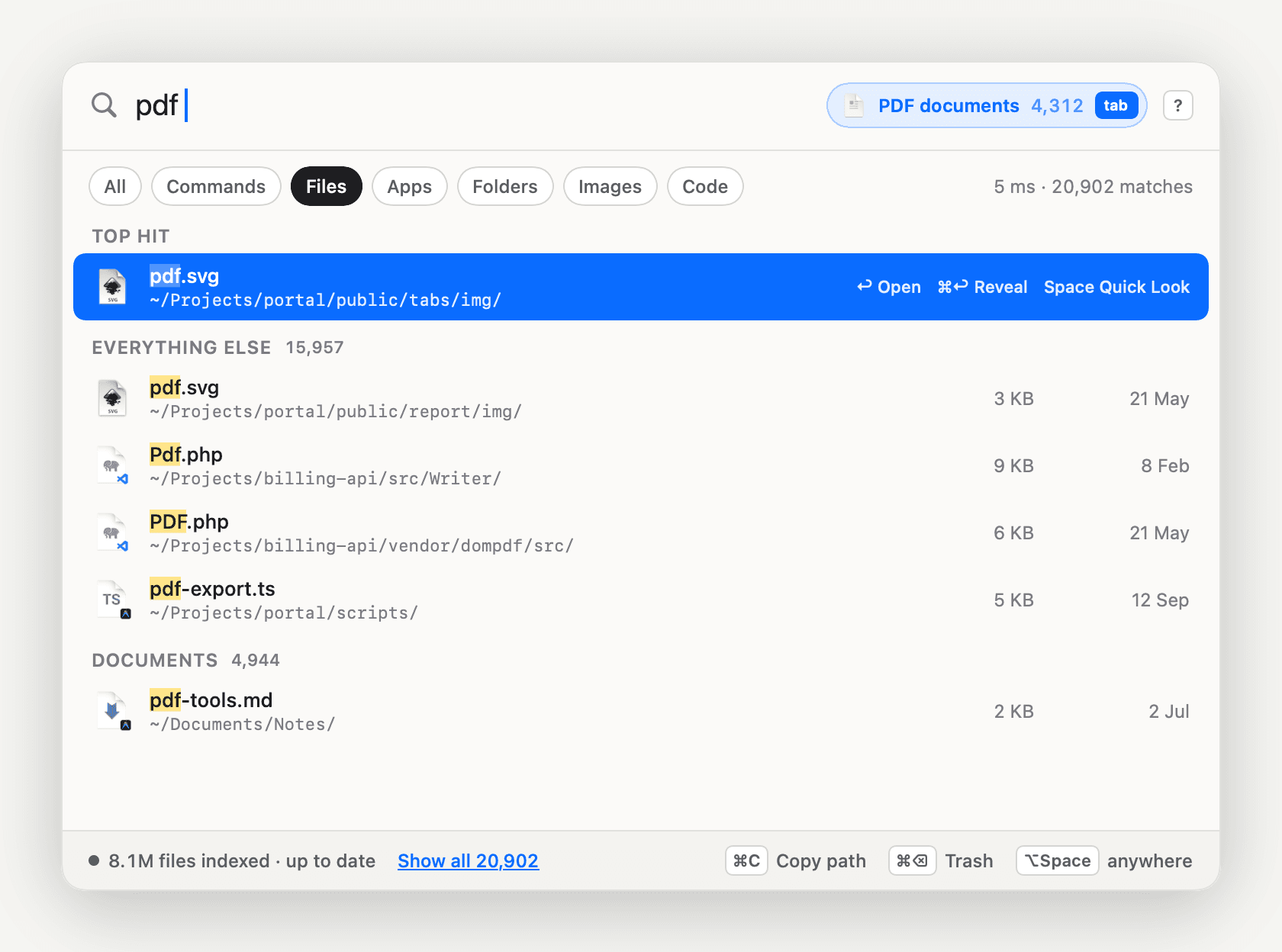
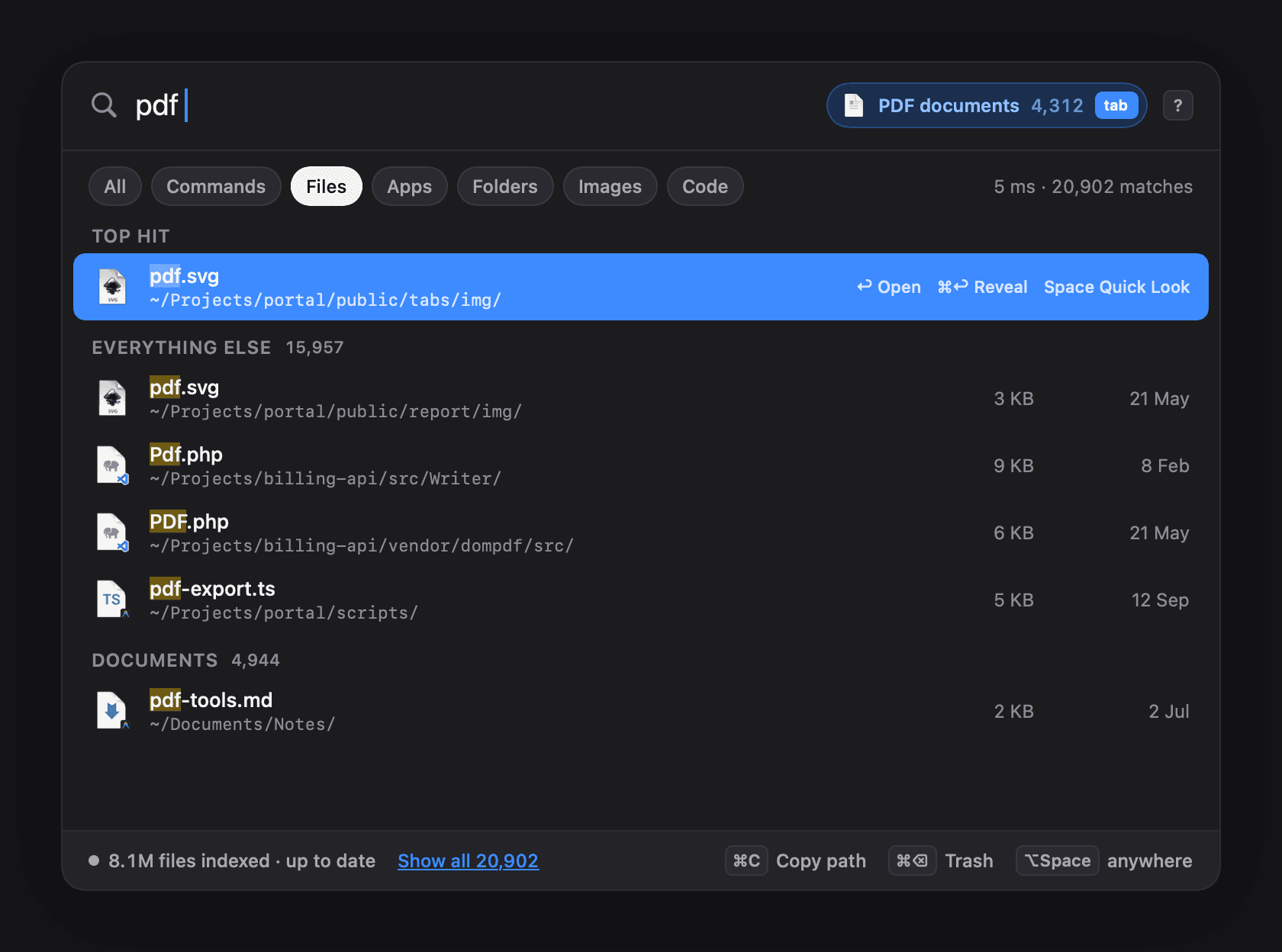
  • iKnowMyMac a kind of file becomes a filter screen

    A kind of file becomes a filter

    Type pdf and a pill beside the field offers PDF documents with a count. Tab takes it.

    DarkLightPNG, 1680 × 1248
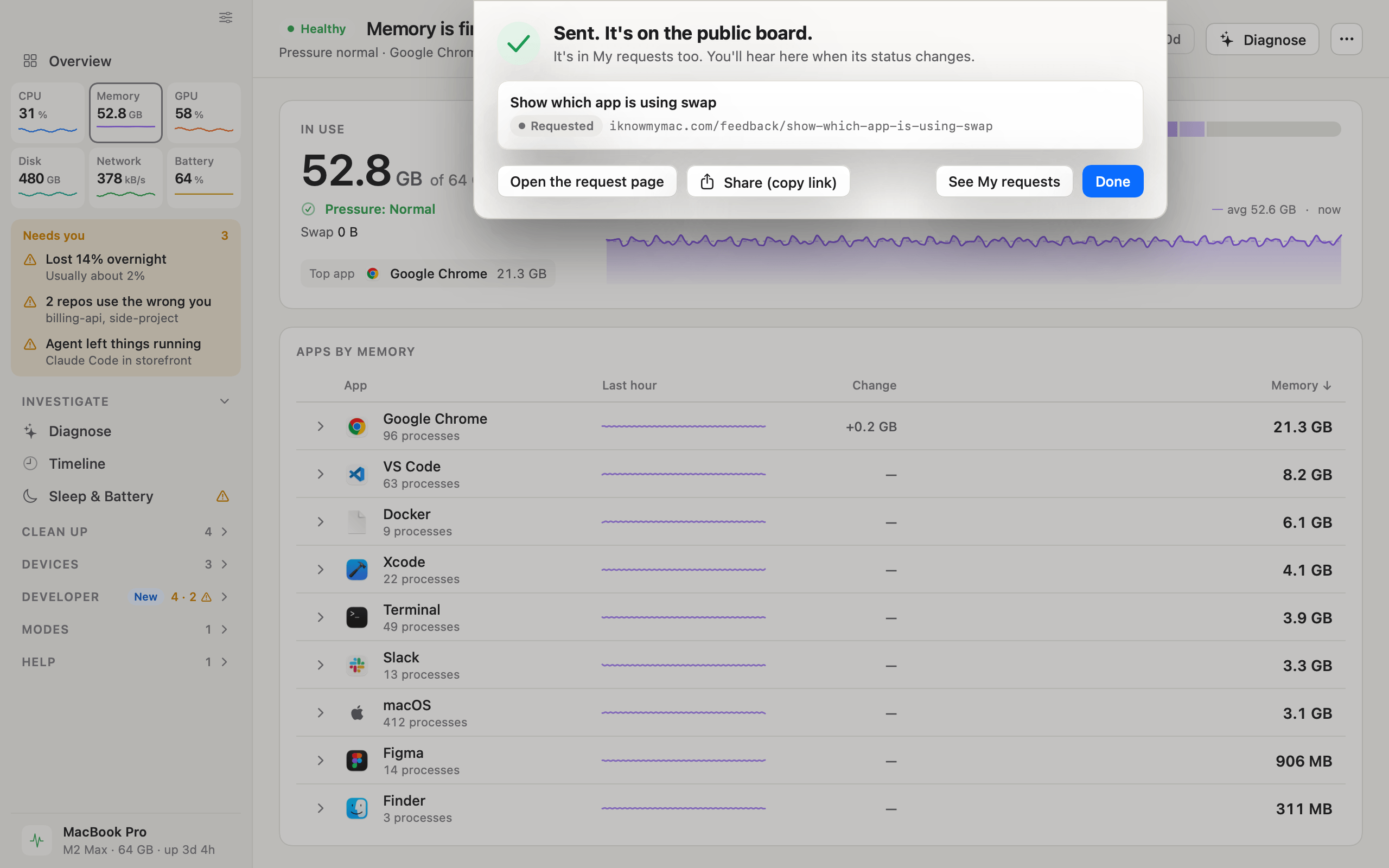
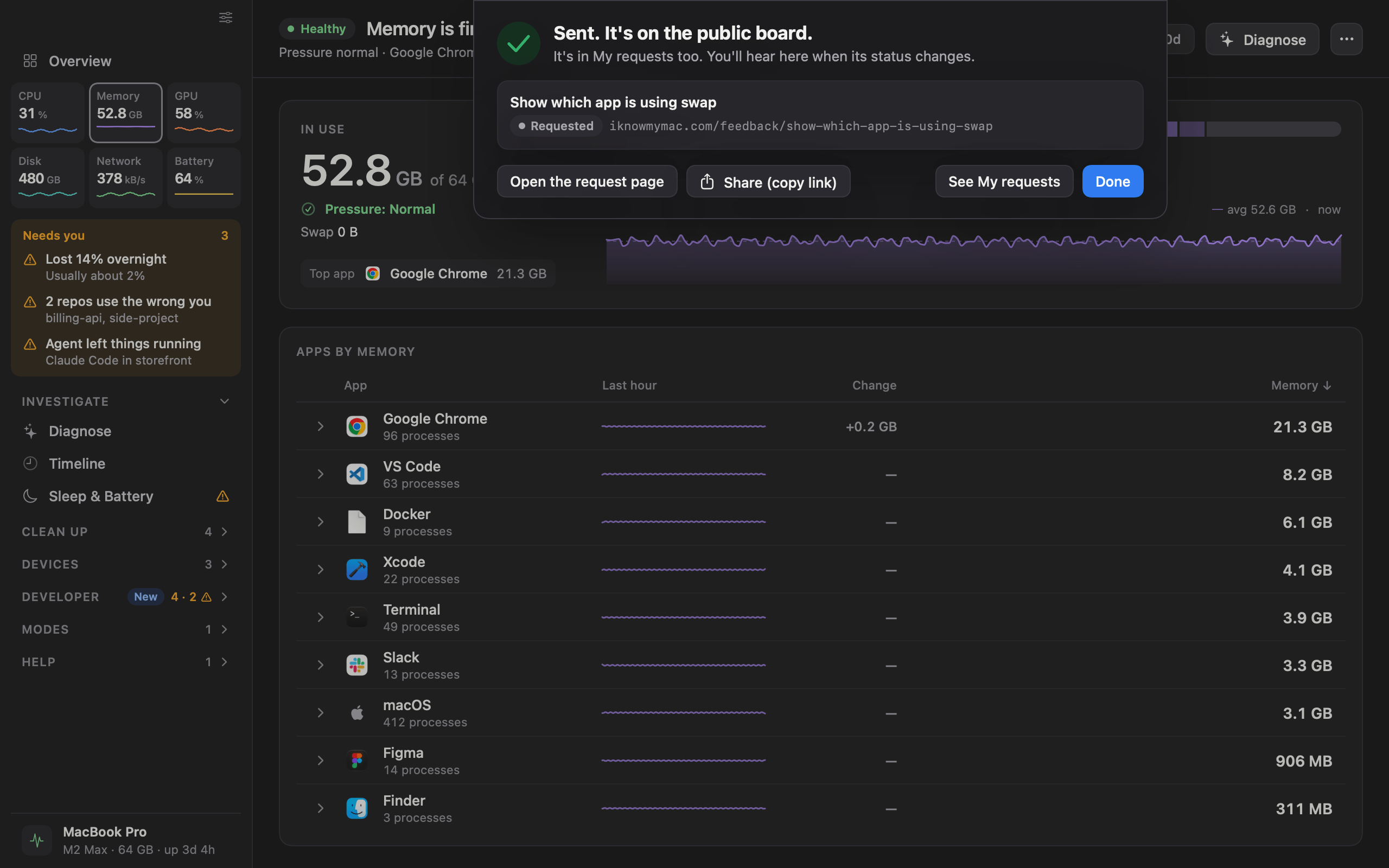
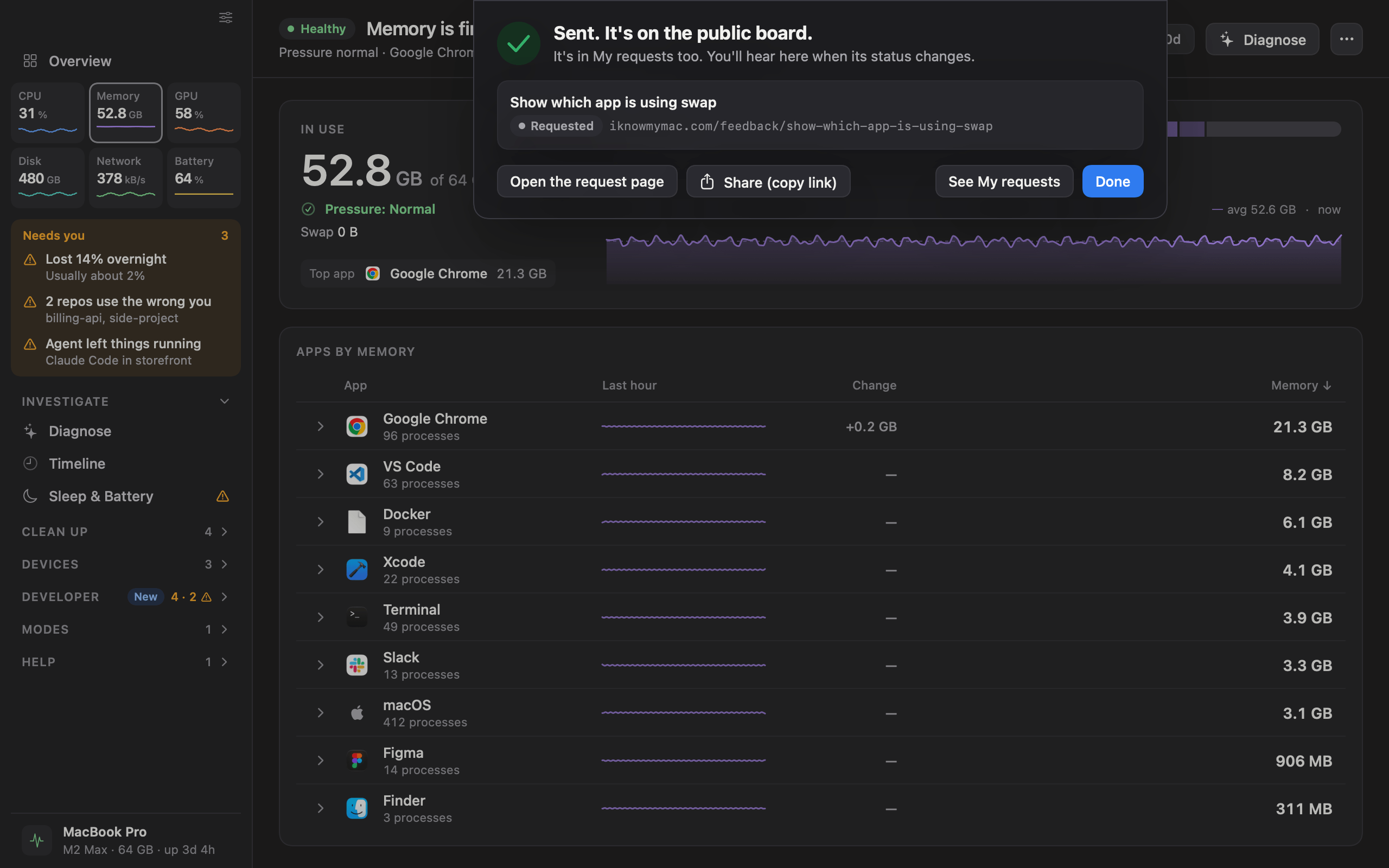
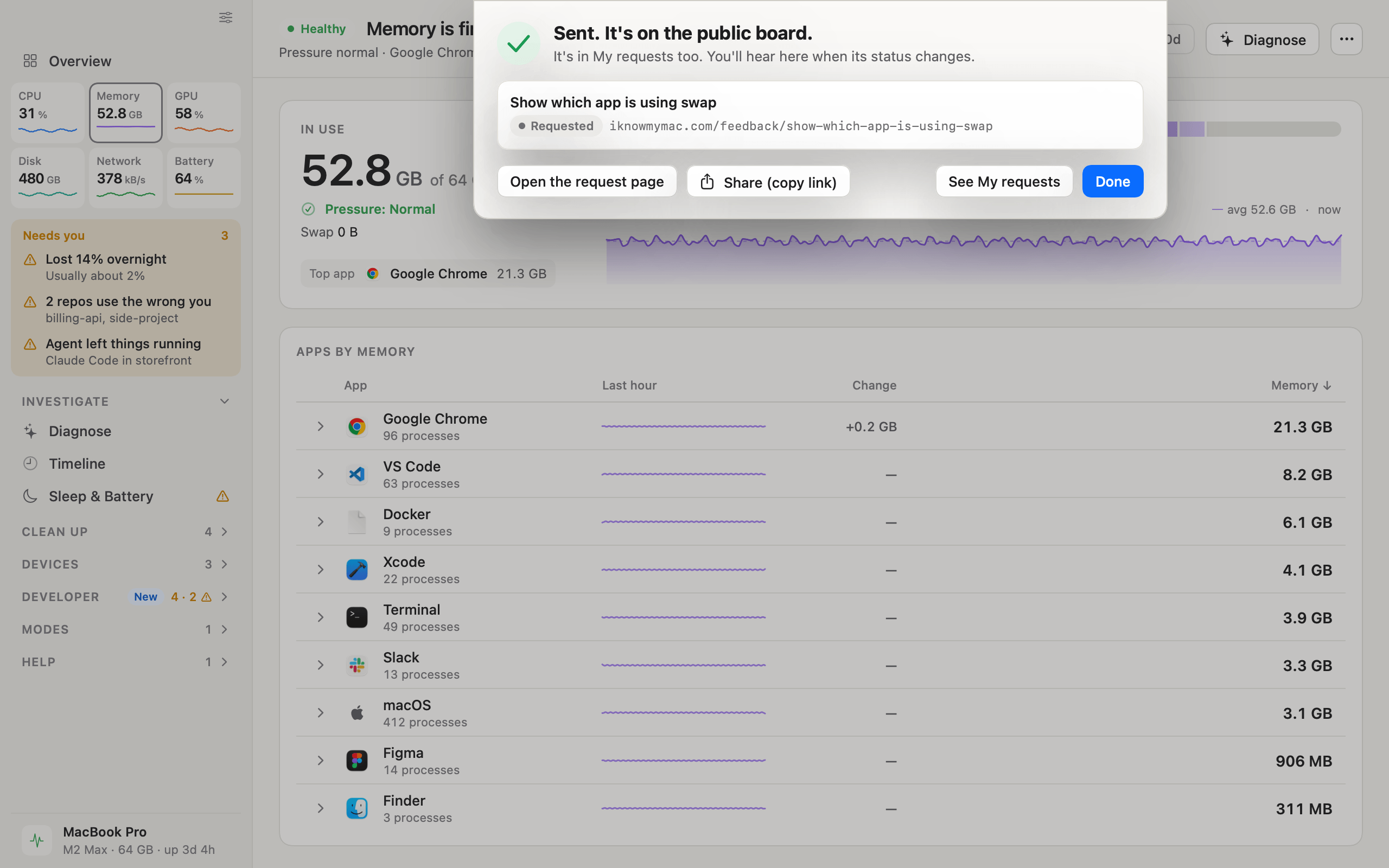
  • iKnowMyMac request a feature screen

    Request a feature

    A request sent from the app, with its address on the public board and a place in My requests.

    DarkLightPNG, 2560 × 1600
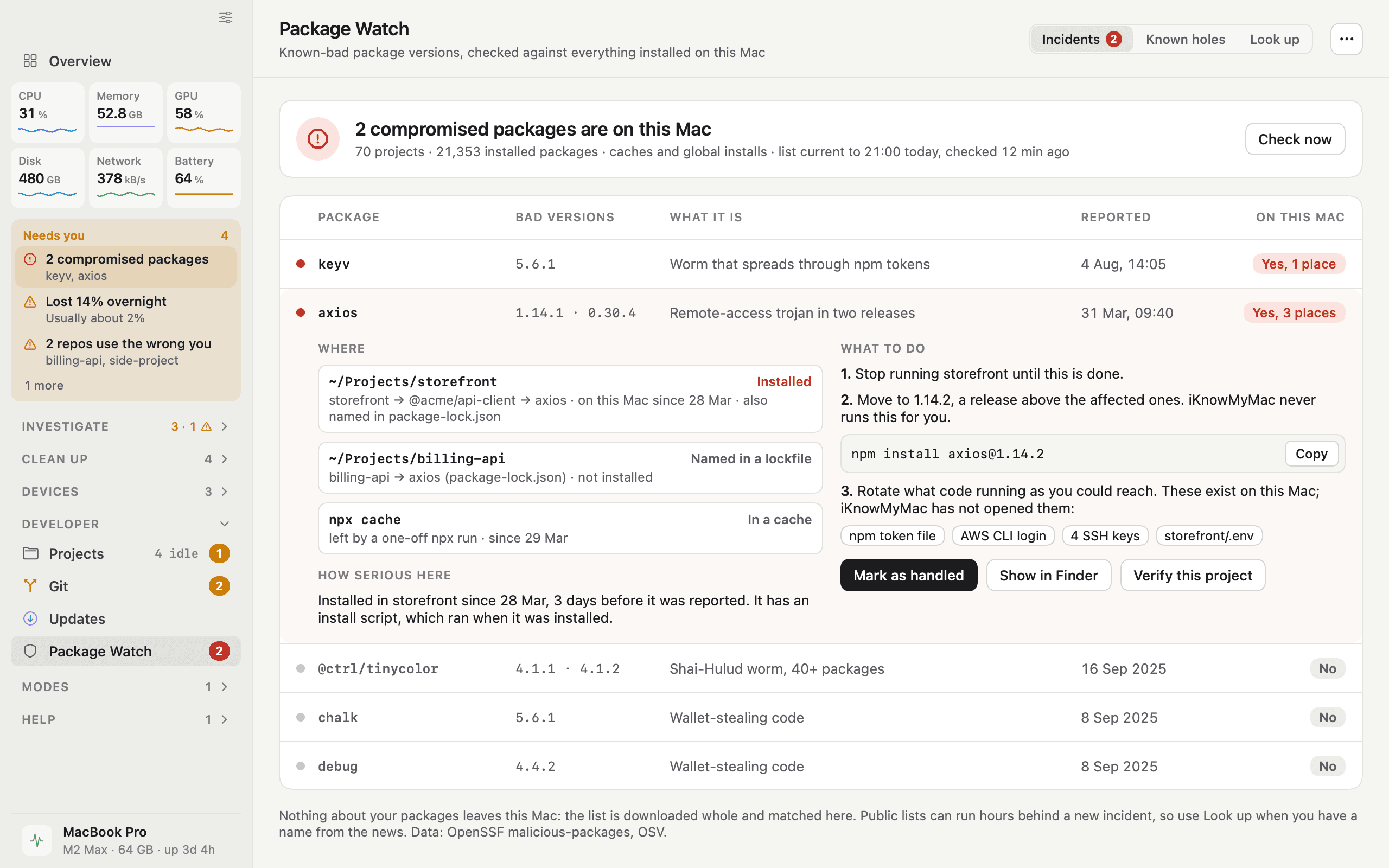
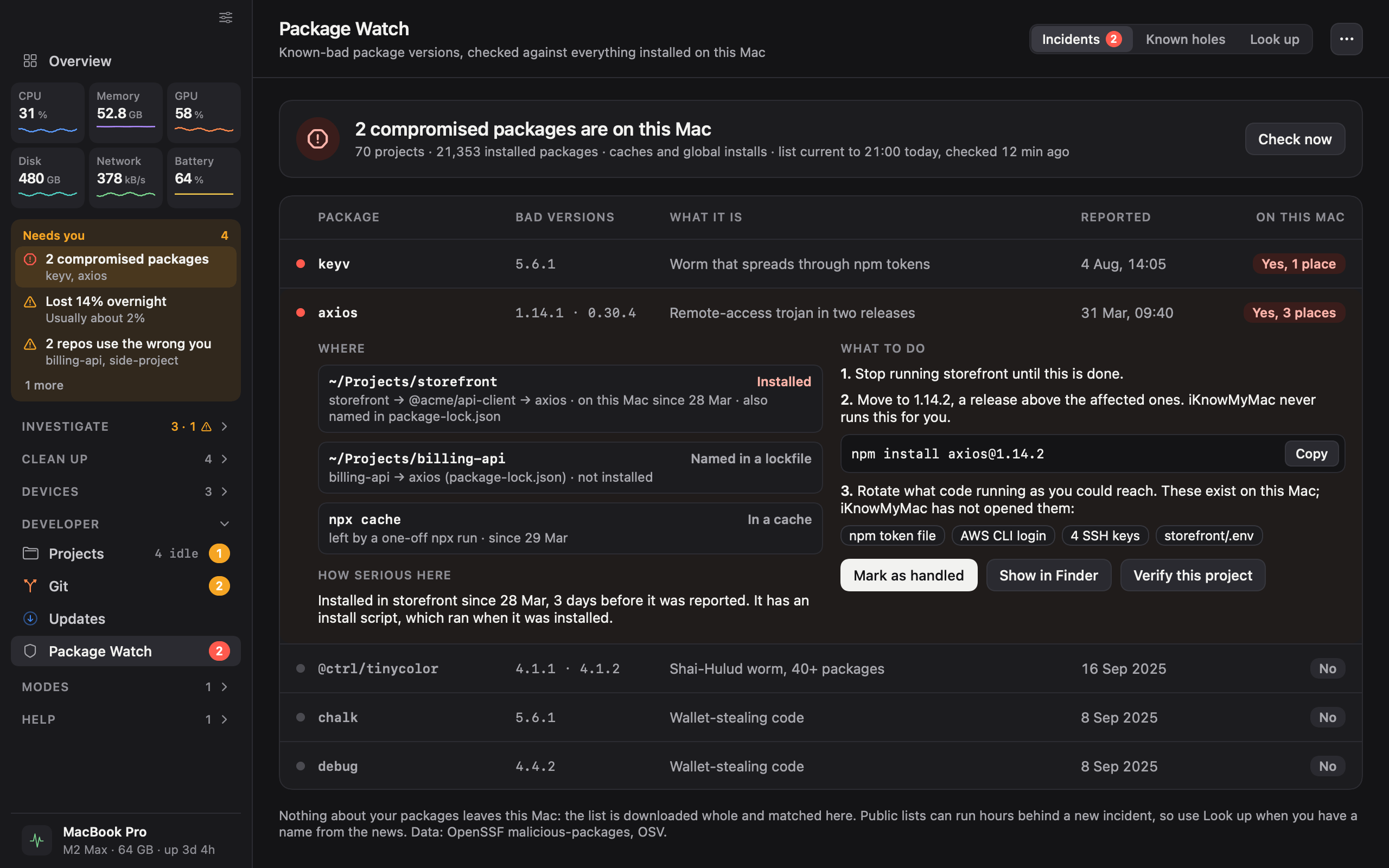
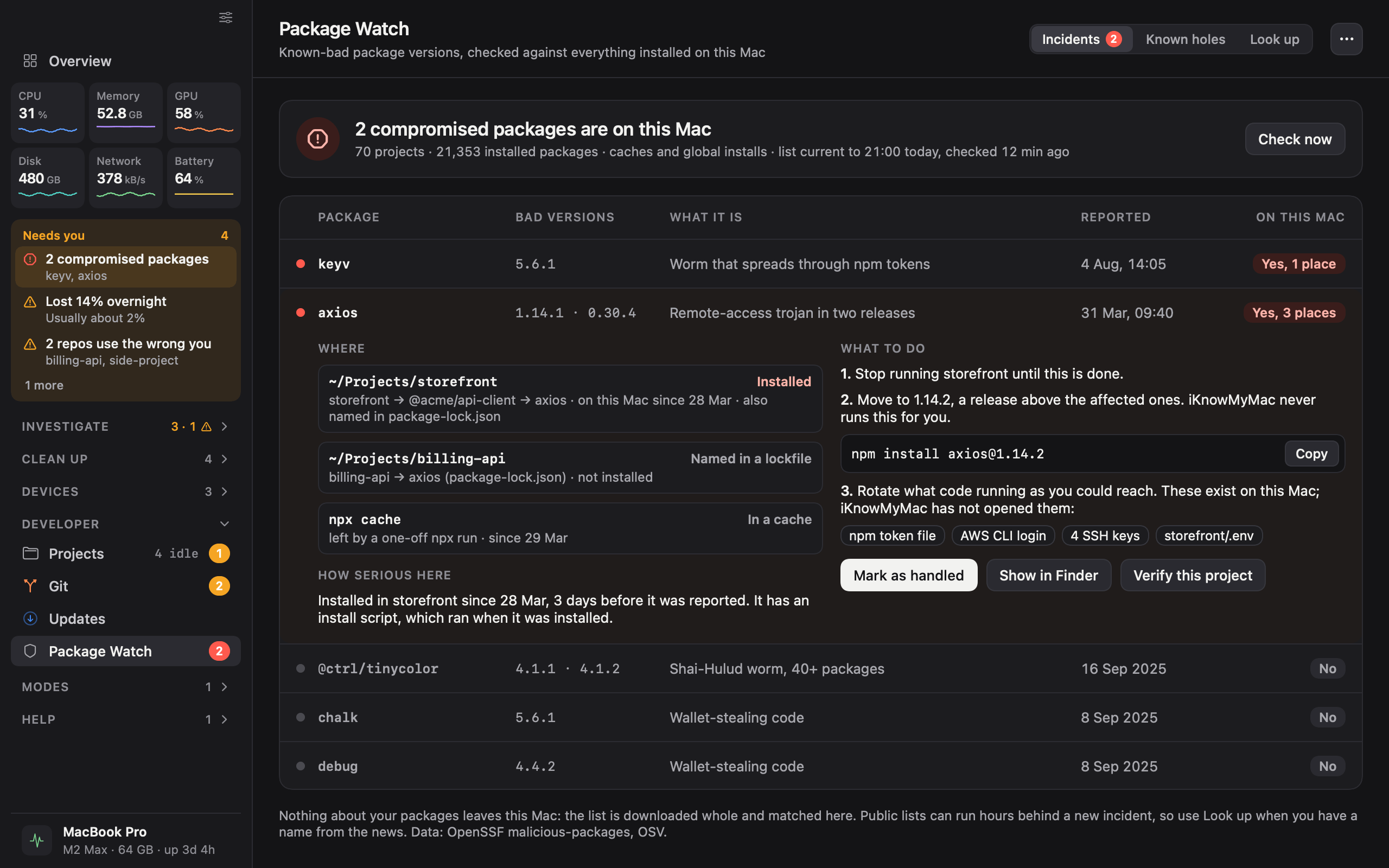
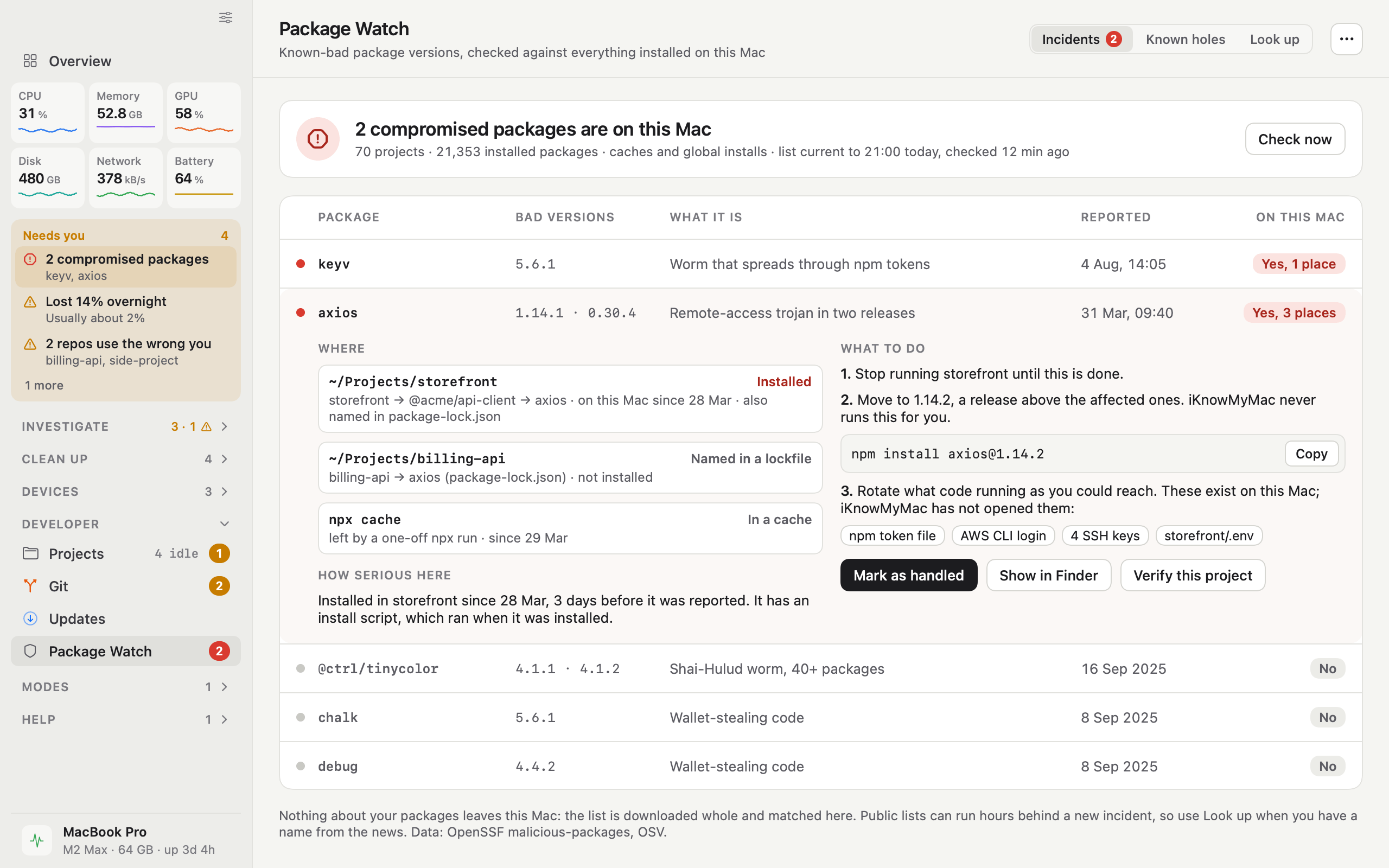
  • iKnowMyMac package watch screen

    Package Watch

    Two compromised packages found on the Mac, one opened to show where it is, what pulled it in and what to do.

    DarkLightPNG, 2560 × 1600
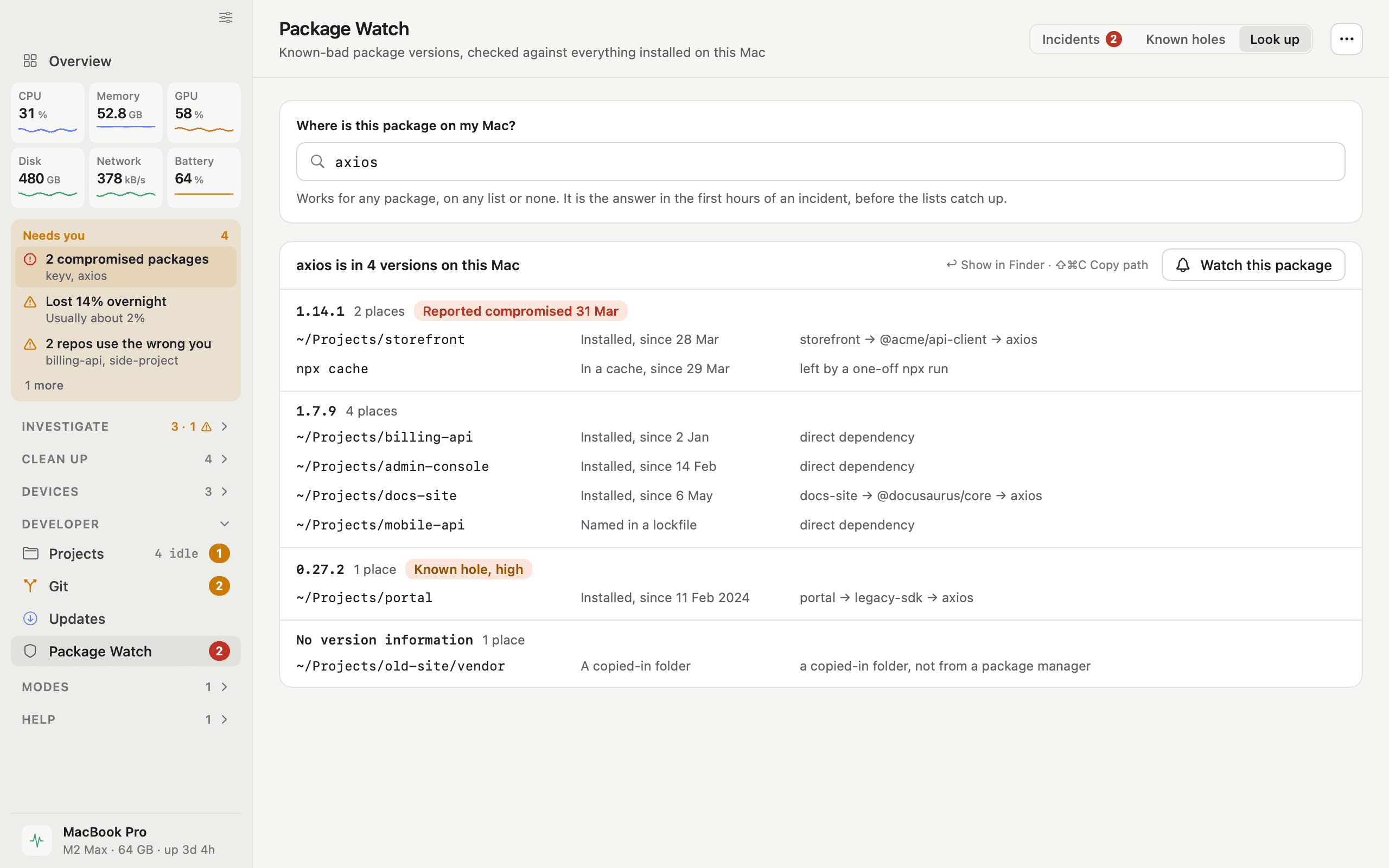
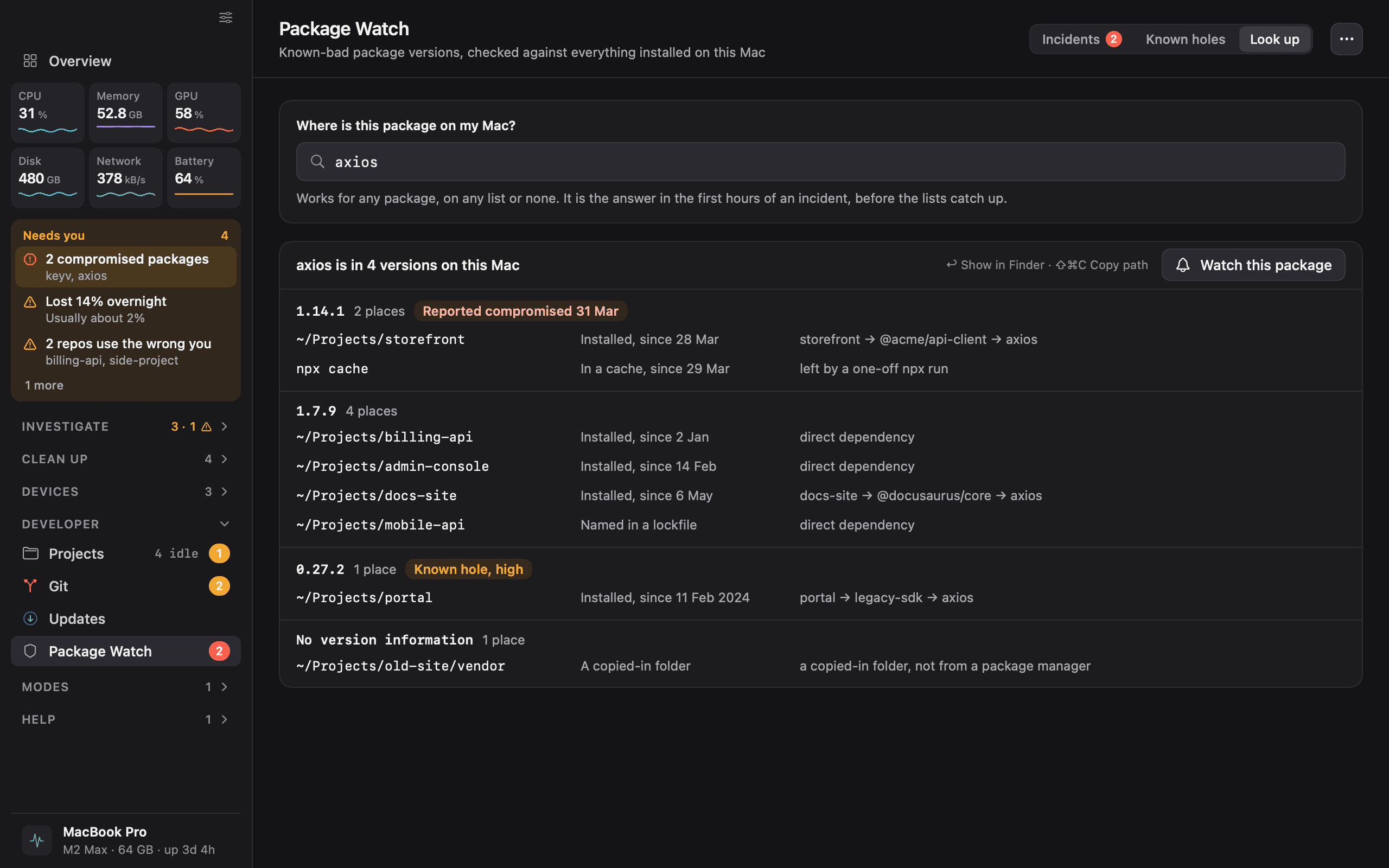
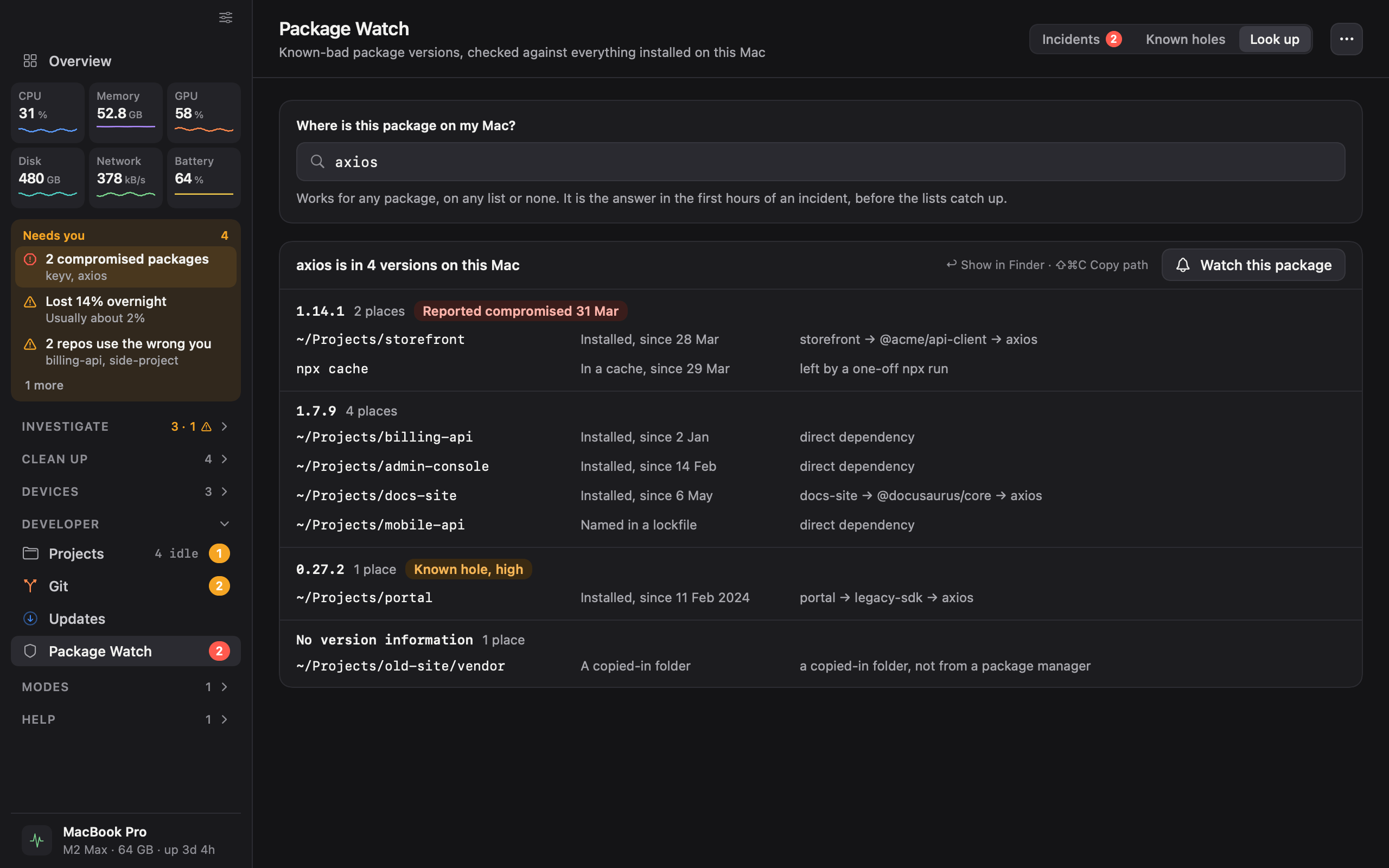
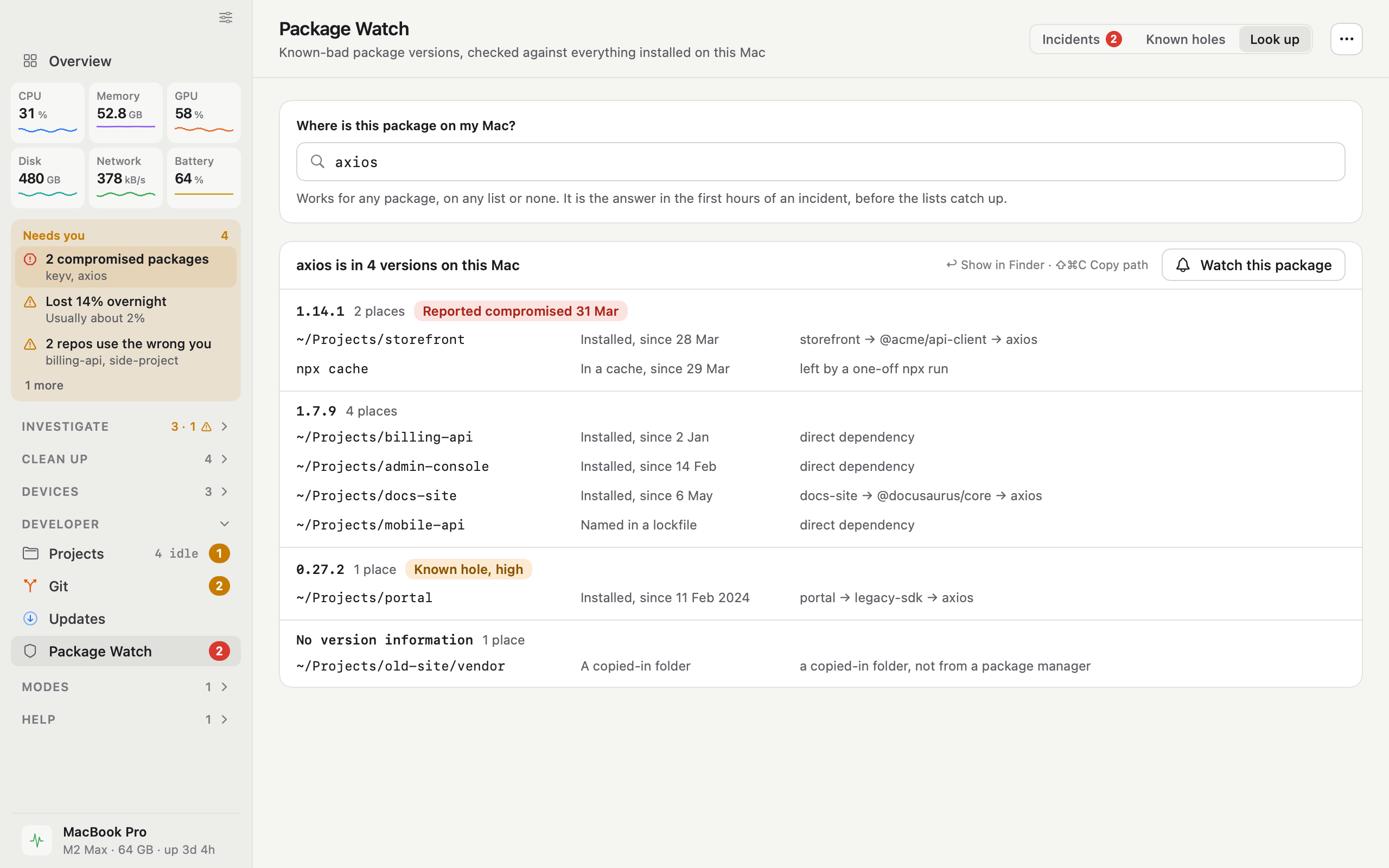
  • iKnowMyMac look up a package screen

    Look up a package

    Type a package name to see every version of it on the Mac and the project each one is in.

    DarkLightPNG, 2560 × 1600
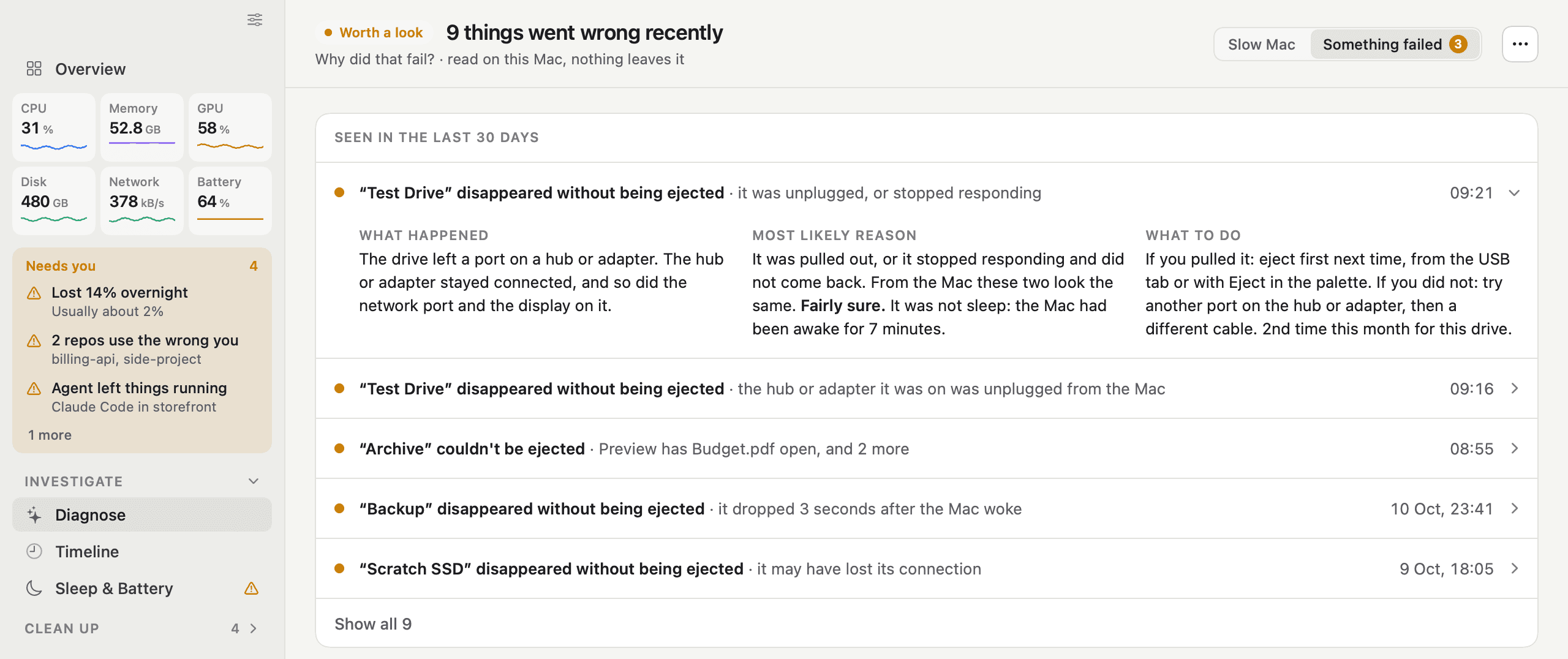
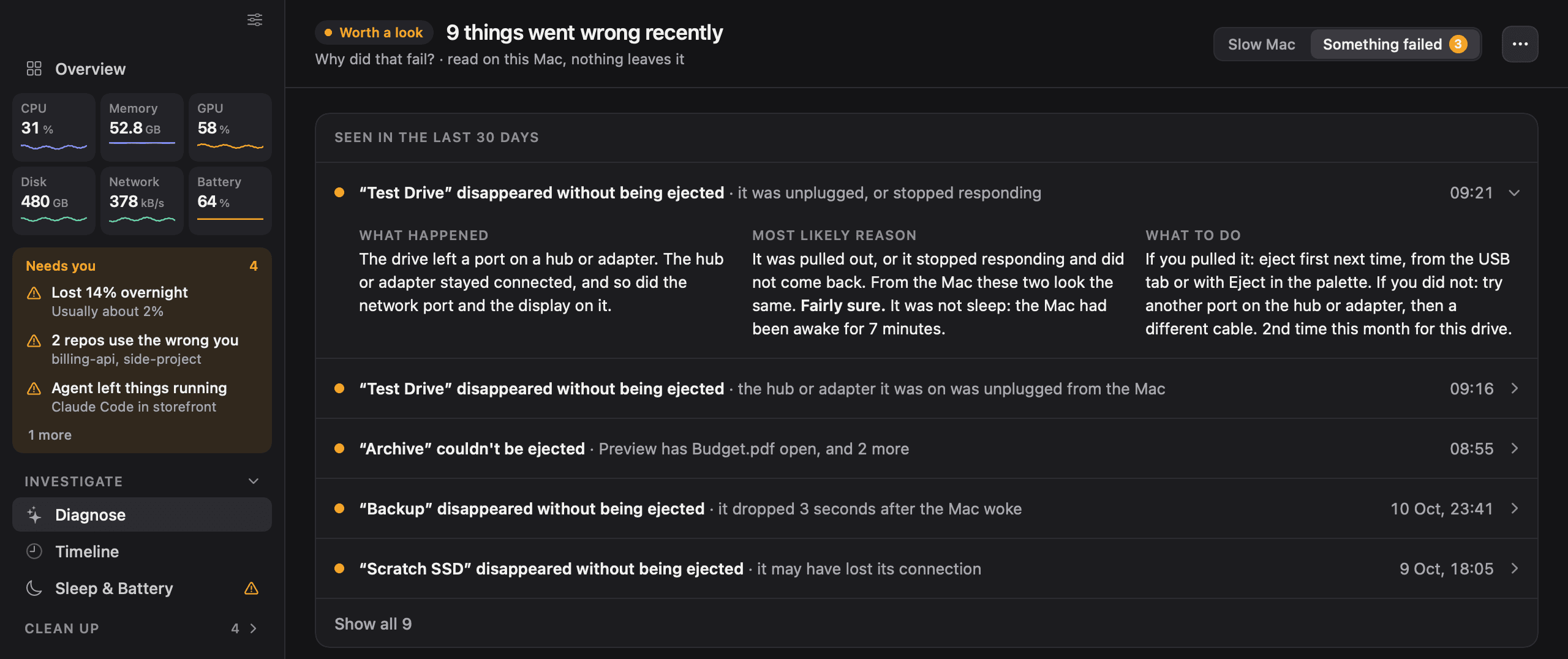
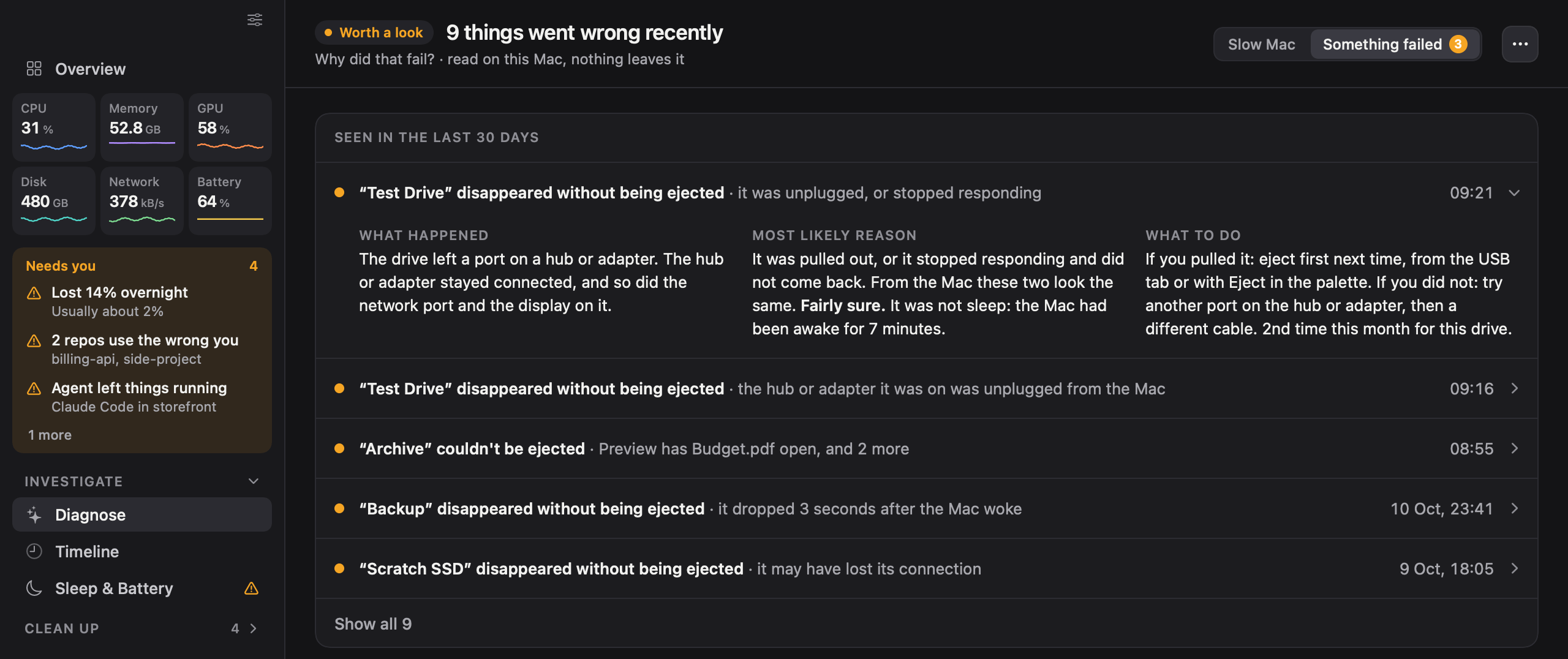
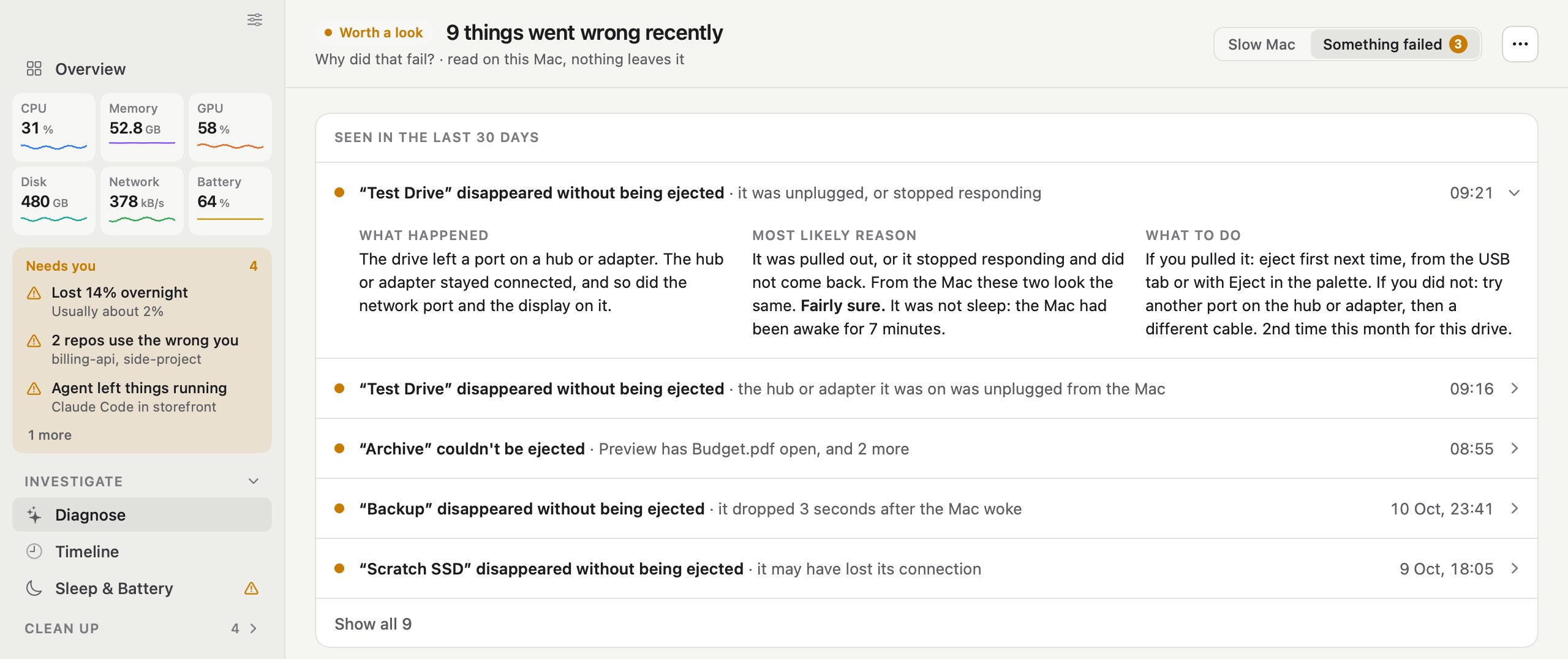
  • iKnowMyMac something failed screen

    Something failed

    A disk that disappeared without being ejected, with what happened, the most likely reason and how sure the app is. The top of the window.

    DarkLightPNG, 2560 × 1076
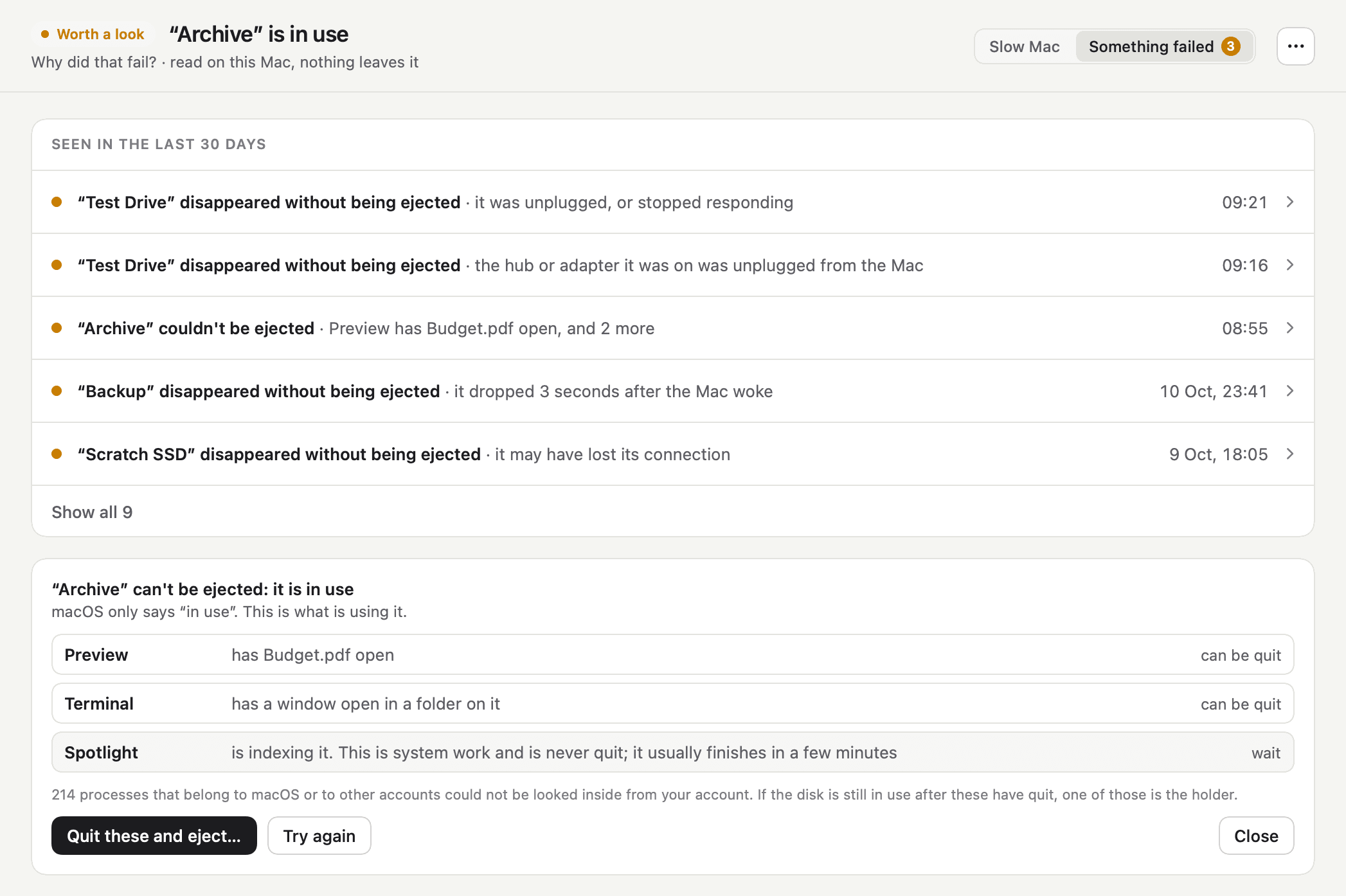
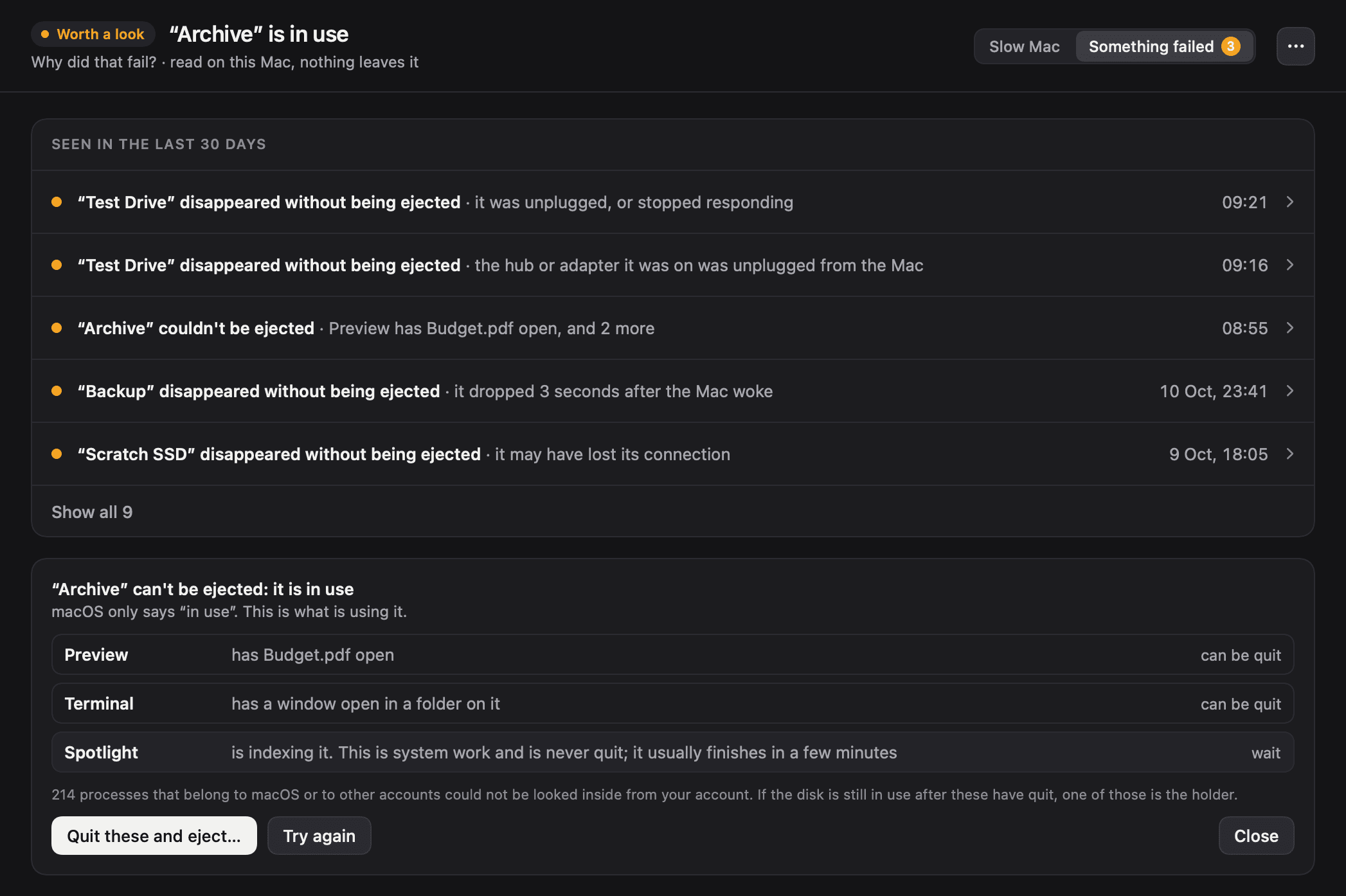
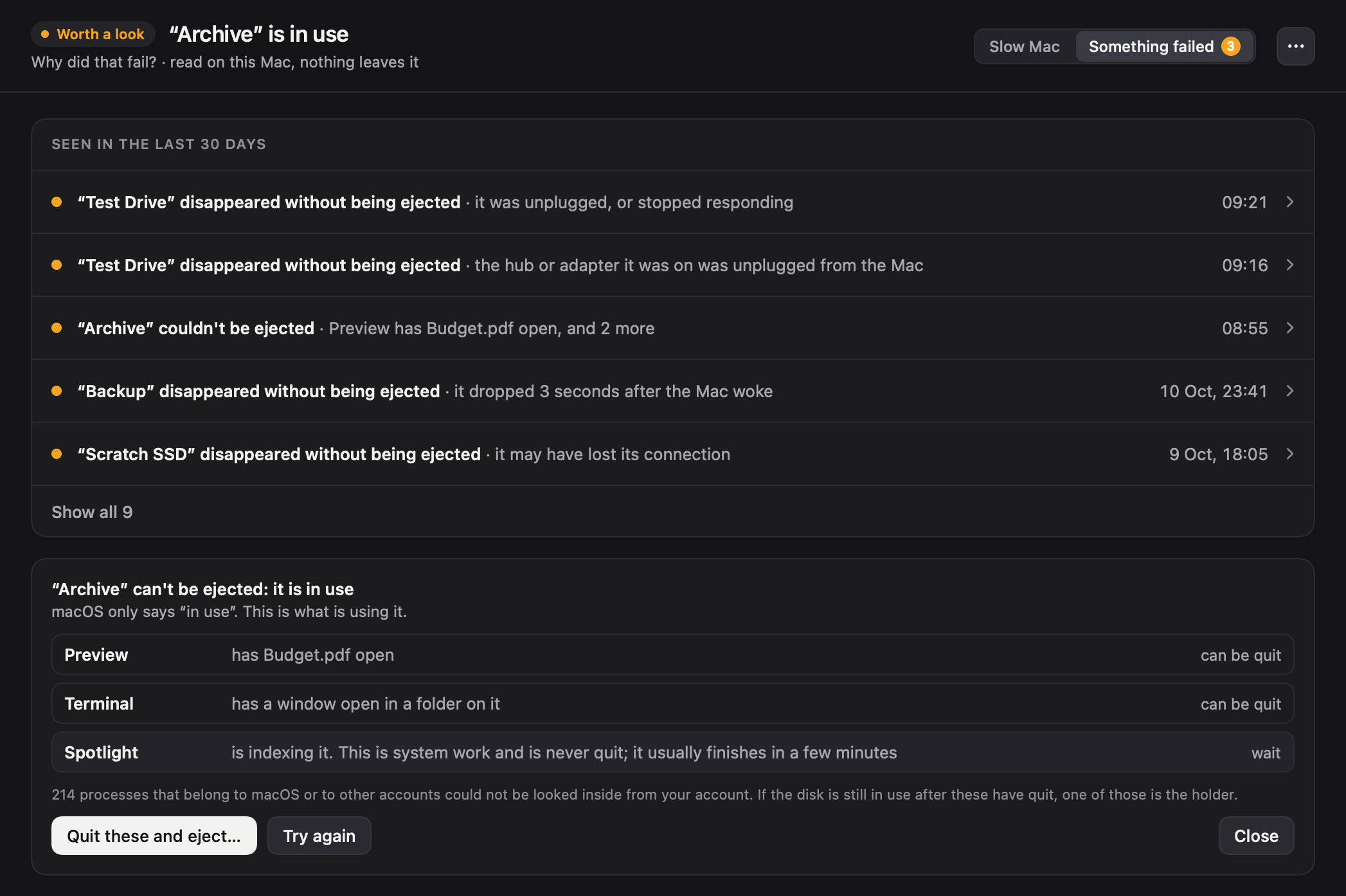
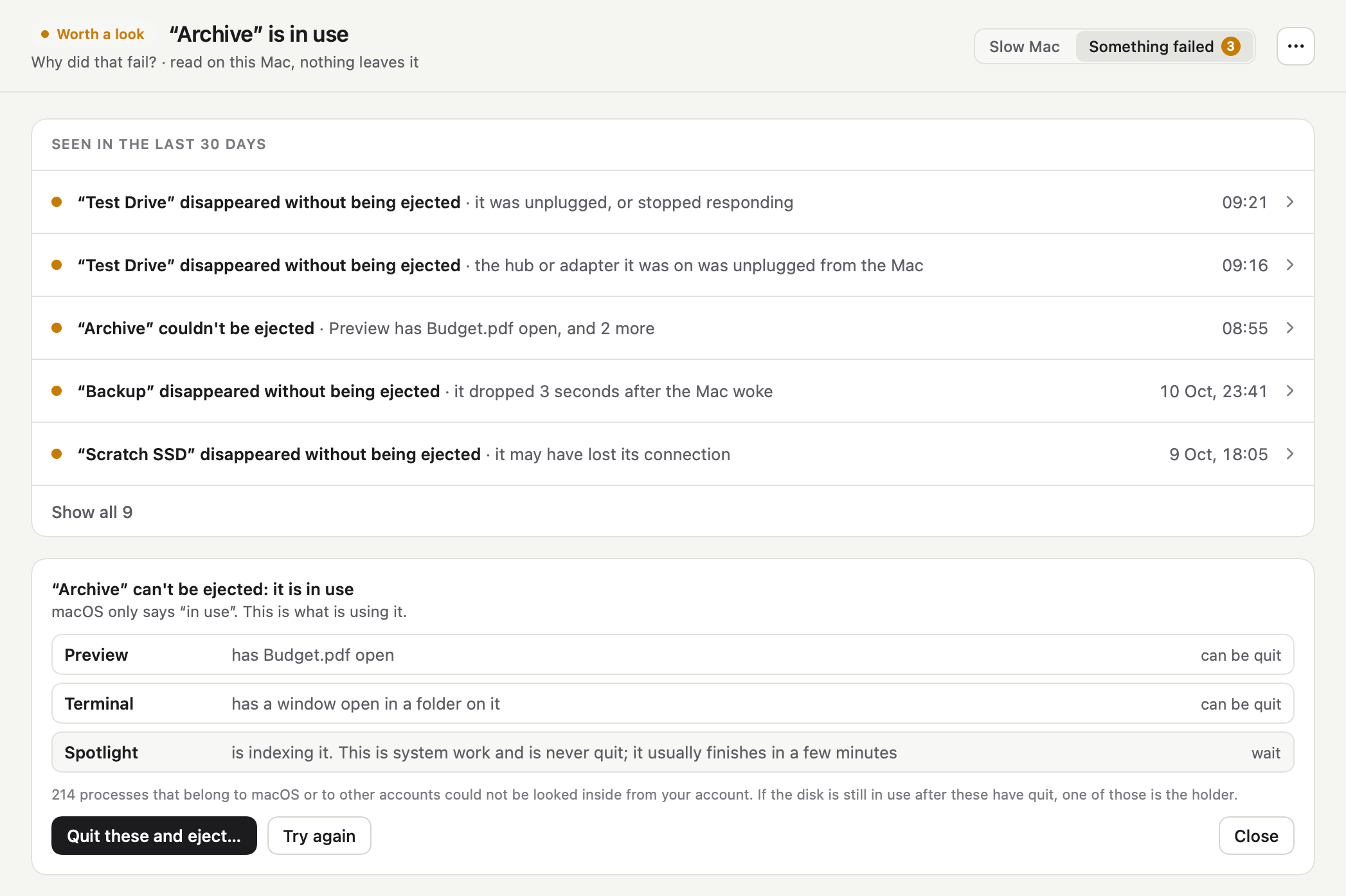
  • iKnowMyMac what is using a disk screen

    What is using a disk

    A disk macOS would not eject, with the apps found using it and a count of the processes that could not be checked. The screen without its sidebar.
    DarkLightPNG, 2094 × 1394
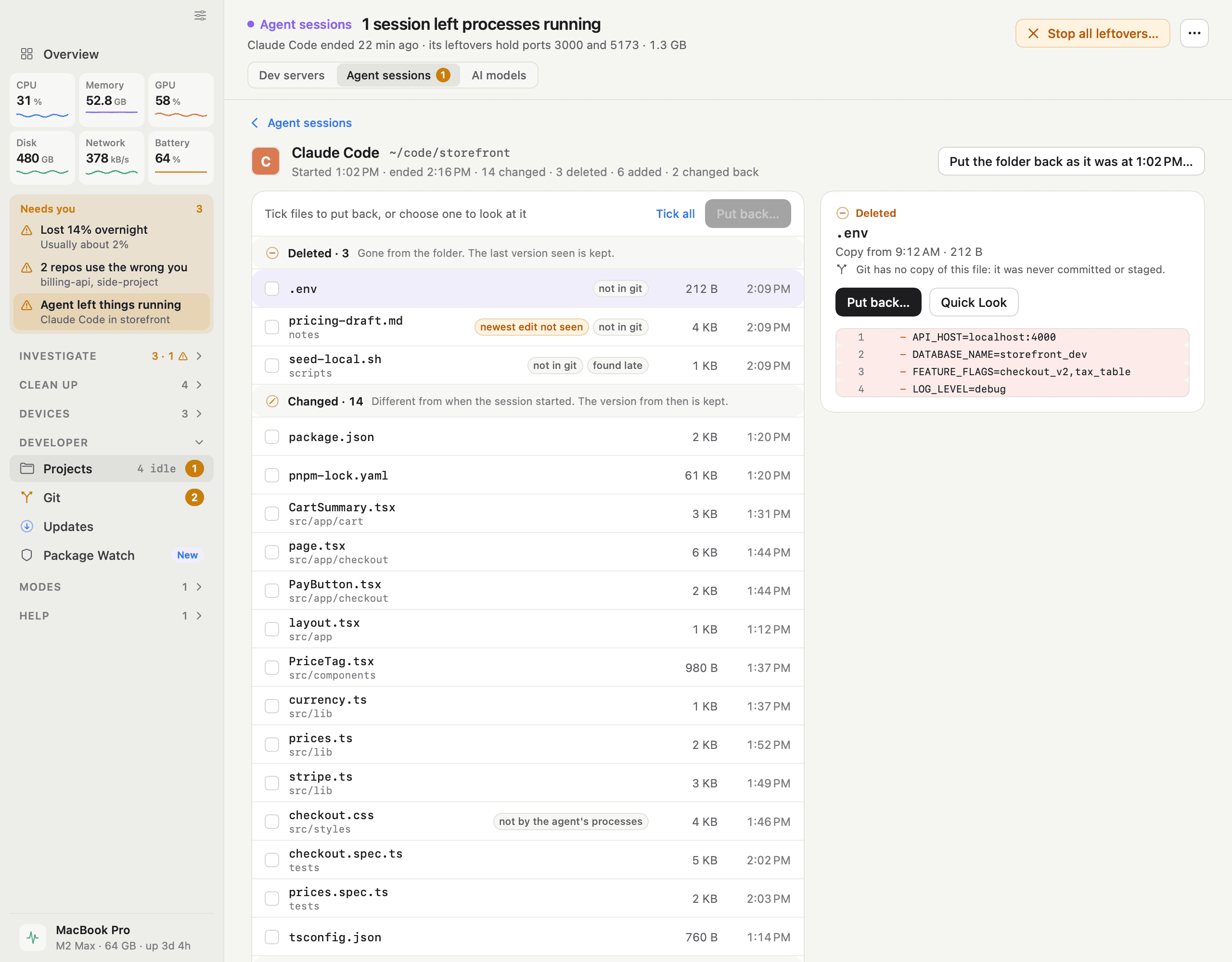
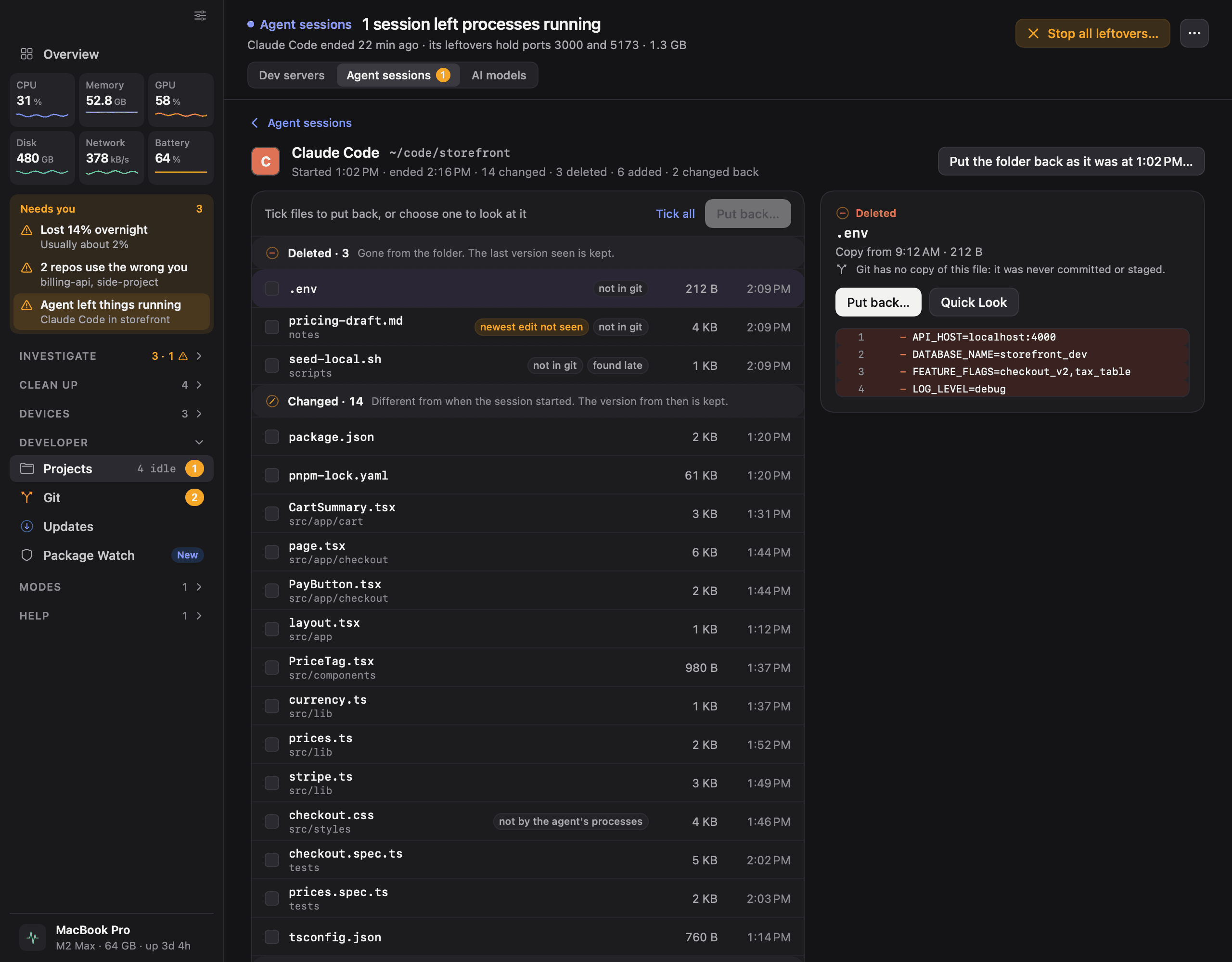
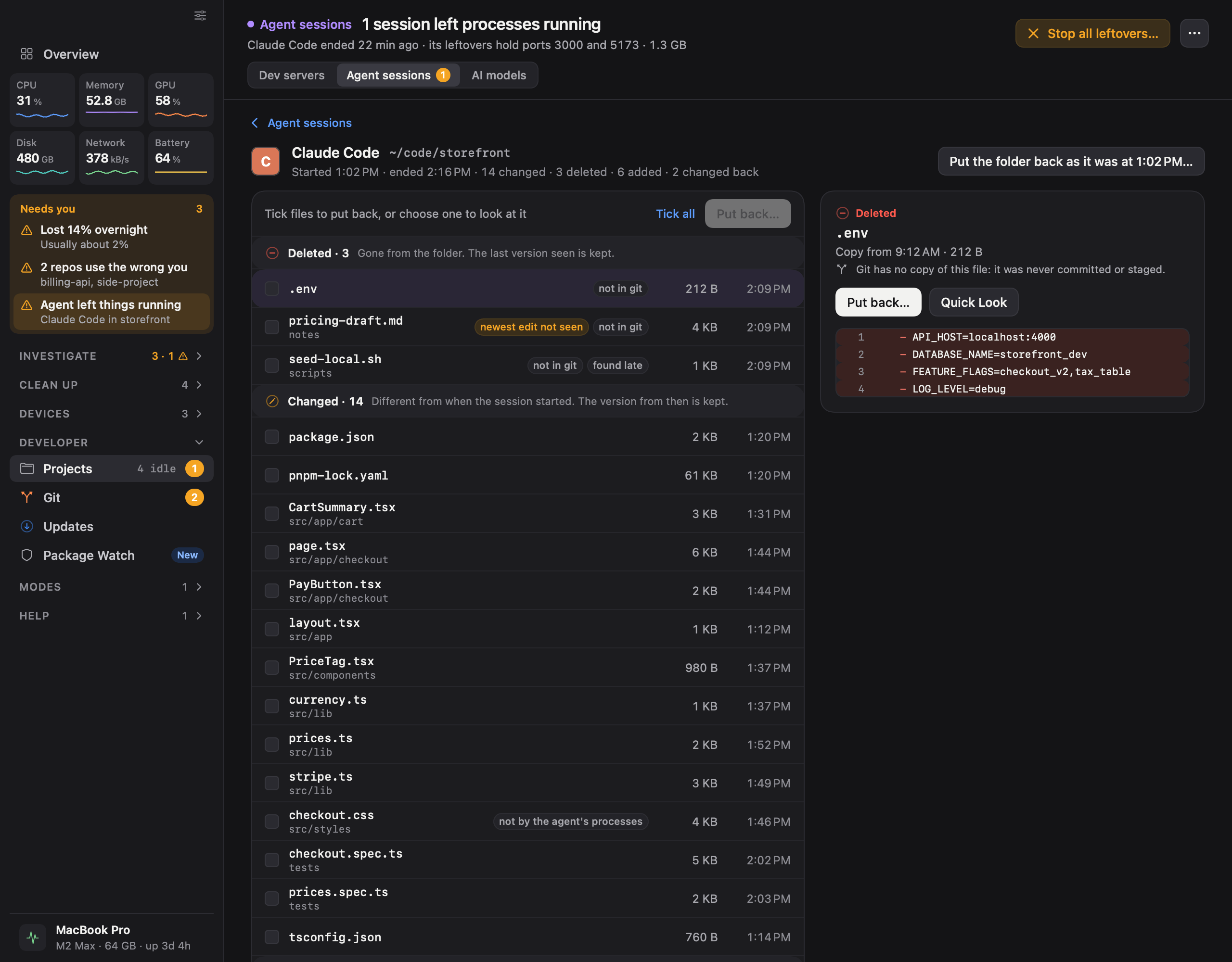
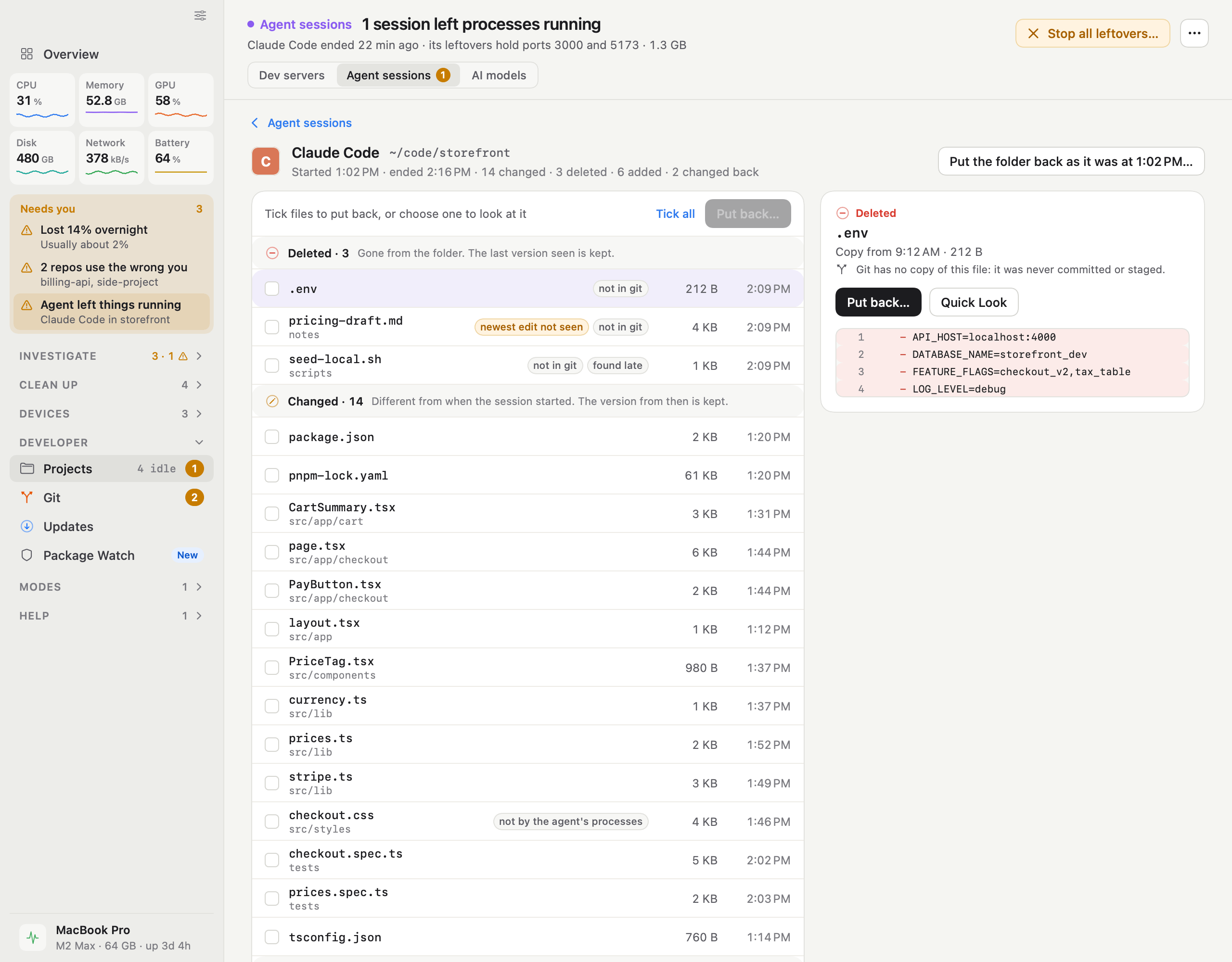
  • iKnowMyMac agent undo screen

    Agent Undo

    What one coding agent session deleted, changed and added in a project folder. A deleted file that was never in git is chosen, with the version that was kept.

    DarkLightPNG, 2560 × 2000
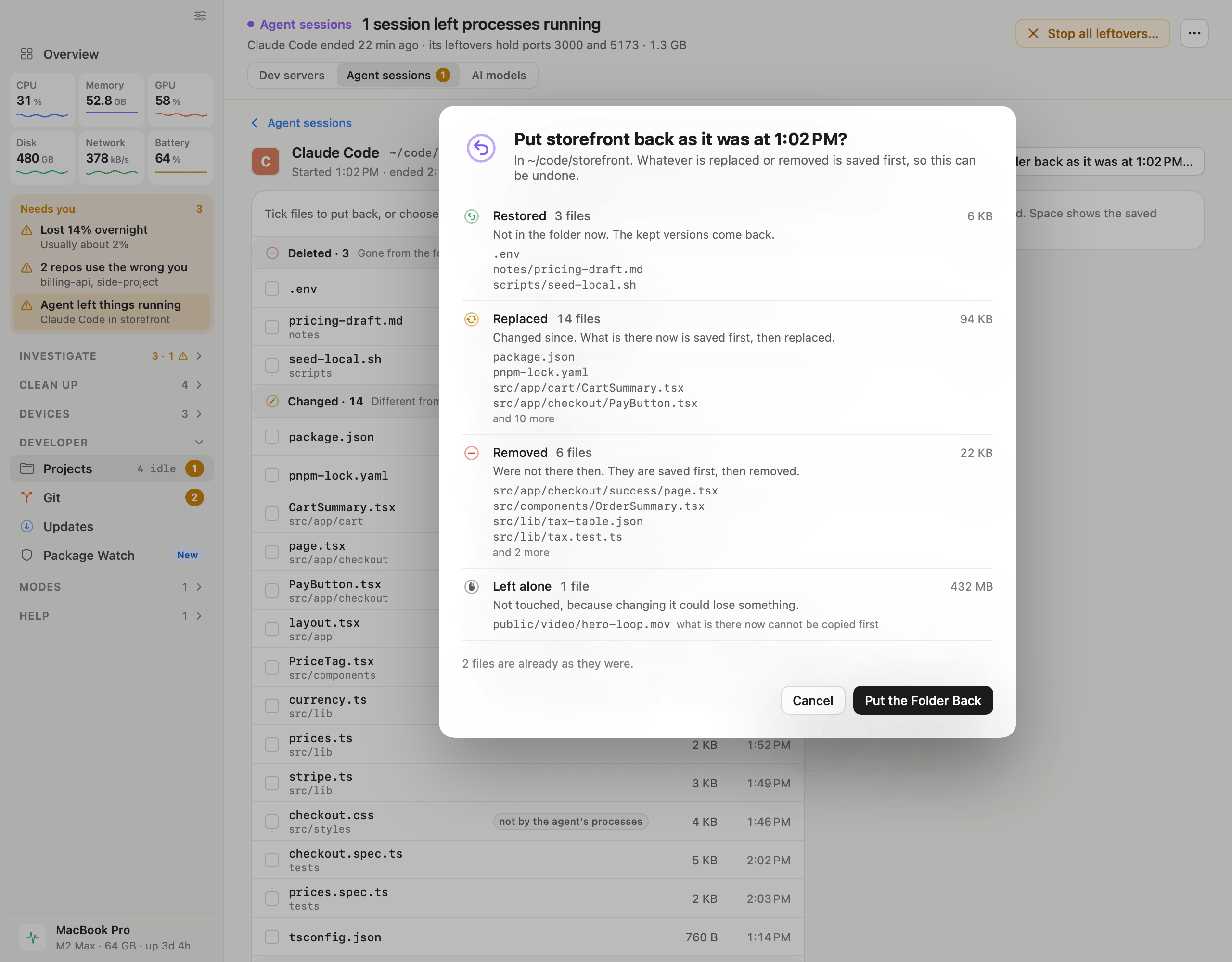
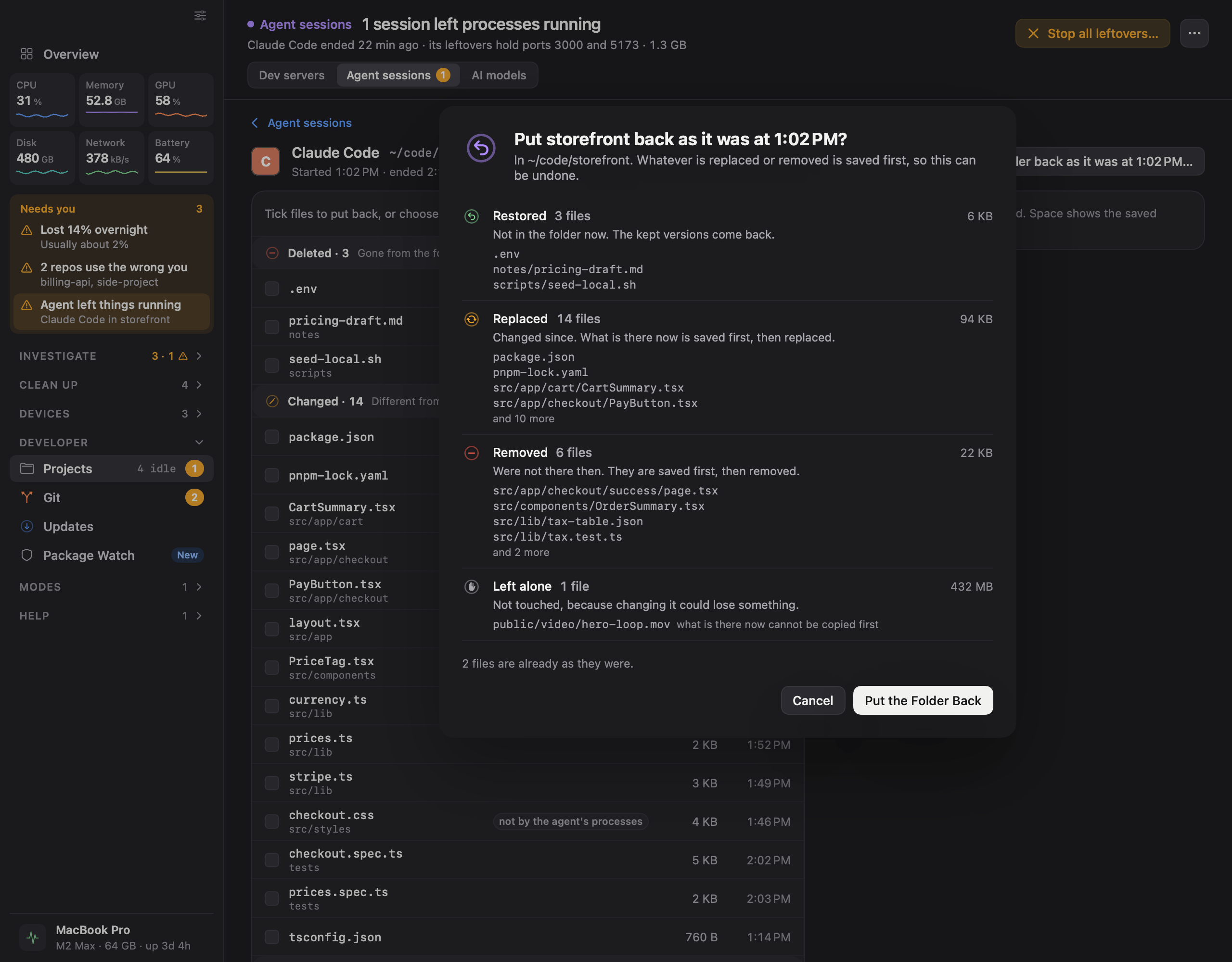
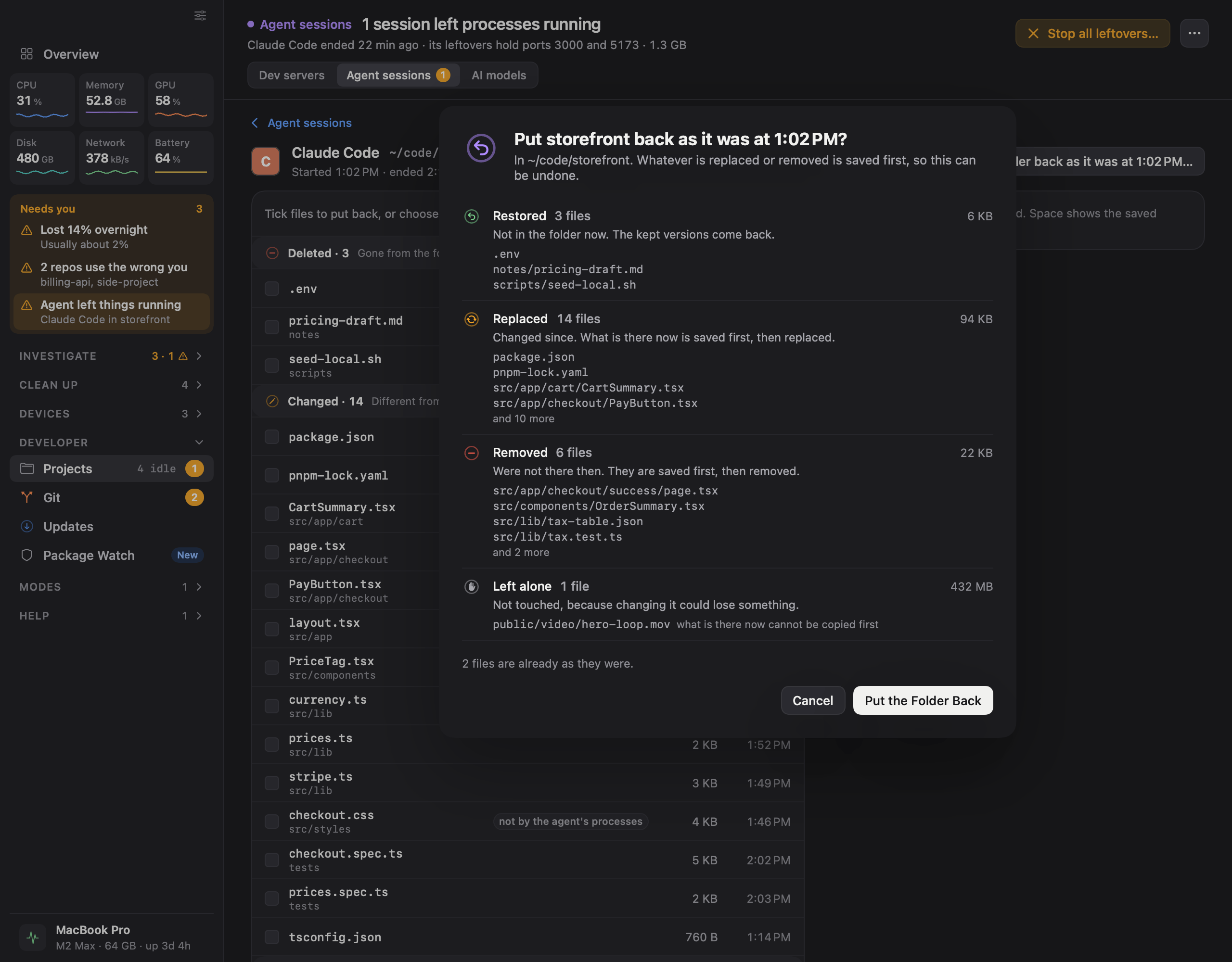
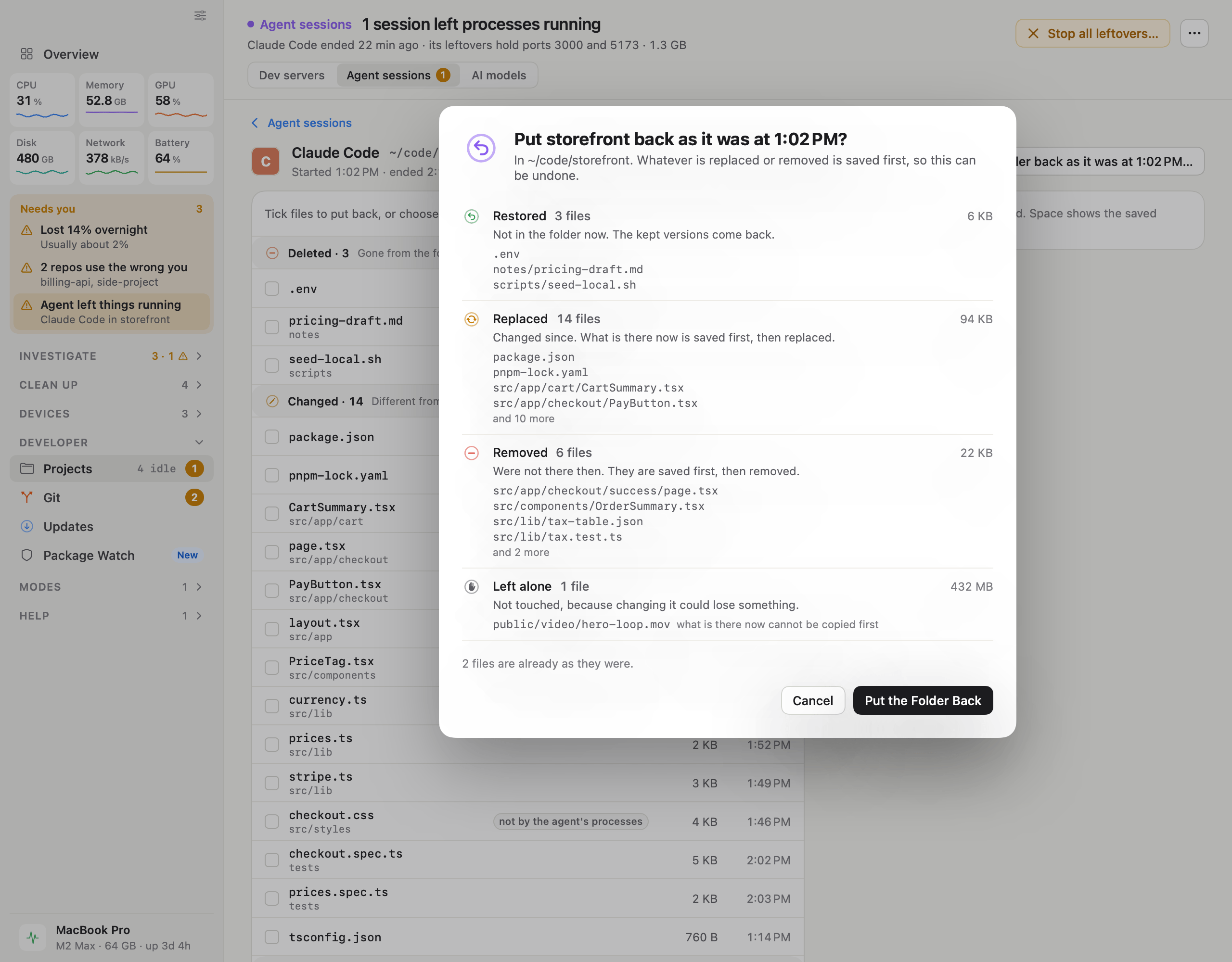
  • iKnowMyMac putting a folder back screen

    Putting a folder back

    The confirmation before a folder is put back as it was when a session started: what will be restored, replaced, removed and left alone.

    DarkLightPNG, 2560 × 2000

Talk to the founder

For interviews, questions or anything missing from this page, write with “Press” in the subject.

support@iknowmymac.com